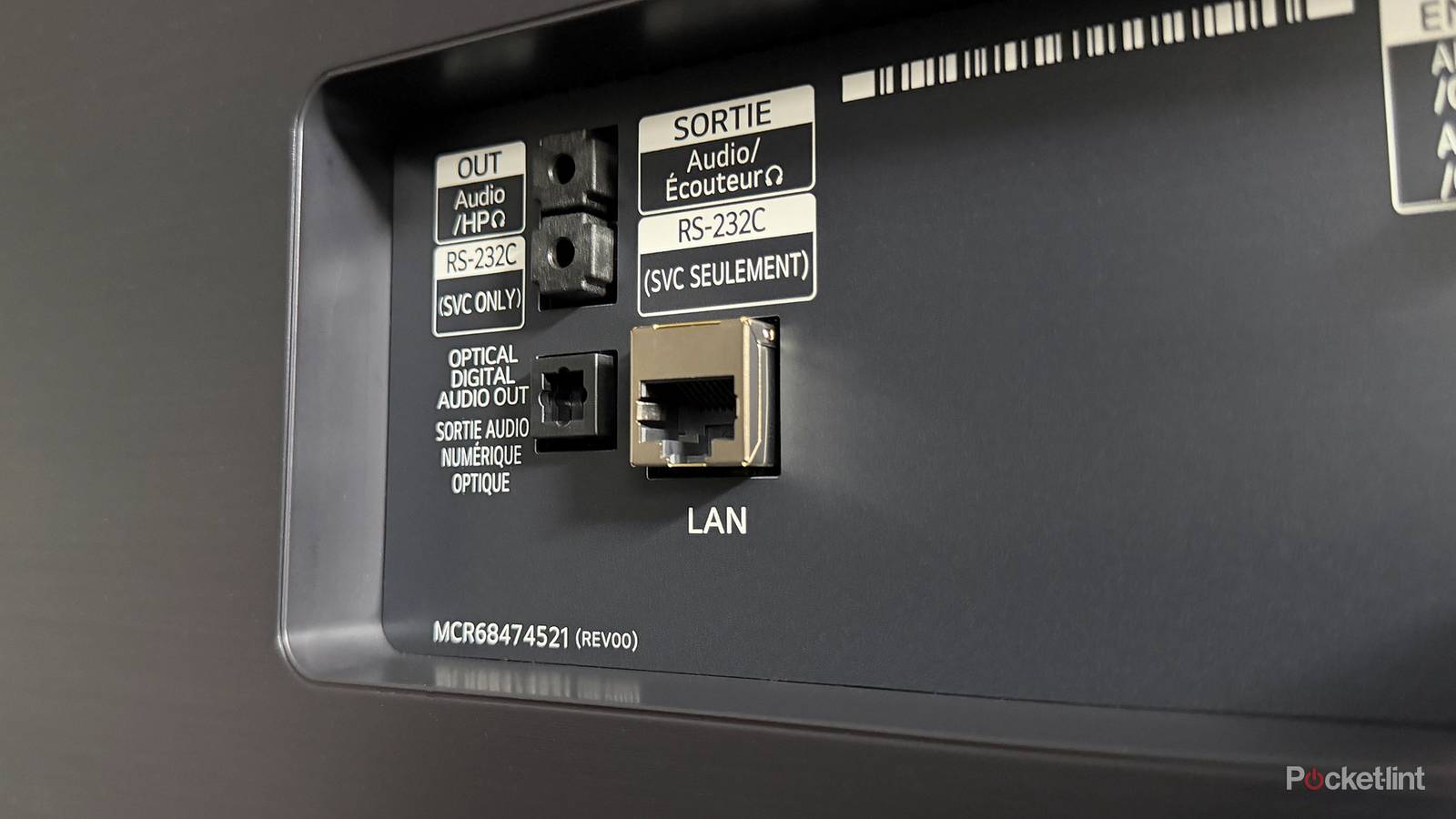
Smart TVs have a lot of ports these days, and while most people focus on the HDMI ports, that’s not the only thing that matters. In fact, I think it’s easy to argue that TVs nowadays actually have too many ports, and I’d agree with that. While it’s nice to have things like an optical audio port and a USB port, the reality is that most people will hardly get any use out of those. I used my USB port earlier this year, and I can count on one hand the number of times I’ve used it since I bought the TV.
There are actually ports that seem more useless than those, at least at first glance. My Amazon Fire TV Omni QLED has a 3.5mm headphone jack on it, and you might wonder who is actually plugging headphones into their TV. The answer to that is not many, at least that’s what I’d assume. While it seems totally pointless, there’s an obvious use for it that can greatly upgrade your audio experience.
That headphone jack has some uses
Upgrade your audio for cheap

Like many people, I quickly grew tired of my TV speakers, and I was looking for a way to upgrade them as soon as possible. Instead of buying an actual receiver to put in a spare bedroom, I decided to look for something more affordable. While I ended up getting a receiver, it was actually a little stereo receiver from Amazon that cost about $40. I was perfectly fine compromising here since I got it to test out that 3.5mm jack on my TV, and it ended up being a perfect fit. After buying a 3.5mm to 3.5mm cable, I was able to plug that receiver into my TV and connect a pair of speakers to it.
I ended up using this until I found a great deal on a used receiver at a thrift store, but I can tell you that I was very pleased with how everything came together before I did that. Keep in mind that since this is a stereo receiver, there are some clear drawbacks. The main one is the lack of Dolby Atmos support, but you shouldn’t expect that from a 2.0 setup anyway. This receiver locks you into just two speakers, so if you ever want to upgrade to surround sound, you’ll have to grab an entirely new receiver. I knew that going in, and that’s why I was okay with spending so little on this. Funnily enough, I found a 7.1 receiver for cheaper than this one, but that was used versus new.
As long as you’re of what the receiver can’t do, you’re bound to be happy plugging it into your TV’s 3.5mm jack. It had no trouble whatsoever powering my two stereo speakers. Some downsides include the lack of a remote, and I had to turn the dial or the bundled remote to turn down my audio instead of using my TV’s actual remote. Perhaps the biggest thing here is you can’t take advantage of your TV’s eARC or ARC port. This port gives you access to the best audio that your TV has to offer, but it’s an HDMI-exclusive feature. That doesn’t mean audio from this receiver is going to sound bad, it just means it doesn’t sound as good as it possibly can. I wouldn’t expect high-quality sound from a cheap stereo receiver like this. What it can deliver is a much better experience than your TV speakers, and depending on what soundbar you have, it can be better than that as well.
Long-term, I don’t think it’s best to rely on something that plugs into a headphone jack like this, and that’s part of what ultimately led me to a receiver that uses an HDMI connection. I’d much rather have access to more modern audio formats, but a small receiver like this works great in a pinch. What’s nice about its size is that I can easily move it around room to room without having to make space for it. I actually tried it out in my garage, but I couldn’t get its built-in radio to work well, so it found itself back inside.
Your TV has the ports, so you might as well use them
Some are better than others

If my TV comes with all these ports, you better believe that I’m going to look for ways to use them. I had no idea this Fire TV had a 3.5mm headphone jack until I actually had a use for it, so that was a welcome surprise. TVs have quite a few ports like this, and I think you should also start taking advantage of them. If you’re like me, you’re also a big fan of retro gaming, and that’s why I get excited to see some TVs still include composite ports so I can hook up my older consoles. Sure, they don’t look great on 4K TVs, but I still get to play them without having to get an adapter, which is always appreciated.
Of course, the bread and butter of any TV are the HDMI ports, and it’s what you should value most when making your purchase. My living room TV, the Sony Bravia X90J, is a little old now, and if I was in the market for a new TV today, its ports wouldn’t cut it. I don’t think two HDMI 2.1 ports cut it anymore. The problem is that my TV has two HDMI 2.0 ports, and that’s just annoying for anybody who has multiple game consoles and no receiver. Fortunately, I do have a receiver, so I don’t have to juggle between these two ports like other people would have to in order to maximize their TV’s performance.
Ports are essentially the engine that makes your TV go, and if you want to get the most out of it, you need to use them. Although most of these ports end up collecting dust, like my USB port, it’s still nice that they’re there for when I need them. It would be a bummer for my next TV to not have a USB port or a headphone jack, because it would mean I don’t get to try out new things that I otherwise wouldn’t. I like to try new things, so it’s cool that my TV lets me do that without having to go out and buy new things. I would never have found out about this cheap little stereo receiver without the headphone jack, for example. Even though I found a use for it, this port feels like it’s hanging on for dear life. There’s no telling if it’ll still be around in 10 years, but in 2026, I’m happy I had it.