


Cheap soundbars are very appealing upgrades to your TV. If you spend enough time with your TV’s built-in speakers, you’ll either get used to them or they’ll drive you mad. My Sony Bravia X90J is a great TV, but I would not say its speakers are among its strong points. I looked for a way to upgrade them as soon as I could, and that led me toward a Denon S760H receiver and a Dolby Atmos surround sound setup. Obviously, that’s overkill for most people, and that’s where a soundbar comes in.
There are plenty of expensive soundbars that will blow your TV audio out of the water, but there are also some modestly priced ones that do the job, too. If you just want something that performs better than your current audio setup and don’t have a need or desire for things like Dolby Atmos, you don’t have to break the bank at all. However, there are still some things you should be aware of.
For the most part, if you stick with a reputable brand, you shouldn’t be let down. However, if you don’t know what you’re looking for specifically, then you could run into some issues.

- Connectivity
-
Bluetooth, Apple Airplay
- Ports
-
HDMI, HDMI eARC, Optical Digital Audio, USB, 3.5mm AUX
- Dimensions
-
41.50″ x 4.86″ x 2.68″
- Buttons
-
On/Off, Input, Bluetooth, Vol -, Vol+
- Drivers
-
6.5-inch driver in subwoofer
- Brand
-
TCL
Know how many speakers you want
Stereo is cheaper

I won’t get too into the weeds, but I’m not a huge fan of 5.1 soundbars. To have true 5.1 surround sound, you need, well, surround speakers. That’s fine for the soundbars that offer that, but that’s not every soundbar. You’ll still get good audio out of one, but I’d rather get one with actual surround speakers if you can.
If you’re okay with a simple 2.0 stereo setup, then there are plenty of soundbars out there that fit the bill. For $120, you can grab the Amazon Fire TV Soundbar with 2.0 audio. This won’t try to simulate surround sound by any means, but it’ll give you a lot more kick than what your TV offers. It’s easy to hook up as it’ll plug right into your TV’s HDMI port, and then you can set it and forget it. If you want something with surround sound, you obviously have to spend more money. The point is that if you’re okay with a stereo setup, you can spend around $100, and often less than that.
Avoid built-in subwoofer models
Just a buzzword

Subwoofers are excellent ways to enhance your audio and give it a little more kick. Of course, that’s only the case if you have an actual subwoofer. Subwoofers take up a good chunk of space, and if you want to get the most out of yours, tucked away in a corner might not be the best location for it. For that reason, a built-in subwoofer sounds appealing, but I’d steer clear of these if you’re expecting something of substance.
Built-in subwoofers can’t provide anywhere close to what the real thing can give, so I wouldn’t look at it as a selling point. If it can somewhat enhance the sound, great, but I wouldn’t go out of my way to find a soundbar with one that’s built in. These aren’t entirely common, and there are plenty of soundbars available that come with an actual subwoofer. I would recommend setting your sights on those if you want a subwoofer.
Audio formats are important
If you care, that is

A big reason I upgraded my audio was to make sure I could take advantage of Dolby Atmos. The good news is that Atmos feels like one of the most supported audio formats, and you’ll notice that many streaming services, such as Prime Video and Netflix offer it. Many soundbars support Atmos as well, so you have your bases covered on that end. The problem is when you want other formats, such as DTS:X and Dolby Digital. My audio receiver covers all those bases, but not every soundbar does.
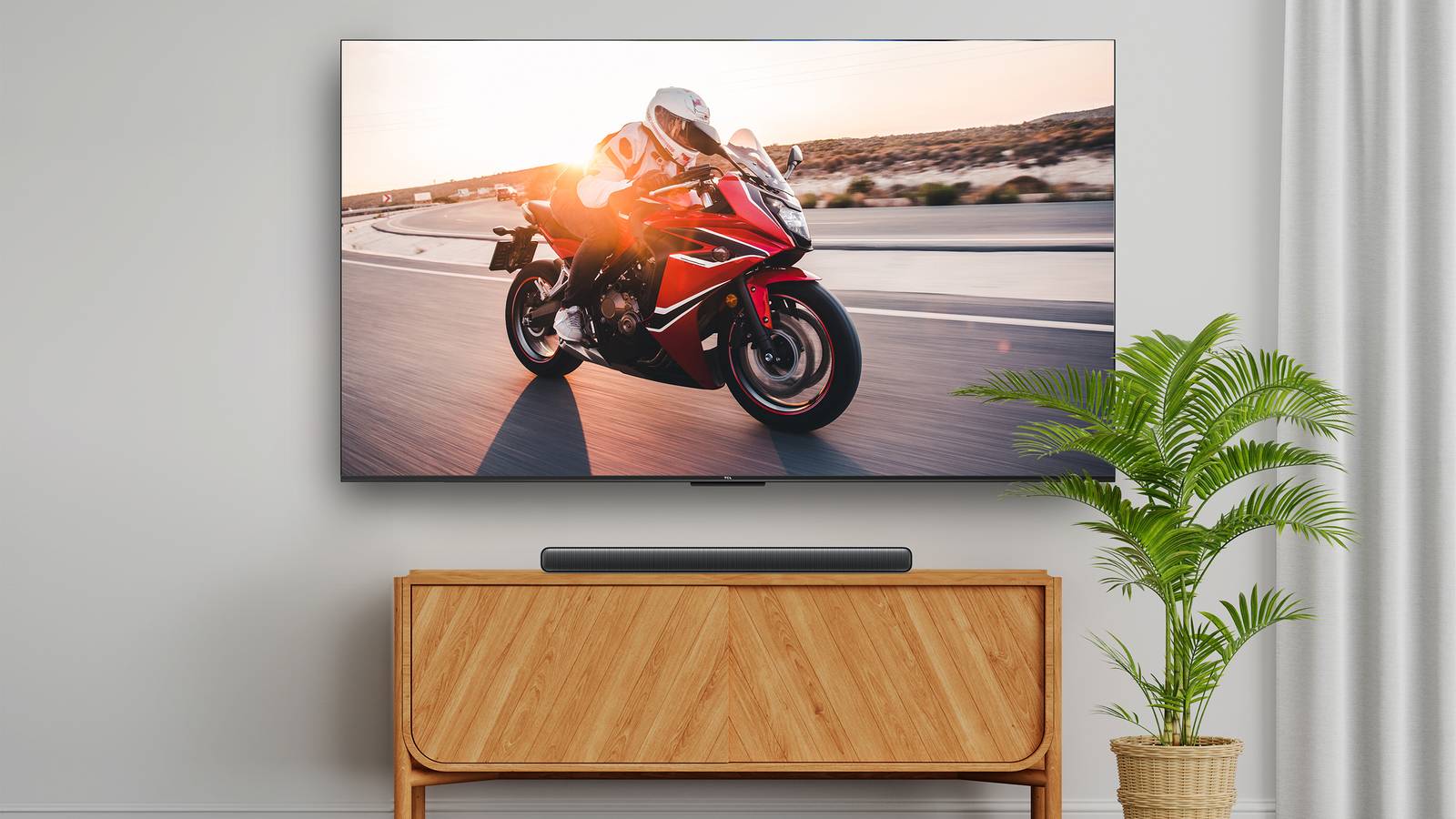
The TCL S55H is a nice, budget-friendly option, but it only has Dolby Atmos. This means other formats, like the aforementioned DTS:X, aren’t included here. If you’re mostly watching streaming services, it’s not a huge deal, but if you have a 4K disc library, then not having multiple audio formats will be noticeable. The good news is that if we use that S55H as an example again, it’s just a 2.1 soundbar, which means it can’t have true Dolby Atmos since it’s a stereo soundbar. I don’t want to get too into it, but you need more speakers than that to really replicate an Atmos experience.
This is really more of a tip for 5.1 surround sound soundbars since those take advantage of surround sound formats. A stereo soundbar can at least register the input, but you’re not going to really reap the benefits of it as you would on something suited for it. That’s not saying a 2.1 soundbar isn’t worth it, but a 5.1 one would just be better in most situations.