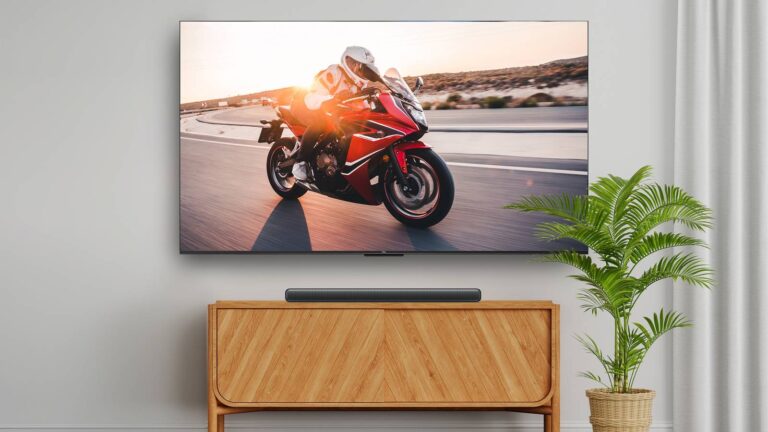



Some people like to go all-in on their smart home platform of choice. If you poke around online, it’s not too hard to find photos of people who’ve bought the same brand of smart bulb for every fixture in their house. A rich friend of mine in Austin had multiple Google Nest Hubs scattered around his rooms instead of regular Nest speakers.
If your ecosystem of choice is Amazon Alexa, you’ve got an option Google users don’t: pairing first-party speakers to your TV for an integrated home theater system. Before you consider pumping hundreds of dollars into the idea though, it’s important to be aware of both the positives and negatives involved. It may be worthwhile, but to set the tone, let’s say that you’ll have to be really committed to the Alexa universe.
You have to use a very specific combination of devices

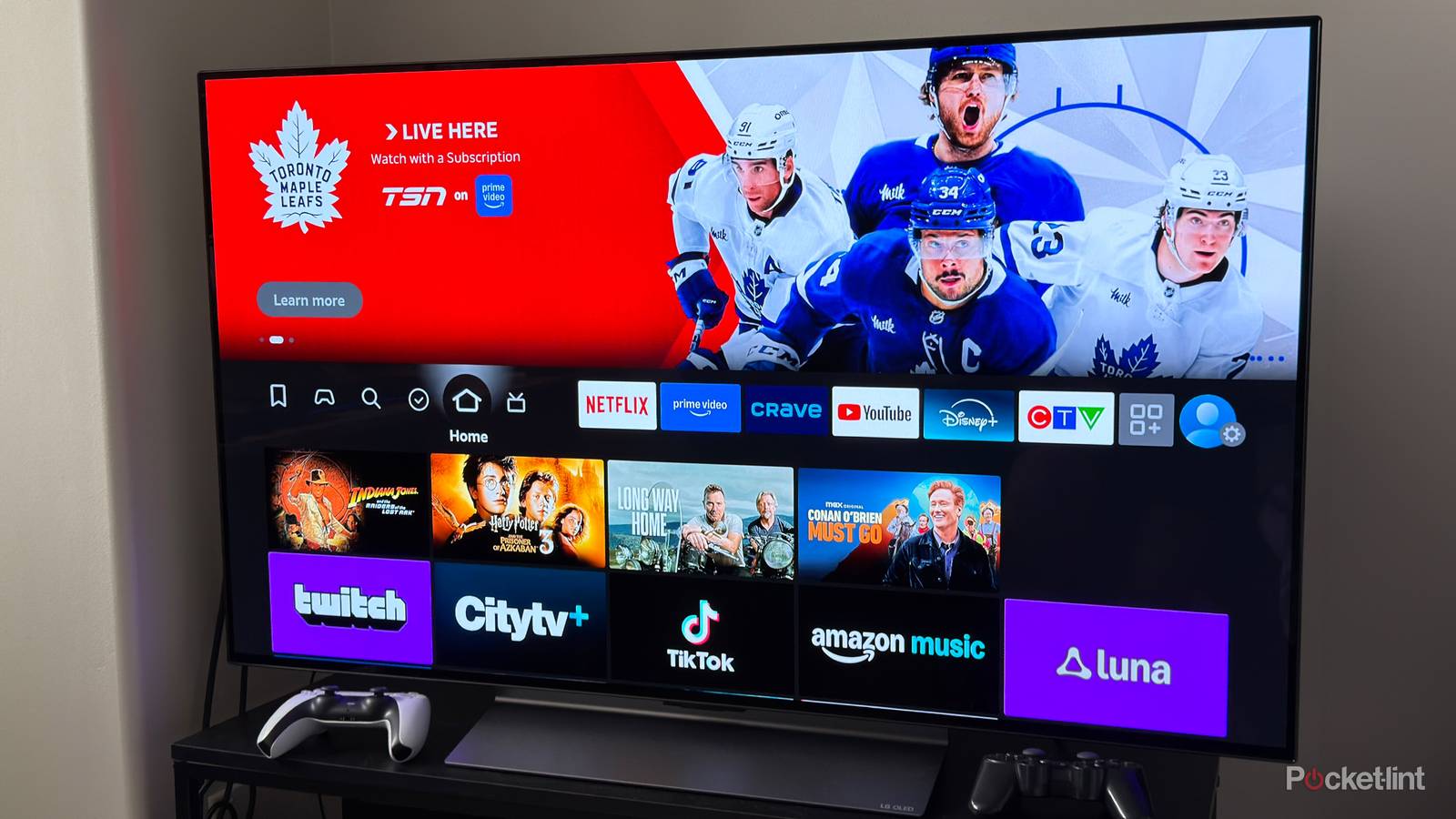
At the heart of it all, you have to own a Fire TV device. This is non-negotiable, since everything has to be linked over Wi-Fi using the Alexa app. You might be thinking that any TV would qualify if it supports Alexa voice commands, but there’s a deeper level of integration going on, presumably involving funneling audio and keeping every speaker in sync.
Amazon recently expanded its options with a concept called Alexa Home Theater, supporting up to five speakers (and an optional Sub) for true surround sound.
On top of that, even the most basic stereo configuration requires two identical Echo speakers. You can’t, for instance, pair an Echo Studio with an Echo 4; you need two speakers of the same type. You can pair an Echo Sub for deeper bass if you like, but the core requirement is the same.
Amazon recently expanded its options with a concept called Alexa Home Theater, supporting up to five speakers (and an optional Sub) for true surround sound, but this is more demanding in some ways. The only supported speakers at the moment are the second-gen Echo Studio and the Echo Dot Max, and the feature simply isn’t available unless you’re pairing with recent Amazon Fire TVs or the Fire TV Stick 4K, 4K Plus, 4K Max, or third-gen Fire TV Cube. Given that a single Echo Studio costs $220 before any discounts, you can potentially end up spending more on an Alexa-based audio system than you would a high-end soundbar like the Sonos Arc Ultra. You might be able to keep things in check if you stick to a couple of Studios, which will be good enough for most homes.
You can get (almost) fully wireless Dolby Atmos
Unsightly cables be gone

You’ll almost certainly want a pair of Studios for your system, since that’s what enables Dolby Atmos — every other Echo can only represent a single channel. With all Alexa setups, however, an advantage is that your configuration is almost completely wireless apart from the power cables for each speaker. In fact, the only thing that requires an HDMI port is any Fire TV streamer you need. More on that topic later. If you’ve got an Amazon-branded TV, your ports will remain untouched.
Going wireless is ultimately a luxury, but there is some practical value beyond possibly freeing up HDMI connections. For one, it allows for more flexible speaker positioning, including wall mounting if you buy the right accessories. Some people also hate having to cover their cords, whether for aesthetic reasons or just to prevent tripping. It’s only those foot hazards I’m concerned about, personally, but I get not wanting to have cables snaking everywhere if it wrecks a minimalist look.
You get voice-triggered music and smart home control
Is your favorite service on Amazon’s nice list?

One of the main incentives to pair Alexa speakers, of course, is that you’re not limited to playing media from your TV. You can ask them knowledge questions, set reminders and alarms, or control connected smart home accessories such as lights, locks, and thermostats. In my own home, it’s pretty much taken for granted that when you want to control the lights, you talk to an Alexa speaker instead of flipping a switch. It’s faster to say “Alexa, turn off Downstairs” than go room-to-room doing things manually.
Many Alexa speakers double as Matter controllers and/or Thread border routers, potentially making your TV setup a network of smart home hubs, too.
If you’ve got a compatible streaming service, you can ask an Alexa home theater system to play music, podcasts, radio stations, or audiobooks. There are a few catches here, though, beginning with service compatibility. If you want Dolby Atmos but don’t want to use apps on your TV, your only choice is to subscribe to Amazon Music Standard or Unlimited. Alexa does support a variety of other services, such as Spotify, Tidal, Apple Music, TuneIn, and Audible — but the most you can get from these is multi-speaker output, not spatial audio. In fact if you want app-based control, your best bet may be Spotify Connect, since Bluetooth will only let you link to one speaker at a time.
Compatibility can also be an issue on the smart home front, but the good news there is that Alexa is easily the best-supported platform, outpacing Google Home and Apple HomeKit by a wide margin. Many Alexa speakers double as Matter controllers and/or Thread border routers, potentially making your TV setup a network of smart home hubs, too.
Multi-device support requires Alexa Home Theater
Gamers and Blu-ray fans take notice

One of the major concerns anyone is going to have is whether Alexa speakers can handle audio from all their video inputs, not just Fire devices. Many of us have a game consoles these days, whether it’s a Switch 2, a PlayStation 5, or a handheld PC. Still other people want to hook up a full-fledged Mac or Windows PC, and some are clinging onto their cable boxes or Blu-ray collections for dear life.
The answer is that you can get multi-input support, but only through Alexa Home Theater, not the most basic speaker configuration. In fact the requirements are slightly more nuanced than that. If you’re using an add-on Fire device, you have to plug it into your TV’s ARC/eARC port, which routes HDMI audio as needed. In essence, you’re committing to using your Alexa system full-time — you won’t be falling back on a receiver or soundbar. If you’ve got Echo Studios in the mix, you also have to set your TV’s audio to allow passthrough. This makes sure Dolby Atmos is processed by the right hardware.
Something like Alexa Home Theater is best reserved for people in love with Amazon’s ecosystem.
Needless to say, that’s quite a few hoops to jump through. There are so many, in fact, that the average person will probably be better off buying a decent Atmos-equipped soundbar and being done with it. There won’t be any special configuration needed, and you’ll have your choice of software platforms beyond Alexa and Fire OS. Something like Alexa Home Theater is best reserved for people in love with Amazon’s ecosystem.

- Resolution
-
4K
- RAM/storage
-
16GB Storage
- Connectivity
-
Wi-Fi 6E Support