


Smart TVs have plenty of features, ranging in all shapes and sizes. This means that some are more valuable than others, and a lot of them aren’t automatically enabled from the start. A lot of people might not even realize what their TV can do, and I’ll admit that it’s quite frustrating to have features that can elevate your experience locked away in settings.
The good news is that most of these features are very easy to turn on. The bad news is that you have to know what they are and if your TV even has them in the first place. That’s where I come in. There are plenty of cool HDMI features included with your TV just waiting to be turned on. If you’re a console gamer, you’ll definitely want to turn on some of these because they’ll really let you stretch the legs of your Xbox Series X and PS5. They’re also important if you want to enjoy Dolby Vision while watching TV.
Dolby Vision and VRR are a few button presses away
Enhanced HDMI formats make a difference

Variable refresh rate (VRR) is one of the biggest features of this current console generation. If your game isn’t hitting a rock-solid frame rate, and that’s something that happens with many games, your TV uses this technology to smooth out the bumps and keep things feeling stable. More and more TVs are launching with this feature, and I was fortunate enough to receive a software update with my Sony Bravia X90J that gave me access to it.
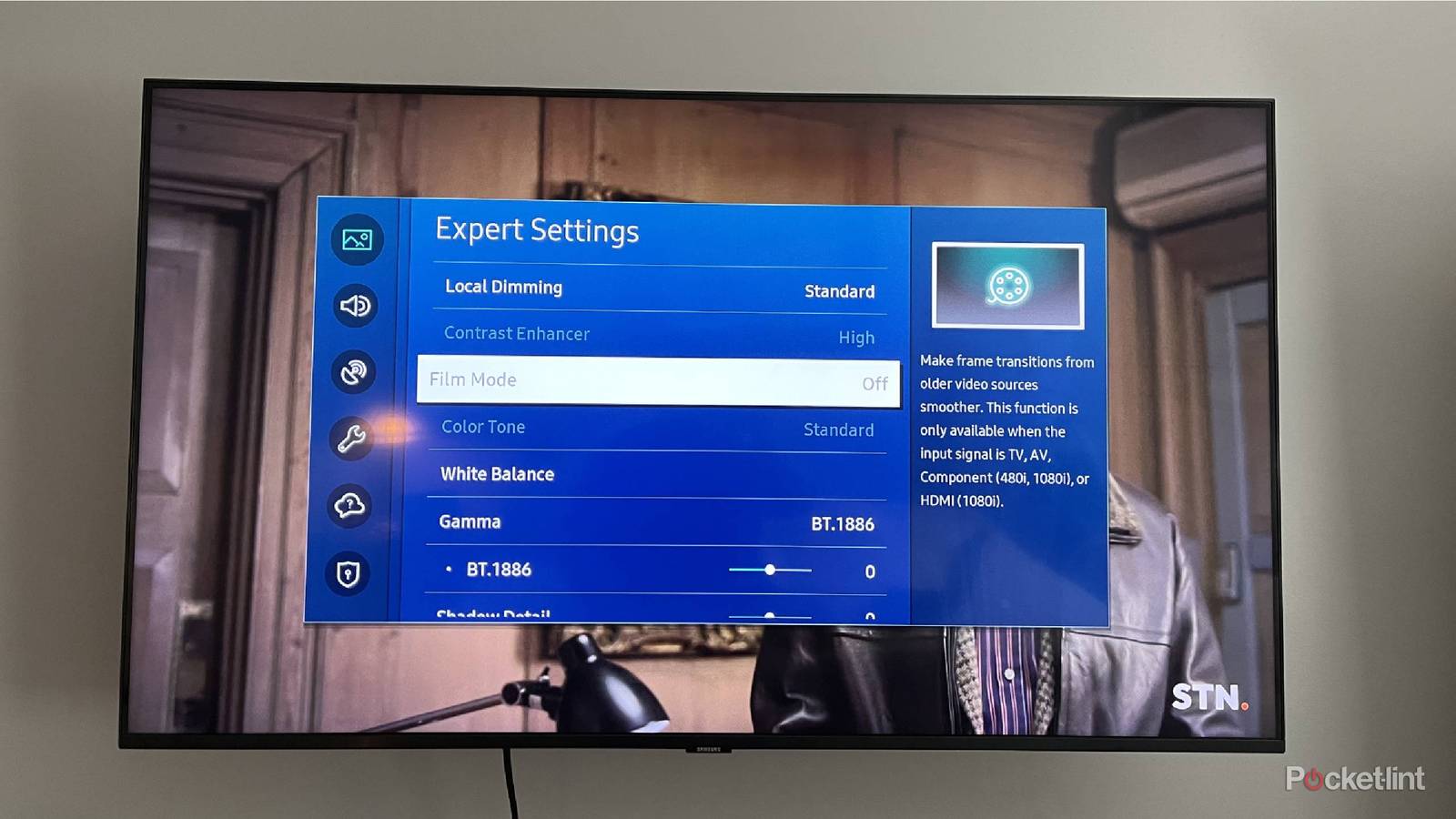
For my TV, this is locked behind a feature called Enhanced HDMI Format. For your TV, it might have a different name. Samsung owners have to look for Input Signal Plus, for example. Fortunately, it’s usually a variation of these, and you just want to find something related to your HDMI or input. If you dig far enough into your settings, it should be in there, provided you have a TV that supports Dolby Vision or VRR in the first place. My Fire TV had this on by default, which was great, but that hasn’t been the case with every TV. Annoyingly, my Bravia can’t have both VRR and Dolby Vision on at the same time, so you have to pick one over the other. If your TV doesn’t have this limitation, I envy you. I don’t want to upgrade my TV at the moment, but it’s definitely something that’s pushing me toward doing so.
HDMI-CEC is a big one
If it works, that is

On paper, HDMI-CEC should be the best feature ever created. I mean, who wouldn’t want to use a single remote to control everything? I have so many devices plugged into my receiver, and each of those comes with its own remote. HDMI-CEC lets you use a single remote to control everything. That’s a great feature, and I set my Apple TV 4K’s remote up to do that as soon as I could. When it all works, it’s a perfect system, but that’s not how things have always worked in my experience. However, that’s a story for another time.
Most modern devices have HDMI-CEC as an option, and the only thing you have to do is turn it on for every device you want it on for. I wouldn’t turn it on for everything, though. For game consoles, you’re already using a controller, so I haven’t found it to be a hassle to turn on my Xbox using the controller instead of a remote. HDMI-CEC also comes with the unintended consequence of things randomly turning on when I don’t want them to each time I turn on my TV, so that’s mainly why I keep my Xbox’s HDMI-CEC functionality turned off. Your mileage may vary, but it wasn’t worth the trouble for me. I love this feature when it works, but I eventually grew more frustrated as I continued to add devices to my setup. I eventually picked up a SofaBaton X2 universal remote, and I haven’t looked back. I enjoyed my time with HDMI-CEC, and I do believe it’s a great feature. I just wish it worked all the time instead of essentially being a gamble on whether the right device will turn on or not.
Use eARC and ARC if you can
Just need to use the right port

Your eARC and ARC ports don’t have to be turned on to work, but you do need to make sure you have the correct device plugged into the port. For starters, look at your TV’s ports and identify which one is your eARC port. This is your Enhanced Audio Return Channel, or Audio Return Channel if you only have an ARC port. This port is meant for your audio equipment, and if you’re looking to get the most out of your receiver or soundbar, you want to plug it into this port. To be fair, any device works when plugged into this port, but this is the gateway to uncompressed sound. Functionally, eARC and ARC do the same thing — it’s just that the former is the newer version of it.
You need to pair your audio equipment with an HDMI 2.1 cable for the best experience, and then you’re golden. You’ll also be happy to know that this port supports HDMI-CEC, so you’re really reaping all the benefits by using it. It’s one of my favorite things about the HDMI format, and it’s something that DisplayPort still doesn’t provide, even though many people argue that that’s the superior format between the two.