


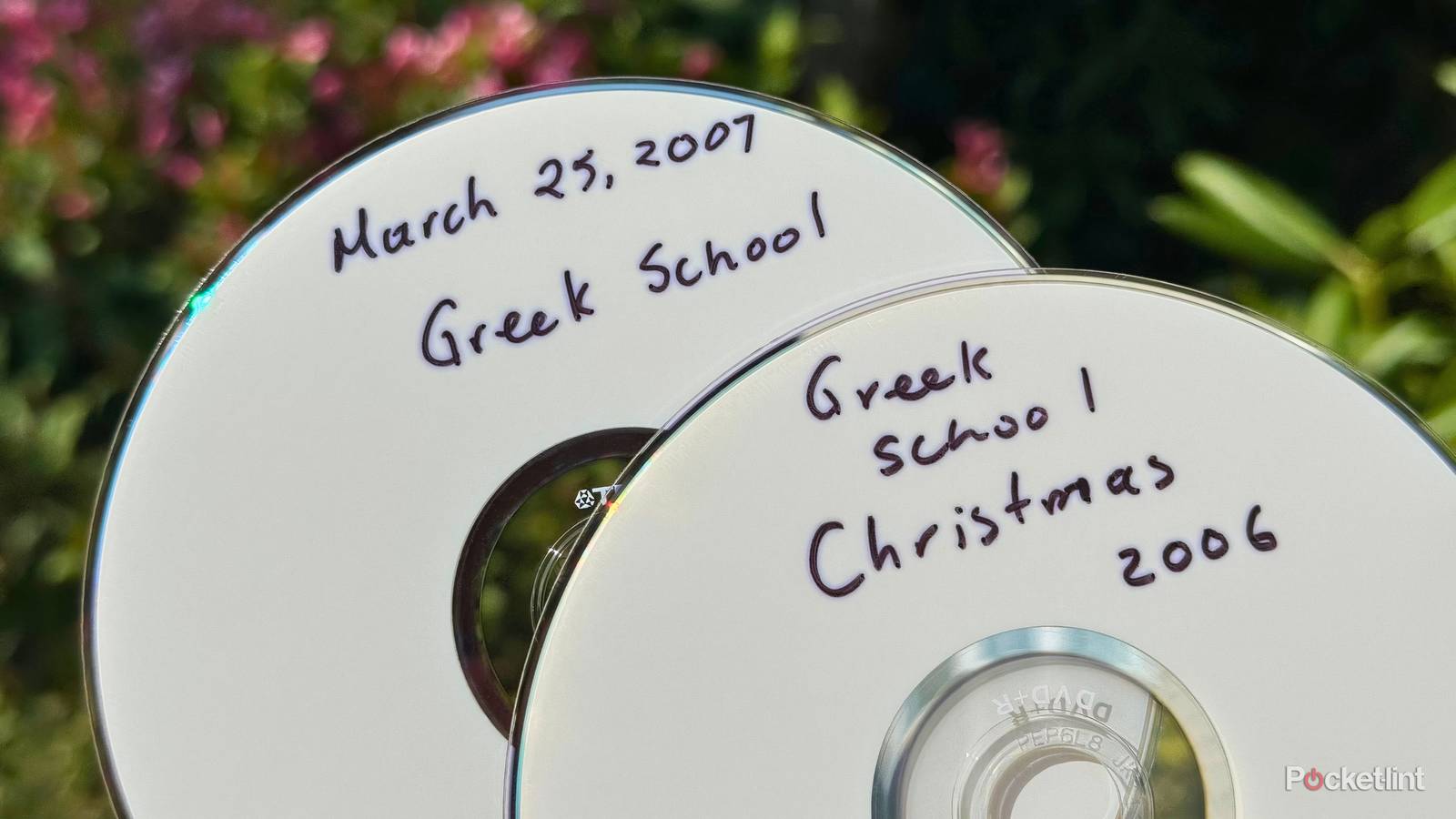
If you’re anything like me, you probably have a collection of DVDs stowed away somewhere in a drawer or binder, with each recordable or rewritable disc housing a 2000s-era home video (or several dozen). DVD archival was the de facto method of preserving and playing back home videos during the camcorder era, at a time before smartphones and virtual camera rolls came to rule the roost.
The problem is, most computers lack optical disc drives in 2026, and fewer people have access to a home theater setup with a disc reader than in the past. Even if you have the necessary equipment, you’ll quickly find that those 480p standard definition home videos you have don’t look nearly as crisp as you remember them.
Luckily, the marvel of modern software programming (and, yes, AI) is here to save the day. With the help of a couple of free-to-use tools, and with a USB disc drive in tow, you can easily upscale the contents of your discs to not only 1080p Full HD, but even to glorious 4K UHD resolution. From here, you can even place your upgraded video files onto a Blu-ray disc for a modernized media archival setup.
How to enhance your old DVD collection using Topaz Video Enhancer
A proper use case for artificial intelligence

There are a variety of AI-upsclaing programs and websites available to choose from out there, but my go-to solution is Topaz Labs’ Video Enhancer. This free-to-use web application lets you choose from one of three different AI models, with up to 4K output resolution and HDR support. There’s also frame interpolation options on deck here, which is a video processing technique used to artificially insert frames into a video to improve its frame rate.
Elsewhere, a Creative mode “takes creative liberties to enhance the details,” with a creativity slider, a sharpness slider, and a prompt box to home in on the exact upscaling results you’re looking for. Within Creative mode there are two different AI models to choose from, allowing for some additional processing flexibility.
If you’re privacy-conscious or otherwise wary of using online tools to get the job done, there’s a separate, local-based Topaz Video desktop program for PC, Mac, and Linux. Rendering can all be done locally, but the application is locked behind a subscription-based paywall via recurring payments.
To actually get your DVD discs onto your computer, you’ll need either an internal or an external disc drive that can interface with Windows, macOS, or Linux. You’ll also need a free program to facilitate the ripping process (transferring the contents of the DVD onto another drive). My favorite program is HandBrake, which is free and open source (FOSS), but other options like MakeMKV are popular and worth considering, too.
Once you’ve successfully ripped your DVDs, simply drag the file(s) into Topaz Video Enhancer (or any video enhancement software of your liking), and, from there, you’re off to the races.
How to transfer your upscaled home videos onto Blu-ray
Let’s burn some optical discs, shall we?

If you’d like to go a step further and place your upscaled home videos onto Blu-ray for longer-term storage and easier TV playback, doing so is simple but not exactly cheap. You’ll need a proper external USB Blu-ray disc drive for your PC (which can cost a pretty penny), as well as some blank recordable or rewritable Blu-ray discs (which are fairly inexpensive).
From here, you’ll also need to make use of Blu-ray-compatible burning software to physically write the contents of your media onto your blank discs. Some popular software solutions include:
- DVDFab Blu-ray Creator
- IMGBurn
- CDBurnerXP
- Wondershare DVD Creator
- AnyBurn
My home videos have never looked better
AI-based video enhancement has come a long way

All in all, my years-old home video collection looks significantly better post-upscaling. With the help of Topaz Video Enhancer, I’ve successfully improved the sharpness and clarity of my existing video library, and I did so in record time and without needing to pay any cash.
Of course, it’s worth stipulating that AI-powered enhancement tools like the one from Topaz aren’t one hundred percent foolproof. An upscaled video is still something that has been artificially improved upon, meaning that it’ll never quite reach the same level of clarity that a freshly shot 4K UHD video will from the get-go.
…having the option to upscale old content in this manner feels almost like a superpower.
Depending on the source material, your upscaled video results will vary in quality and consistency. Tape scan lines, for example, are easy enough to remove in post, but color reproduction, saturation, flickering, banding, visual glitches, and other issues are complex and therefore may or may not be improved upon to a satisfactory extent.
Nevertheless, having the option to upscale old content in this manner feels almost like a superpower, and it’s well worth testing out if you want to view your old memories in a new light. And, if you’re willing to spend the extra time and money on transferring your converted videos onto Blu-ray, you’ll be archiving said memories in a robust manner that certainly outclasses the scratch-prone and lower resolution results of a DVD collection.