


If there’s one app I can’t live without on my Pixel (besides the phone app), it’s Google Wallet. I’ve gotten so used to tapping my phone to pay for groceries, gas, and coffee that it’s become second nature. At this point, pulling out my actual wallet almost feels weird.
So whenever a big Google Wallet update rolls around, it matters a lot more because the app is something I’ve grown to rely on every day, and I know a lot of people are in the same boat.
One of the biggest updates to Google Wallet ever arrived last year, when Google rolled out its Material 3 Expressive redesign. It gave the app a more modern look, with rounded corners, new animations, and dynamic color themes that match the rest of Android 16‘s Material 3 Expressive overhaul.
Now, less than a year later, Google is already rolling out another major update for Google Wallet, further revamping both the look and the overall experience.
Android Authority was the first to spot the new update rolling out, and the biggest change is undoubtedly the home screen. It now features a new tiled design that puts your favorite cards front and center in a grid-style view when you open the app, making it quicker to find the cards and passes you use most often.
Previously, all your cards were just shown in a simple list, so this new layout should make it easier to access the cards and passes you need most at a glance. But, conveniently, Google has also made it just as easy to find the cards you don’t necessarily need every single day.

- Developer
-
Google
- Subscription cost
-
No
You can now search for cards, passes, and transactions
This update focuses a lot on convenience

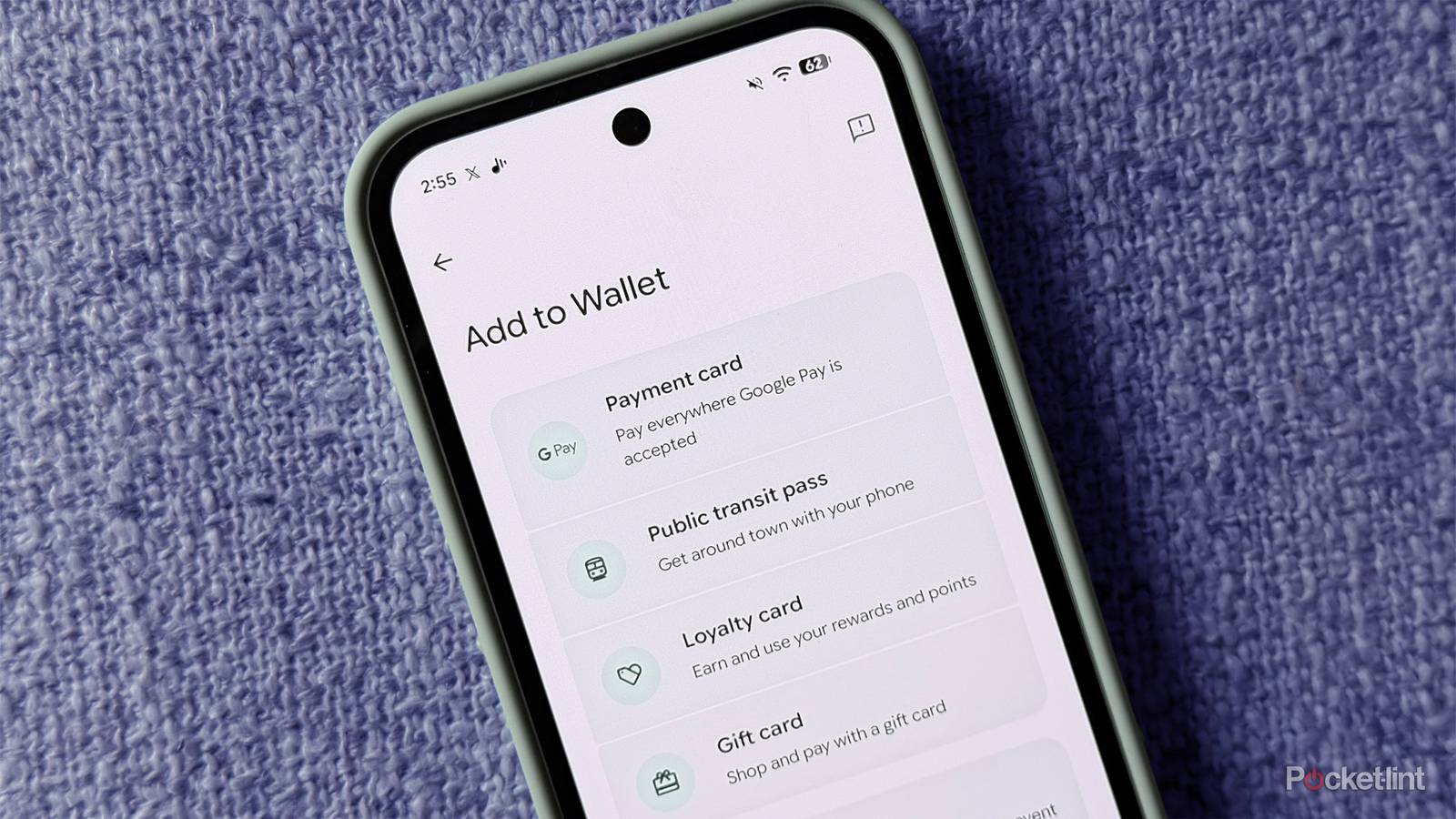
When you scroll to the bottom of Google Wallet’s new home screen, you’ll see a new “View more” button. Tap it, and you’ll land on a screen that lists all the cards and passes saved to your Wallet, as you can see in the image above (via Android Authority). From there, you can add any card to your home screen by tapping the star icon next to it. You can also sort all your cards and passes either alphabetically or by most recent, which is a nice touch.
Another handy addition on the View more screen is a new search function at the top. If you’ve got a ton of cards and passes in Google Wallet, you can now just search to find them instead of endlessly scrolling. It’s not limited to cards either; you can also search your transaction history. So if you’re trying to track down a specific purchase or keep an eye on your spending, this should make things a lot easier.
…this is a pretty meaningful quality-of-life update for Google Wallet. It does a great job of decluttering the app while making your most-used cards easier to access, which I’m a big fan of.
There’s also a new “Manage passes on home” option at the bottom of the View more screen. As the name suggests, it lets you customize what shows up on your home screen. You’ll see all the cards and passes you’ve favorited, along with the option to reorder them so they appear exactly how you want.
Overall, this is a pretty meaningful quality-of-life update for Google Wallet. It does a great job of decluttering the app while making your most-used cards easier to access, which I’m a big fan of.
The update is still rolling out, so if you don’t see it yet, you should see it soon. It’s also worth checking the Play Store and manually updating Google Wallet to the latest version if your phone hasn’t already done so automatically.