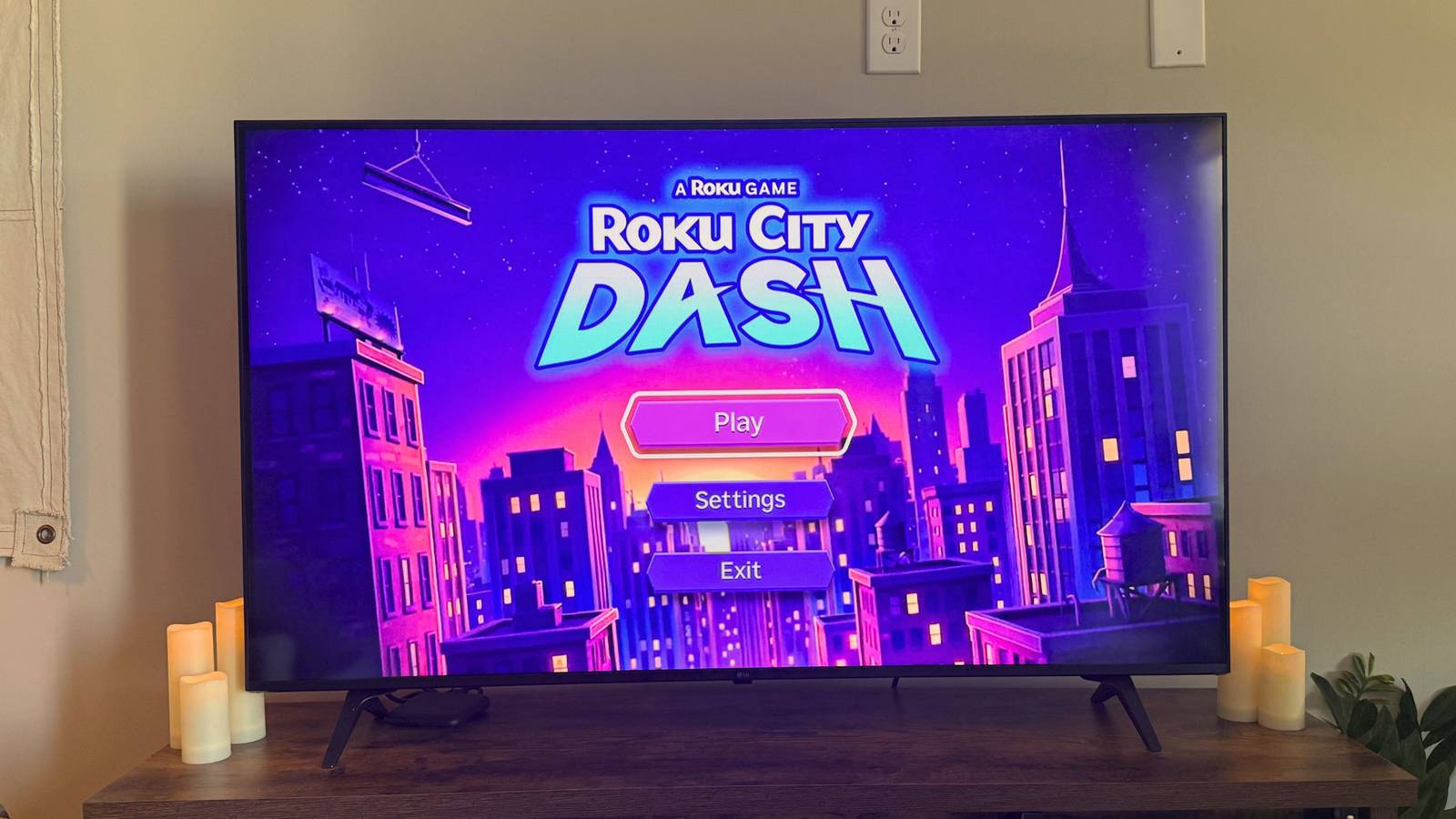
If you own a Roku TV or streaming device, you may have noticed something new on your home screen. On Monday, the company rolled out an interactive game built right into the iconic Roku City screensaver called Roku Dash. Using the up arrow on your remote or app, Roku Dash sends you on an aerial sprint through the city where you have to breeze past obstacles, Easter eggs, buildings, and even some other flying foes.
Users love the constantly changing Roku City skyline, so it was only natural to assume that this quirky little game would be nothing short of fun — at least the first few times you played it. However, within my first few attempts I had to sigh; as you might expect, the game was a moving stage for ads.
But it’s still an entertaining mini-game that’s simple enough for anyone to pick up as easily as the Roku remote itself. Here’s how to find it and play it if it isn’t on your home screen already.

- Operating System
-
Roku OS
- Resolution
-
4K
- Ports
-
HDMI 2.0b, USB for Power & Long-range Wi-Fi receiver
- Connectivity
-
Wi-Fi
One of the most reliable plug-and-play streaming solutions on the market, the Roku Streaming Stick lets you pipe 4K entertainment from dozens of services to any HDMI-compatible set. With Dolby Vision support and a voice-controlled remote, it’s a great way to take your media from display to display.
How to find and play Roku City Dash on your TV
An easy download
On your Roku home screen, you might see an ad for Roku City Dash that you can click to download the app. If you don’t see it, scroll down to the Add Apps shortcut, and search for it. You can also find it via your mobile Roku app and download it to your TV from there — just make sure you’re connected to Wi-Fi and the specific Roku TV or device you want to play on.
Once the app is downloaded, scroll to the bottom of your home screen and click into Roku City Dash. If the Roku City screensaver is already displayed on your TV, you can also enter the game from inside the screensaver by clicking the up arrow on your remote.

So, how do you play? The instructions are easy enough: click the up arrow to make the spaceship jump and avoid all obstacles. If you remember the controversial (yet sensational) Flappy Bird game back in 2013, you’ll do just fine at Roku City Dash. As your score climbs, and you avoid more incoming objects, your spaceship will pick up speed and make it harder to progress. My personal record was 210, but then again, I was one of the first frustrated users to delete Flappy Bird off my iPod Touch back in the day.
While you can play with your physical Roku remote, I thought it was easier to use the remote feature on my phone instead. It might’ve been my Wi-Fi, but the response rate was much better and made for smoother gaming.
The game’s interface is very minimal. You can tweak the music and sound effect volume and boost the graphics, but other than that and the up arrow control, that’s all you can really do in Roku City Dash. While the novelty wore off for me after about five attempts, one thing did stick out: the number of ad placements the game had in my short number of tries.
You can’t blame Roku. As one of the most affordable streamers, ads all over the home screen are par for the course. If it’s a native arcade game built right into its own Roku City, of course the company would take advantage of the digital real estate and smack a couple of ads on top of buildings. Luckily, they’re all in billboard format from what I could see, so they aren’t as intrusive as the pop-ups you see in free mobile games. It conflicts with Roku’s ‘retro’ inspiration, but we couldn’t have expected this to land without a catch, could we?
The ads featured lots of specific movies and shows, but they especially honed in on two things (at least on my TV): Roku’s new and affordable ad-free platform, Howdy, and the Savannah Bananas, oddly enough. While promoting Howdy is only fair on Roku’s part, I do wonder if the Savannah Bananas ads are tailored to my interests or if we’re all getting indoctrinated into the most entertaining baseball team I’ve ever encountered.