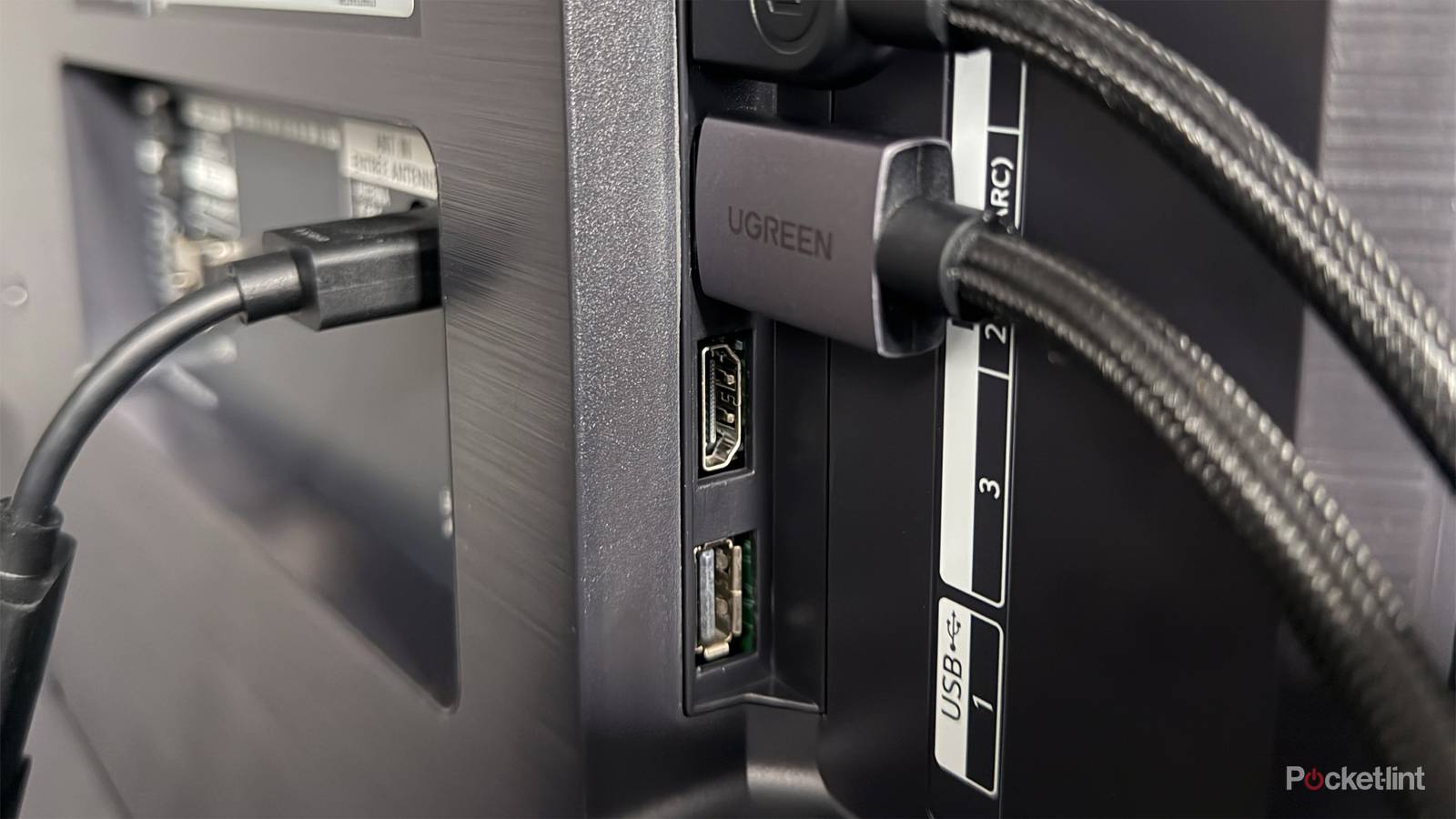
Buying a new smart TV is an exciting experience, but there’s also a lot to consider before adding one to your cart. There’s the size, display tech, brand, and, of course, the price. But in my experience, one key detail often gets overlooked: the HDMI ports.
Of course, it’s not that TVs don’t have them — they all do, and have for nearly two decades. The real issue is the type of HDMI ports. Not all HDMI ports are created equal, and just because a TV has three or four HDMI ports doesn’t mean they all offer the same capabilities.
Some TVs today come with a mix of HDMI 2.0 and HDMI 2.1 ports, while others are equipped with just HDMI 2.1 ports. And if you end up buying a TV that doesn’t have enough HDMI 2.1 ports, or just a single one, it’s something you might regret pretty quickly.
Why HDMI 2.1 matters so much
It delivers the best gaming, streaming, and audio experience

So what’s the big deal with HDMI 2.1? Well, just like TVs have evolved over the past couple of decades with thinner designs and new display tech like OLED and Mini-LED, HDMI has evolved right alongside them.
The first HDMI standard launched back in 2002, supporting up to 1080p at 60Hz with 4.95 Gbps of bandwidth. As demand grew for higher resolutions, better audio, and faster refresh rates, HDMI kept pace. HDMI 1.3, introduced in 2006, increased bandwidth to 10.2 Gbps, added support for higher resolutions such as 1440p and 1600p, and enabled HD audio formats like Dolby TrueHD and DTS-HD. HDMI 2.0 then came out in 2013, with 18 Gbps bandwidth and support for 4K at 60Hz, and it is still widely used on TVs today.
…if you want the best possible image quality, the fastest refresh rate your TV supports for gaming, and the best audio experience with your sound system, HDMI 2.1 delivers them all.
But HDMI 2.1, which arrived in 2017, is where things really changed. It supports 4K at up to 120Hz and unlocks many modern features people rely on, such as Variable Refresh Rate ( VRR), Auto Low Latency Mode (ALLM), eARC (Enhanced Audio Return Channel), and Dynamic HDR (for formats like Dolby Vision and HDR10+).
So if you want the best possible image quality, the fastest refresh rate your TV supports for gaming, and the best audio experience with your sound system, HDMI 2.1 delivers them all.
But as I alluded to earlier, not all smart TVs come equipped with multiple HDMI 2.1 ports. Some TVs have just one HDMI 2.1 port, usually linked to eARC, with the rest of the ports being HDMI 2.0. So if you want to use multiple HDMI 2.1-enabled devices on your TV, like a PS5, Xbox Series X, Switch 2, PC, or a soundbar or receiver, you might be playing a game of constant cable swapping to make sure you can get the best experience from all your devices.
Finding the solution that works best for you
Four HDMI 2.1 ports is ideal, but two can get the job done

The ideal scenario when shopping for a new TV is finding one with four HDMI 2.1 ports. It’s the most future-proof setup, and it makes things a lot simpler, since you don’t have to worry about whether a device is plugged into the right port, as they’re all equally capable.
The catch is that while plenty of TVs offer four HDMI 2.1 ports, they’re usually on the higher-end side. You’ll typically find them on models from LG and Samsung, such as the LG C5 and G5 OLED series and Samsung’s S95C, S90C, and S90F OLED TVs. So, unless you’re planning to spend north of $1,000, unfortunately, finding a TV with four HDMI 2.1 ports can be tough.
Ideally, aim for a TV with at least two HDMI 2.1 ports…
That said, if you’re on a budget, there are still solid options. Ideally, aim for a TV with at least two HDMI 2.1 ports, so you’re not limited to just one. There are plenty of models that fit the bill, like the Hisense U6 Series and TCL QM6K series, both of which use Mini-LED display tech. And if you need more HDMI 2.1 ports, you can always add an HDMI Switch to expand the number of HDMI 2.1 ports on your TV, saving you money and the hassle of constantly swapping cables.
Ultimately, my key advice is this: when buying a new smart TV, don’t overlook the capabilities of its HDMI ports. While every TV has HDMI ports, not all of them offer the same experience. If you’re planning to connect multiple devices like a PC, PS5, receiver, or soundbar, having at least two HDMI 2.1 ports will save you a lot of hassle and ensure you’re getting the best image quality and features, like VRR for smoother, tear-free gaming and enhanced HDR image quality with formats like Dolby Vision and HDR10+ thanks to Dynamic HDR.

- Display Technology
-
MiniLED
- Brand
-
Hisense
- Refresh Rate
-
144Hz