


Niche social media apps come and go, but few survive longer than the month or two that they’re novel. BeReal came close to having some staying power when it launched in 2020, but I’d say Letterboxd stands out as a niche social platform that’s only seemed to grow in cultural relevance over the last few years, thanks in part to its minting of a popular social video format — asking famous people what their four favorite movies are — and riding a wave of renewed interest in movie theaters and physical media.
Letterboxd offers multiple features beyond its core functions of logging and reviewing movies, including multiple subscription plans that give you more customization options and the ability to see where films are available to rent or stream. The biggest feature the platform has launched in the last year, though, is the ability to rent movies through the Letterboxd Video Store. The addition of film rentals led to the app being ported to TVs and set-top boxes, after previously only existing on the web, smartphones and tablets. While a film logging app might seem like an awkward fit for platforms that don’t have keyboards, I’ve been drawn to it as a way to learn about what I’m watching without having to get a smartphone involved.
Letterboxd is a fun way to recommend movies
The app’s community is active and opinionated

Letterboxd launched in 2011 and formally opened to the public in 2013 as the side project of two web designers in Australia, but the platform became what it is today during the early days of the pandemic, The New York Times reports. As an app and a social platform, Letterboxd is most similar to something like Goodreads or StoryGraph, where the primary activity is logging what you’re watching, figuring out what you want to watch next, and seeing what your friends and strangers are logging. The draw of Letterboxd is seeing how those processes interact.
Even if you don’t want to write reviews, Letterboxd’s Journal includes interviews with filmmakers and essay about films that are well worth reading.
You can build out lists, add to your watchlist, and log the films you watch without having to write a review or leave a star rating or “heart” a film. The fun of Letterboxd is writing and reading reviews, though. Because the film platform mixes professional and amateur critics, reviews can be personal, comical, or tossed-off, but regardless of their individual content, collecting them in one place feels useful. With a search, you can find a movie, get a sense of the general sentiment towards it, and even see where it’s available to rent, buy, or stream, if you pay for the platform’s Pro subscription. If you pay a bit more for the Patron subscription, you can also unlock more ways to customize your reviews and lists before you post them.
A film guide for your TV
Letterboxd has a simple but effective tvOS app
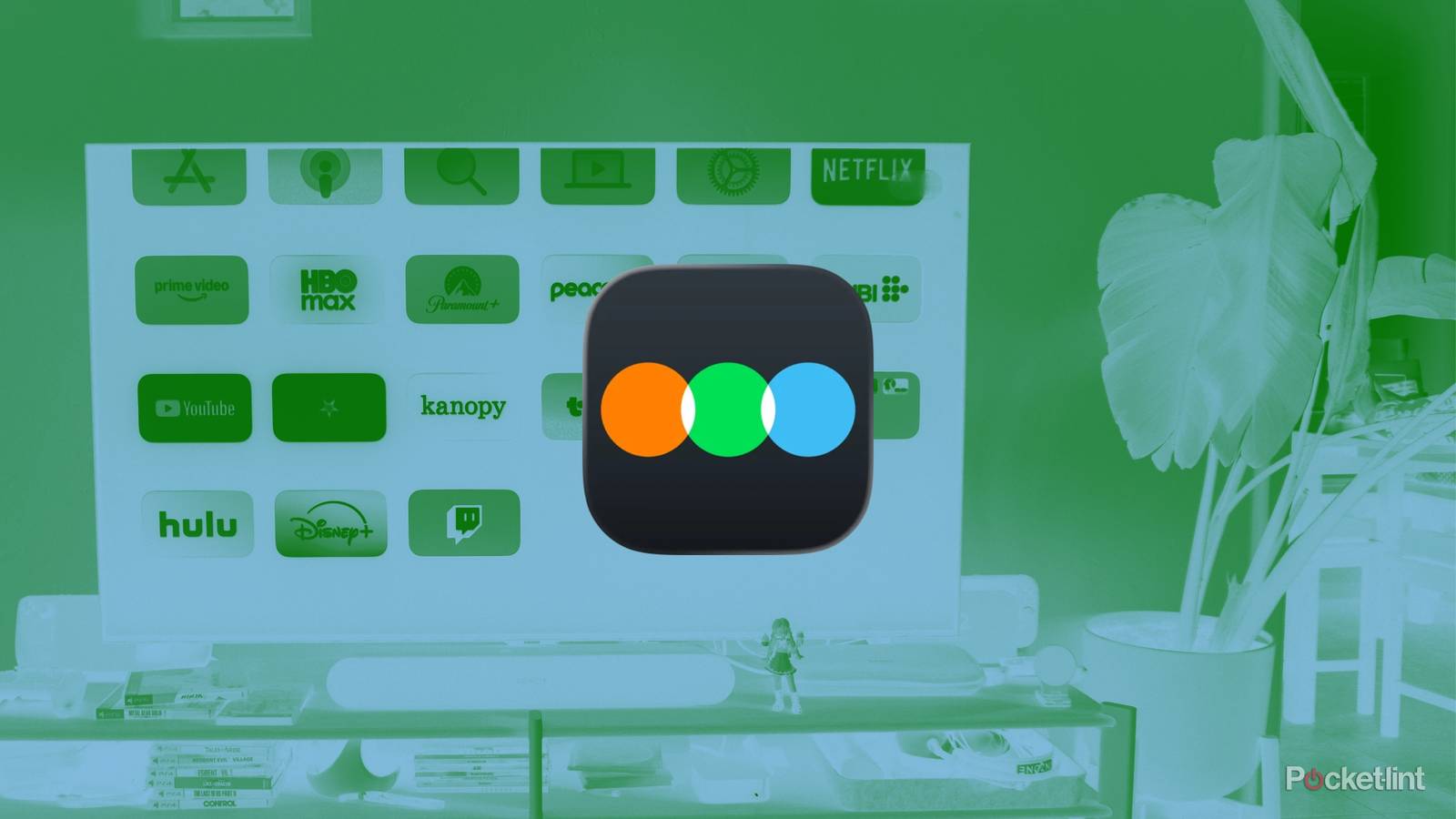
I originally downloaded the Letterboxd app on my Apple TV to access the Letterboxd Video Store, the movie rental service the platform rolled out in December 2025. Video Store, like plenty of Letterboxd users’ lists, features a highly curated selection of hidden gems and films that haven’t received traditional theatrical releases yet. The rental and streaming process has worked without hiccups the few times I’ve tried it, but I’ve found myself using the Letterboxd TV app not for rentals, but for all of its other features.
…There’s something nice about keeping my eyes on my TV instead of the tiny screen in my pocket.
You can access all the basic functions of the smartphone app through your TV, like reviews and lists, and browse things like cast and crew lists for individual movies. The difference is the presentation. The version of the Letterboxd app for TVs and set-top boxes is surprisingly big-screen-friendly, with legible text, posters and cover photos, and a design that, at least in my case, really makes me want to browse. At launch, the app opens with a grid of posters of recently released films, and when you scroll over each one, the interface shifts to show a cover photo of a scene from the movie and an average review score. You can click on each film to read reviews and see the cast and crew, and there are other tabs for things like lists and your personal watchlist. What I’ve liked most about the app is the ability to read about a movie before checking it out in another app on my Apple TV.
It’s helpful to use the app to look for recommendations and fun to read reviews after watching something. Those are both things I could do with the Letterboxd app on my phone, but there’s something nice about keeping my eyes on my TV instead of the tiny screen in my pocket. It’s a small difference, sure, but it has made me feel more present, and less tempted to scroll longer than I need to.
It’s rare to find a good TV app
Most apps are only for streaming and look like Netflix

If you already have a Letterboxd account, the TV version of the app is worth downloading, whether it’s to rent something from the Video Store or check movies off your list. Because the app is free, I also think it’s fun to try, even if you just want to browse. You might end up spotting a movie you’re interested in that you wouldn’t have known about otherwise.
Letterboxd is great for tracking your movie viewing habits, but if you’re looking for other ways to keep a log of your media consumption, you have options. When it comes to video games, there are several great apps that recreate the utility of Letterboxd on your smartphone.