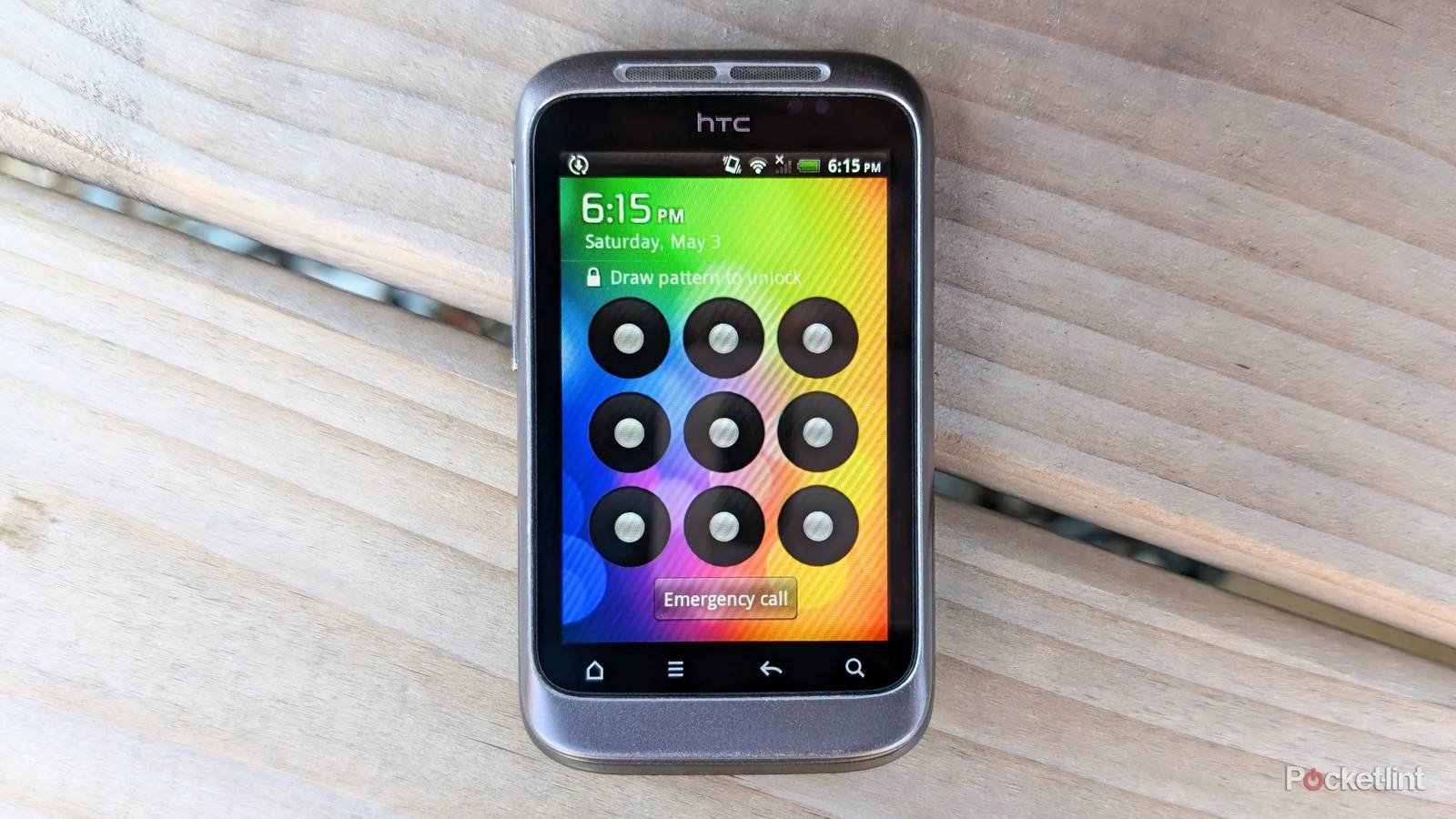
I never use Face ID or fingerprints to unlock my phone or to hide apps, andstick to PINs and unlock patterns. Using my face or fingerprint is faster and more convenient, but these methods offer significant disadvantages and are becoming easier to crack.
There’s always the argument that you don’t need the best protection if you have nothing to hide. This is untrue in an era when we have our banking details, passwords, and other sensitive information on our smartphones. Criminals can wreak havoc on your life if they unlock your phone. Protecting your smartphone privacy can also prevent law enforcement agencies and border security with dubious intentions from accessing your data.
Legal aspects
It’s better to be safe than sorry

The Fifth Amendment protects US citizens from testifying against themselves or saying anything that could incriminate them. This means law enforcement agencies can’t force you to unlock your phone, and you have the right to refuse if they ask you to do so.
Biometrics don’t have the same legal protection as content stored in your mind.
Biometrics don’t have the same legal protection as content stored in your mind. Your fingerprints end up in public areas daily, and law enforcement has more leeway to make you unlock your phone. You never know what they might find or use against you, and it’s better to be safe than sorry instead of taking unnecessary risks.
AI deepfakes and real fakes
A new era of threats

AI fraud is becoming a booming business because it’s easier than ever to create deepfakes that can defeat facial ID recognition systems. This isn’t as much of an issue on iPhones, which use 3D depth mapping, liveness detection, and other methods to prevent unauthorized unlocks. However, many low to mid-range Android phones have simple 2D face scanners that deepfake videos and photos can defeat.
AI fraud is becoming a booming business because it’s easier than ever to create deepfakes that can defeat facial ID recognition systems.
Criminals in certain countries are using silicone masks to defeat facial recognition systems. There have also been cases of security firms claiming they’ve defeated Apple Face ID with sophisticated 3D-printed masks modified to mimic a person’s appearance. Whether these claims are true or not is debatable. That said, there’s no denying that modern AI and 3D printing techniques are advancing at an alarming rate, and it’s just a matter of time until they beat your phone’s security.
Coercion
You have no choice

Another disadvantage of biometric phone access methods is that coercion or force can beat them. Criminals or other bad actors can access your devices with your fingerprints while you are sleeping or incapacitated.
Most iPhones and Android devices require open eyes for facial unlocking by default.
It’s the same with Face ID, and they can make you unlock your phone without realizing it if you’re drugged or intoxicated, or by force if they like. It’s harder to unlock your phone with Face ID if you’re sleeping or unconscious. This is because most iPhones and Android devices require open eyes for facial unlocking by default and will only work with them closed if you change the settings.
Are PINs, passwords, and patterns better for unlocking your phone?
Every option has pros and cons

You can use PINS, passwords, and pattern locks to secure your phone. Each comes with its advantages and disadvantages, and it’s up to you to decide what suits you best.
PINS
A PIN’s effectiveness is determined by its length and sequence. Four-digit pins offer 10,000 possibilities, and six-digit pins raise the number to one million. It’s also safer to use random non-sequential numbers instead of personal identifiers, like birthdays or anniversaries. The disadvantages of PINS are that they can be inconvenient to type hundreds of times a day and are vulnerable to shoulder surfing.
Passwords
Passwords are more secure than PINS because the mix of numbers, characters, and letters is tough to crack. A long, random password without identifiers is almost impossible to beat. The problem is that punching them into your phone is a long and tedious process that nobody wants to go through.
Pattern locks
Pattern locks are a fast and secure way to access your phone, but their effectiveness depends on their complexity. There are around 390 thousand lock combinations on a standard nine-dot grid. A basic four-dot pattern only offers 1,624 combinations, while a nine-dot pattern goes up to 140,704 options. It’s best to choose medium-length patterns that don’t start in the corners for maximum security. Good pattern locks offer fantastic security but are vulnerable if anyone watches your input or sees your finger marks on your screen.

- SoC
-
Snapdragon 8 Elite Gen 5
- Display
-
6.9-inch Dynamic Super AMOLED 2X
- RAM
-
12 or 16 GB
- Storage
-
256GB, 512GB, or 1TB
- Battery
-
5,000 mAh
- Operating System
-
Android