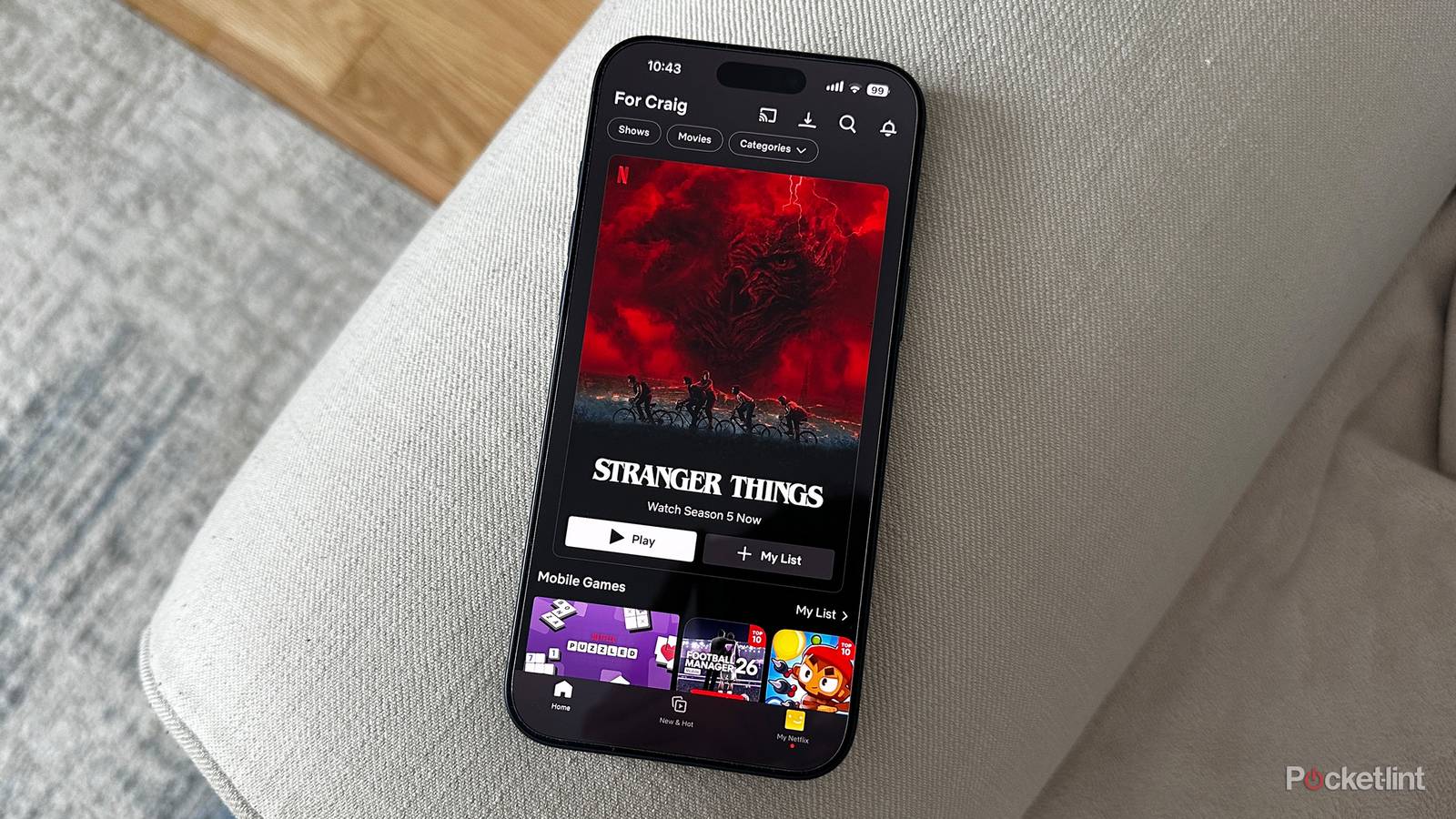
In an interview after the release of Inland Empire, David Lynch famously attacked the idea of watching movies on a smartphone. “You’ll think you have experienced it, but you’ll be cheated,” he argued. The director eventually changed his position, though, and with good reason. While phones from the late 2000s often had tiny screens and weak audio, by the time of Twin Peaks: The Return in 2017, many phones were over the 6-inch mark and could produce very impressive audio through wireless headphones. As long as you were watching in a dark and quiet room, Lynch thought you could get close enough to the theatrical experience.
That said, I still sympathize with his original stance to a degree. Even if you’ve got a giant book-style foldable from Apple, Motorola, or Samsung, there are deficiencies at play that make a smartphone less than ideal. It’s certainly better than not watching at all — but you might want to reserve that first time with Backrooms or Blade Runner 2049 for your TV, even if the idea of cozying up in a nook with some popcorn sounds appealing.
Reduced audio and video bitrates
Some platforms may be stricter than others

Whenever you connect to an online service, whether it’s via the web or an app, your device is automatically fingerprinted. Some forms of fingerprinting can be insidious, but a base amount is always necessary, for the simple reason that different devices have different capabilities. If you’re fed the desktop version of a website on your iPhone, it can be hard if not impossible to navigate.
Streaming video is no different. When your TV connects to a service like Netflix or Criterion, you’re served the best possible quality within the limits of your subscription plan and available bandwidth. You are, presumably, watching on a screen measuring 50 inches or more, so delivering a low bitrate would result in a noticeable lack of detail. Likewise, you’d be really disappointed if audio didn’t sound clear, or take advantage of your surround sound system (more on that in the next section).
On an iPhone or Android device, services scale down both audio and video fidelity, knowing that a smartphone has inherent performance limits. There’s no point serving up 4K resolution on a screen where pixel density prevents you from telling the difference versus 1080p.
In some cases this scaling can go too far, blocking you from squeezing out what fidelity your phone can muster, and you won’t be getting lossless audio no matter. This is over a stable Wi-Fi connection — if you’re trying to watch over 4G or 5G, bitrates can fluctuate wildly to match signal strength, or the limits your carrier has imposed to avoid paying for adequate infrastructure. You could end up with a lot of buffering, which is going to bring your entertainment to a dead stop.
Simulated spatial audio
Blame the laws of physics

Many streaming services offer a plan with Dolby Atmos for spatial audio. This can sound fantastic with a pair of quality earbuds or over-the-ear headphones, as I remember from watching Masters of the Air on flights to and from Texas a couple of years ago. The flak hitting those B-17s really did feel like it was surrounding me.
What you’re getting is a simulation of Atmos, however, mixed down to two channels, with effects like time delays and frequency alteration tricking you into thinking sounds are coming from a given direction. This won’t be as convincing as a true multi-speaker Atmos setup, or even an all-in-one soundbar. That soundbar will have several drivers pointing in multiple directions, hopefully including a pair of upward-firing modules that bounce sounds off your ceiling.
Don’t forget that mixing everything down to two channels means there will inevitably be frequency overlap from different sound objects. You won’t catch all the nuances of each one. That’s not necessarily a huge loss, but if you own something like a Sonos Beam or a 5.1.2-channel setup, you may want to make the most of it.
HDR isn’t as impressive
A little better all the time

Since Inland Empire, phone displays have progressed in many respects, not just size. They’re sharper, brighter, and equipped with higher refresh rates, often up to 120Hz or more. Any flagship device will support either Dolby Vision or HDR10+, the two main dynamic HDR standards you know from TVs. The dynamic part matters, since it allows metadata to be tweaked on a scene-by-scene or frame-by-frame basis. Static HDR10 can be fine, but runs a higher risk of blown-out highlights or crushed shadows.
Unfortunately, your phone can’t put out as much light as a TV can, whether by virtue of size or spec limitations, and that affects contrast and color representation. Trying to go toe-to-toe with a TV would be blinding from a few inches’ distance anyway, and rapidly drain your battery, not to mention risk overheating. There’s a lot more room for heat to dissipate on a 60-inch device than a 6-inch one. If you want the most “pop” from HDR, you should really be watching on a mini-LED or OLED set.
Another consideration is that the main job of phone displays is to remain readable in all lighting conditions, whether you’re standing in the midday sun or tucked under the covers at night. By default, your phone is set to automatically adjust to ambient lighting, often matching color temperature as well. You just won’t see the deepest blacks this way, and that temperature matching is going to make colors inaccurate.
The good news is that you can disable these automatic adjustments, and display tech is evolving all the time. Really, HDR can already be great on a flagship phone, it’s just better on a mid-range or high-end TV.
Phones are distraction machines
Even silencing alerts may not be enough

The very thing that makes a smartphone a mandatory in modern life can become the enemy of enjoying movies. My phone serves many purposes, from work chat, to tracking my weightlifting, to playing music while my son takes a bath. A consequence of this is a flood of notifications all day, even after silencing or deleting the apps that abuse notifications as a marketing opportunity.
You can, of course, turn on Do Not Disturb to block unwanted alerts, but that still doesn’t end the threat of distractions. Having so many other apps at your fingertips can create the temptation to switch, especially for those of us with ADHD. And whereas a TV will often dominate a room, your phone is a comparatively tiny thing, and portable to boot. You may find yourself getting up and wandering around to do other things, especially if you’ve been putting them off. The flipside of this is the ability to keep watching something in circumstances you’d otherwise be forced to quit, but you get the idea.
I find that if you want to get the most out of a movie or show, you need to treat it as an event. Plan a time, get errands out of the way, and sit down with your phone on mute. If you don’t give it your full attention, you don’t know what you’ll miss by accident.

- Brand
-
Apple
- SoC
-
A19 Pro
- Display
-
1320 x 2868 pixel resolution Super Retina XDR OLED, 120Hz, HDR10, Dolby Vision, 1000 nits / 1600 nits peak brightness
- RAM
-
N/A