

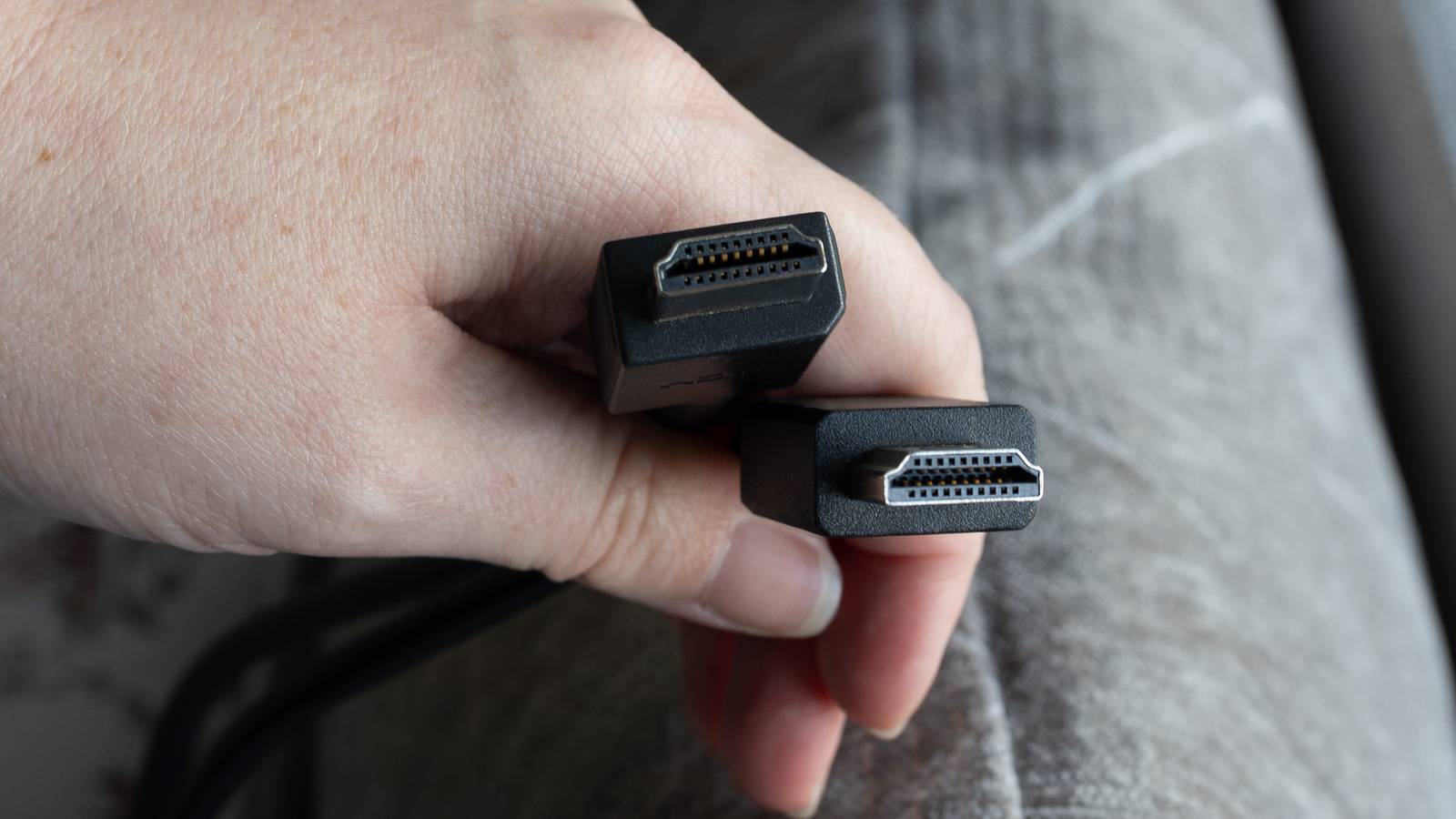
HDMI has been around for decades now, but it feels like people are still finding out many things about the format. You might know by now that not all of the cables are the same, even if they have the same connection. In 2026, you should be using HDMI 2.1 cables, or at the very least, HDMI 2.0. In fact, you need either of these two cables to utilize a very underrated feature in HDMI passthrough.
The way HDMI passthrough works is it takes your signal coming from your TV and passes it along to your sound system to give uncompressed audio. This is huge for people who have a soundbar or audio receiver because I would imagine people buy those things with the intention of having them handle the audio for you. Once you get your audio system, it’s largely plug and play, but you might have to turn on audio passthrough. Here’s why that’s very important, and why it’s such an issue when you don’t have it.
Audio passthrough gives you the best quality
Let your audio equipment carry the load

Receivers aren’t cheap, so I want to make sure I get my money’s worth from them. A huge way I do that is by having it give me access to all modern audio formats. Dolby Atmos is my favorite of the bunch, and my Denon receiver gives me that along with any modern Dolby and DTS format. It’s nice to have all my bases covered since my 4K Blu-rays aren’t always guaranteed to have an Atmos mix, so it’s good my receiver can handle whatever’s included. This is a big reason why I decided to snag a receiver for my spare bedroom, even though I don’t watch much of anything there.
The important thing to mention is that you often have to toggle on the audio passthrough ability in your TV’s settings. I say it’s an underrated feature because it doesn’t seem like everything has this on by default. It’s also a feature that doesn’t do anything if you have no reason to pass the audio along to anything else. If you have a streaming box plugged into your TV without any additional sound system, it’s a meaningless feature. Audio passthrough matters when your box is acting as the middle man, and you don’t want it to handle the audio itself. Many boxes can do this just fine, but if you have a receiver or soundbar, you might as well have it do what it’s meant to do.
Turning on HDMI passthrough is a very simple process if you don’t have it. It can usually be found somewhere in the sound settings, so do some digging until you find it. This setting being turned on means your audio equipment is handling the audio for you, and that’s what’s important here. Setting everything up is simple enough, and that’s especially the case if you have a receiver. For receiver setups, all you have to do is plug your receiver into your TV’s ARC or eARC port, and then you can plug the rest of your devices into the receiver. The same thing works if you are using your TV’s HDMI ports as well — just make sure the receiver is in the eARC or ARC port.
If you’re lucky, it’s not something you even need additional hardware for anymore. Many modern TVs boast all the audio formats you could need, but that doesn’t mean all of them do. I find that the most common audio format covered is Dolby Atmos, which is good enough for a lot of people. Sadly, not everything you watch comes with an Atmos mix, so the way to guarantee you’ll always be watching something in the best format is to grab a soundbar or receiver that supports every format.
Not having audio passthrough on with a receiver plugged in means your TV will be handling the audio for you, and it means you could run into some problems. Keep in mind that if you’re dealing with an unrecognized format, it won’t result in no audio. What happens is just a less-than-ideal listening experience, but you’ll still be able to hear what you’re watching. For many people, there might not even be a noticeable problem.
Sadly, turning on these modes doesn’t mean it’s all smooth sailing. You might be using a streaming box, like I am with the Apple TV 4K, and that means I can’t experience the magic that is audio passthrough. Fortunately, situations like that are few and far between, but if you’re using an Apple TV, you’re out of luck.
Not everything supports it
It’s a frustrating development

I’ve talked extensively about how annoying it is that the Apple TV 4K doesn’t have audio passthrough, and it really doesn’t make any sense to me. The Apple TV 4K supports Dolby Atmos, and as I said before, that’s great for many situations, but it doesn’t cover everything. I have an audio receiver with every intention of getting the best sound quality, so it’s very frustrating to see something not support it. There was a brief glimpse of hope last year when people spotted audio passthrough being listed in a tvOS update, but that time has come and gone.
This is definitely something you need to be aware of if you’re an HDMI passthrough fan, because it can greatly hurt your listening experience if you’re caught off guard. As far as I know, the Apple TV 4K is the only major streamer that doesn’t support passthrough like this, so you’re in the clear if you have something similar, like a Roku Ultra. A workaround to this is to just use your TV’s passthrough and skip the Apple TV 4K entirely. Of course, that defeats the purpose of having a streaming box in the first place, so you have to pick your battles.
HDMI passthrough has been around for a long time now, so to see something as popular and well-received as the Apple TV 4K not support it is a slap in the face. This is why it’s important for these devices to support every audio format, but that’s not the case here. The best news I can give is that most devices and TVs you run into today support a wide range of audio formats, and you should also have no trouble turning on audio passthrough features on these devices if you have a receiver. That’s great for audiophiles, so make sure you dig into your settings and toggle it on. If you have an Apple TV 4K, just keep your fingers crossed that Apple listens to the complaints and adds the feature in at some point.