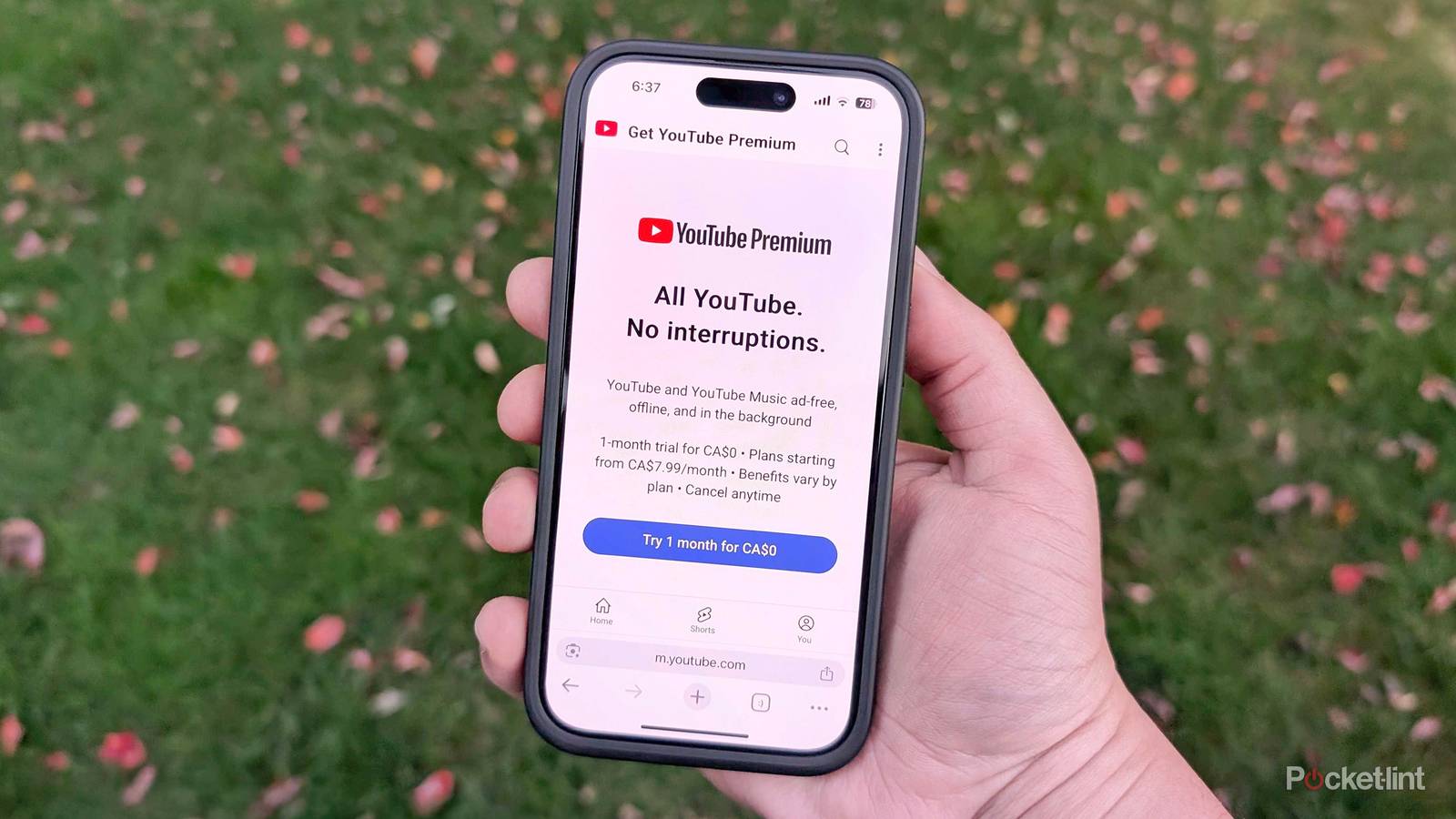
If you’re still using the free ad-based version of YouTube, you’ve probably noticed that Google is hellbent on getting you to pay for YouTube Premium. Sometimes this pressure is blatant, coming in the promotional pop-ups. Typically, though, the company seems to be counting on just how terrible the ad experience has become. Even a 15-minute video might have two commercial breaks, and if you’re trying to watch a how-to clip for tech support or home repair, the ads might last longer than the video itself.
When pitching Premium, Google tries to sell it as a major upgrade, bringing a host of improvements to the experience. In practice, though, it’s just a handful of changes that actually matter. Some you’ll never touch. As someone who’s used both Premium and Premium Lite, I can vouch for what’s significant, and it’s not just the most obvious one. I’ll point out the differences between the two tiers as they become relevant.
Less (but not zero) advertising
An asterisk here and there

Removing ads really does transform YouTube. Without Premium, you’re practically discouraged from exploring new content, since pre-roll ads are bound to play nearly every time. When you do choose to watch something, it’s best to use a carefully-tailored playlist to minimize disruptions. In many situations, ads are unskippable — before I paid for Premium Lite, my morning routine often began with launching my Watch Later playlist, then letting the ads play unseen while I prepared breakfast.
Going (mostly) ad-free makes YouTube feel a lot more like other streaming services, and arguably better, since there’s content you just won’t find elsewhere. Netflix isn’t about to serve up PEV or weightlifting videos to me. It can also open up new uses, like sleep playlists. That idea does function with the free version of YouTube, but you’re taking a gamble that it won’t startle you awake at 1AM with an ad for McDonald’s or a monster truck rally.
I say “mostly” ad-free because you can’t avoid ads entirely. If you’ve got Premium Lite, you’ll be confronted by the occasional pre-roll, and you might also see ads alongside music and Shorts. And no matter what tier you subscribe to, Google’s business model has forced a lot of creators to integrate sponsored segments (and other promos) if they want to make a living.
Background play
The surprise hit

I honestly didn’t expect to make much use of this one. YouTube is primarily a video service, after all. Even if I’m putting on rain sounds or drone music to fall asleep, part of the appeal is the cool visuals as I drift off.
As it turns out, it’s nice to have the option of going dark at night, and video podcasts are a growing phenomenon. In fact there’s a lot of podcast-style content that I simply wouldn’t bother with if I couldn’t put it on in the background. If I wanted to watch talking heads on YouTube, I’d literally put on the Talking Heads. Even when there is more visually engaging content — such as some of the therapy videos I’m digesting — it’s often the audio that matters most, and treating it like a podcast allows me to consume it on the go.
This is another item with a gap between Premium and Premium Lite. With Lite, you’re prevented from playing most kinds of music content in the background, even if it’s an amateur cover or simply includes licensed material at one point. That’s the clue, naturally. Since Lite costs less, it presumably doesn’t cover the licensing fees Google needs to pay record labels. And besides, the company wants you to replace Spotify or Apple Music. On that note…
YouTube Music
Both more and less flexible than the alternatives

This is the one feature I’m going to highlight that I don’t use personally. I’m already subscribed to Spotify Premium, and there are critical limitations that I’ll get to in a second.
YouTube Music is an easy sell for some people. It provides all the essentials of other streaming services, with an advantage they don’t: bootleg material. If you want to hear the concert you actually went to, instead of just the one live record a band has, you might be able to find it. There are also mashups, and releases that are no longer available on other streaming services, if they ever were. I’ve lost swaths of my Spotify library in the past year or two, but I can virtually guarantee those songs are on YouTube somewhere.
So why do I still use Spotify? The biggest reason is my Amazon Echo speakers. Amazon refuses to support YouTube Music on Echo devices, so switching would also mean being unable to use my Echo Studio during work, or play my son’s bathtime playlist at night. Moreover, there’s no YouTube equivalent of Spotify Connect, which makes it dead simple to switch audio outputs. Google Cast isn’t as efficient.
Another concern is that Music’s algorithm sometimes picks bootleg or censored content over a more logical selection. It’s not a big deal — but elsewhere, I don’t have to worry about that at all.
Picture-in-picture and better queuing for mobile devices
Features that ought to be universal

This one’s a twofer, in part because these upgrades often serve the same purpose: smoother transitions. PIP is never a great viewing experience unless you’ve got a large tablet or foldable, but even on a regular smartphone, the tech means you can temporarily switch to another app without missing a beat. Enhanced queuing, meanwhile, means you no longer have to interrupt what you’re watching to make a specific video play next.
It’s virtually written in the sky that Google was desperate to make Premium look more valuable.
These features have another thing in common, unfortunately, which is that Google’s implementation feels arbitrary. Some of you have probably noticed that PIP already works on your iPhone, iPad, or Android device. The only advantage of Premium (not Premium Lite) is that PIP is expanded to music — otherwise, it’s completely free. The split is presumably connected to licensing once again, but may also have something to do with software support for cramming ads into a PIP window. It’s not like you can’t play some Aphex Twin or Taylor Swift without Premium when the regular view is onscreen.
As for queuing, the change I described is so basic that it should be available for all users. You’ve already had access if you’ve ever cast videos to your TV or Nest Hub. Imagine if you were casting at a friend’s house, and the only way to insert one of your own videos into the mix was if the friend stopped everything and updated a personal playlist. You wouldn’t bother asking, probably — so why should you put up with that on a phone or tablet? It’s virtually written in the sky that Google was desperate to make Premium look more valuable.


4.5/5
- Free trial
-
1-month free trial
- Ads
-
Most content ad-free
- Downloads and background play
-
No