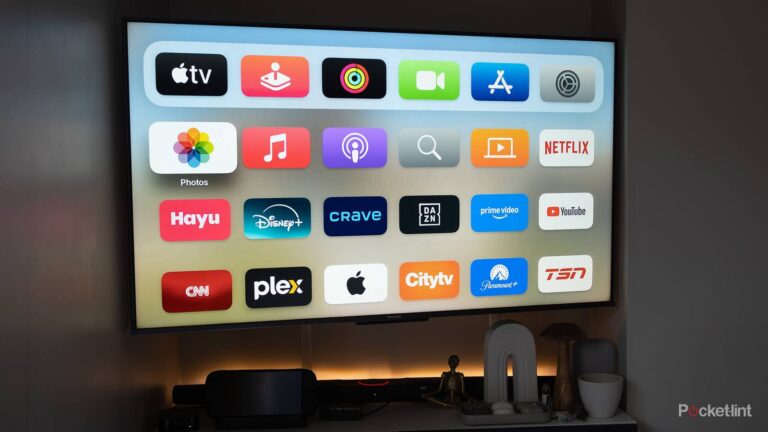



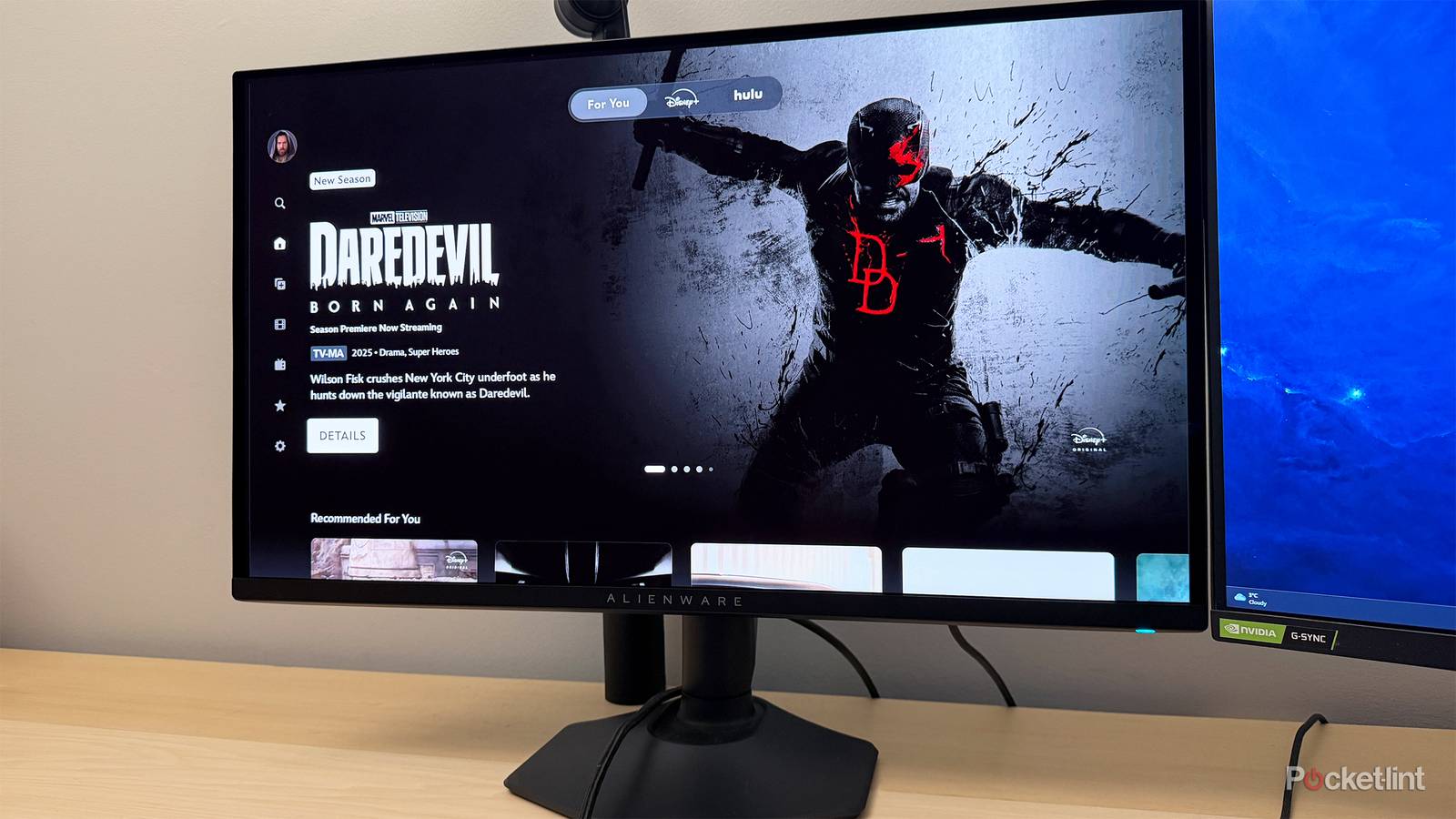
For a long time, the TV in my family’s dining room was an Insignia Fire TV. Since Fire OS tends to come to a crawl on anything but the best equipment, I paired it with an Apple TV 4K that used to be the one for our living room. The Insignia set gradually failed, eventually becoming unwatchable — so in a pinch, my wife decided to replace it with a monitor she wasn’t using.
The results have been surprisingly good so far. There are pros and cons to pairing any media streamer with a monitor, however, and it’s important to be aware of those, whether you want to watch something in your dining room, or just set up a secondary screen in your office. I’m going to go over a few of these point-by-point.
The increased pixel density and color accuracy is amazing
A glimpse of TVs to come

Most PC monitors are under 40 inches, and frequently, under 30. This contrasts with TVs, where the standard size is now 60 inches or more, since a set will usually be sitting 6 to 12 feet away from your couch, and the goal is cinematic immersion rather than providing enough space for multitasking.
There’s a tradeoff at play, though — TVs have lower pixel density, since they’re stretching 1080p or 4K resolution over a much wider area. It’s not a big deal at their intended distances, but on a monitor, even 1080p will often look far sharper. That translates into little if any visible pixelation, which is a major reason for buying a 4K TV and subscribing to that premium streaming plan. There may be no point in paying for 4K streaming anymore if most of your viewing is on a monitor.
Another benefit of the differences in panel design is color accuracy. Monitors are frequently engineered with precision photo and video editing in mind, so wide gamuts are the norm, and any tint, balance, or off-angle viewing issues are unacceptable. The advantage when using a media streamer is that you should see movies and shows exactly the way they were intended. That’s not to say TVs can’t be color-accurate — it’s just that you’re more likely to get accuracy on a monitor without spending a fortune.
Use cases are inherently limited
It’s not just about size

Given that most monitors are under 40 inches even if you buy an ultra-wide, they’re distinctly unsuited for your living room. Yes, those sizes were once standard for TVs everywhere, but it’s hard to go back to sub-50 sizes unless you sit extremely close or don’t particularly care about immersion. For those reasons, a monitor often works best as a TV replacement in your office, kitchen, or home gym instead. You might be surprised about how much nicer weightlifting feels when you’ve got Rocky IV or Buckaroo Banzai to watch between sets. In my dining room, I find a small screen acceptable because I’m mostly watching YouTube videos or Saturday Night Live.
A problem you may not have considered is mounting. Most monitors do support VESA mounts, just like TVs, but generally ones that are far smaller than anything you already have on your wall. In fact you may not only need a new mount, but an articulating one that can bring the screen closer. This won’t be a factor if you’ve got convenient desk or counter space handy, but it’s worth mentioning.
Speaking of ultra-wides, those can potentially make for terrible TV replacements, depending on their curvature. A slight curve is fine, but tighter arcs may result in blocked or distorted images if you’re sitting anywhere but the intended sweet spot.
Don’t expect much if any HDR compatibility
A tide that’s slowly turning

Strangely, HDR (high dynamic range) isn’t a high priority on most Mac and PC displays. Without third-party software, Windows 11 only supports HDR10 at best, and some displays are limited to that too, if they offer HDR at all. You can find monitors that support HDR10+ and/or Dolby Vision — but they’re not as common as they should be. Vision support is particularly rare, presumably because it requires paying royalties to Dolby, and not too many people are watching Dune in their office.
When a monitor does support HDR, the results may not be as striking as a TV, which will typically offer higher brightness levels.
When you’re actually using a Mac or PC, this doesn’t count as much, since there are various other technologies that help deliver impressive visuals. With a media streamer, however, dropping HDR may result in noticeably lower contrast and color depth. When a monitor does support HDR, the results may not be as striking as a TV, which will typically offer higher brightness levels that permit stronger highlights. Some of the latest TVs are capable of 4,000 nits of peak brightness or more, whereas on a monitor, 1,000 nits is considered fantastic.
Aim for a mini-LED or OLED monitor if you want the closest parallel to a TV. Both of those technologies offer more contrast than conventional LCDs, owing to more precise control over lighting. Note that while OLED is technically capable of perfect contrast, mini-LED is usually brighter, which may be critical if there’s any sunlight in the room.
You may have to come up with alternatives for sound
Hello, smart speakers

While it’s common for monitors to have HDMI ports, most of them don’t support ARC or eARC. There’s no need in tandem with a computer, which will have USB, Bluetooth, and Wi-Fi as output options. In the home theater world, however, ARC- and eARC-based speakers are not only the norm, but preferred, since they allow audio to be routed from anything connected to your TV, along with CEC volume and power control. If you’ve got an HDMI soundbar or receiver, then, you may find yourself unable to easily match it with a monitor/streamer combo.
There are workarounds. If they don’t support eARC, some monitors may still have 3.5mm stereo jacks or their own speakers. Neither are going to be very impressive, but if you’re only interested in casual viewing, that may not matter.
If you’ve got an HDMI soundbar or receiver, you may find yourself unable to easily match it with a monitor/streamer combo.
If you can afford it, the ideal option is to connect wireless speakers compatible with your media streamer’s ecosystem. My Apple TV 4K, for example, is equipped with a pair of HomePod minis, and you can combine Echo speakers with Fire TV devices. Apart from platform support and cost, another catch is that if you want stereo or Dolby Atmos, you have to use a soundbar or two identical speakers — you can’t combine an Echo Studio with an Echo 4, say. You might be fine with mono sound if you’re just trying to catch up on YouTube videos while you prep dinner.

- Brand
-
Apple
- Bluetooth codecs
-
5.0
- Wi-Fi
-
6
- Ethernet
-
Gigabit (128GB model only)