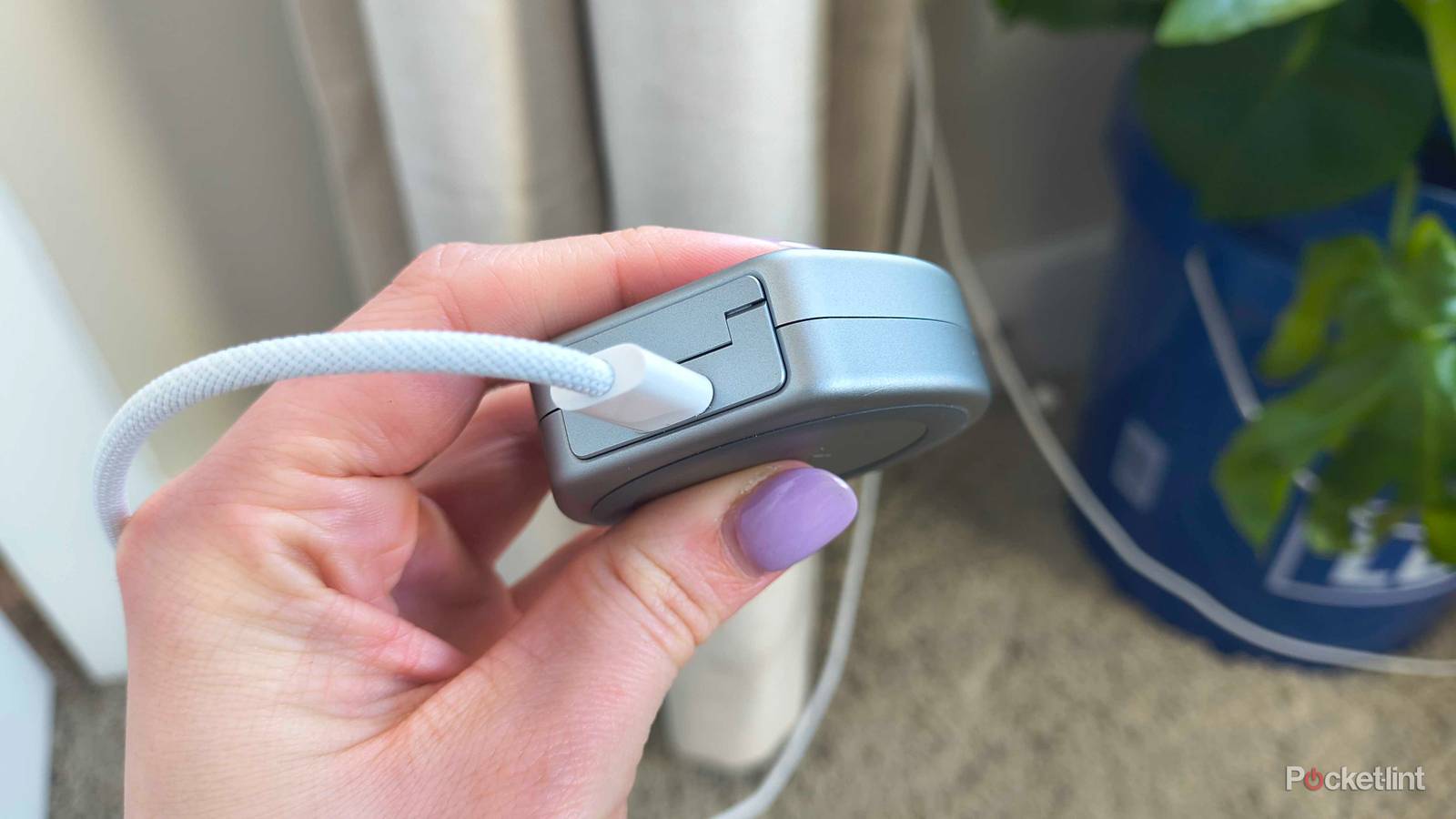
We’re living in an increasingly USB-C-centric world, but I don’t have an issue with that. Many of my devices are fully powered by one of these cables now, and while it’s a bit of a nightmare figuring out the power of any given cable, it’s worth the hassle since I can largely use the same cable for just about anything.
Aside from charging my phone, I use USB-C cables daily, and in some ways, you might be surprised by how much this little cable is capable of. We’re still not in a world where everything can be powered by one, but we’re certainly at a point where more things work with the cable than not. I’ve slowly started shifting over to more and more devices that are fully powered with a USB-C cable or port, and I haven’t looked back. It’s nice because I don’t have to have dedicated cables for my devices anymore, and once I finally upgrade my older Kindle to one that uses a USB-C cable, I’ll be fully switched over for all the devices that I use regularly. Here’s a look at some of the other gadgets I often use that are powered via USB-C.
A telescopic controller works great
USB-C or Bluetooth is fine

I’ve been getting into handheld gaming a lot more, more specifically, game streaming. I turned an Android phone into a gaming device of sorts, and while I could use touch controls to play my games, it’s far more comfortable to just use a controller. There is a wide range of options available, with 8BitDo and GameSir being the major players. The controller I use now is an 8BitDo wireless controller that connects via Bluetooth, but there are plenty of USB-C options available that might actually be better for you.
I like using a Bluetooth controller more than a USB-C one these days because it’s easy to just slap it open and start using it. Besides, it charges up with a USB-C cable, so it technically counts. If you have a USB-C controller, it plugs directly into your phone’s USB-C port and is powered through it. There won’t be any latency issues this way, so it’s preferable to people who don’t like the lag that Bluetooth can introduce. Nevertheless, I think these are worthwhile purchases for anybody looking to level up their mobile gaming. I don’t think you can go wrong with either, so pick one you like and go from there.


3.5/5
- Number of Colors
-
1
- Control Types
-
1
- Wireless?
-
No
- Compatible Systems
-
Android, iPhone 15 and above
Charging my earbuds is easy now
The case is USB-C powered

I got a pair of Google Pixel Buds to go with my Google Pixel. It’s nice to be part of an ecosystem finally, and I need to get a pair of new earbuds anyway. What I didn’t realize was how advanced things were nowadays, and you don’t even have to take earbuds out of the case for them to charge. The way these earbuds work is that they are automatically topped off each time I put them into the case, and the case is charged with a USB-C cable.
It’s actually a genius idea since I make sure I never misplace my earbuds because they need to go into the case to charge. It also means my earbuds are always coming out of the case with a full charge. This is great for me, because I’m not the best at keeping track of things like this. I have a widget on my phone that tells me the battery life of my case, so there shouldn’t be any concerns about popping in my earbuds only to find out they’re dead. It’s also nice that the battery life on the case itself is quite good, so if you only use your earbuds for a few hours a week at a time, you can get a ton of battery life.
Fans are an excellent option for USB-C
Less bulky this way

My large fans still need wall outlets for power, and that makes sense considering how large they are. However, these hot summer months mean I need to keep some small fans on hand for my desk. These are fans that are typically USB-powered, and yes, that means USB-C, depending on what you buy. I have some fans that are holdovers from the USB-A days that I don’t plan on replacing soon, but I’ve started to add some USB-C options into the mix.
Fans like this don’t need a ton of power to get going, so that makes them great for plugging into those USB power strips or even a USB hub plugged into your laptop or PC. I don’t notice any differences between USB-A, USB-C, or one that uses a wall plug. As long as it blows air on me during the day, it’s a good fan in my book. I also like that many of these fans are small enough to throw into a bag, so if you want to take one camping or something like that, it’s very easy to do so. I’ve had a little USB-powered fan save me on many hot camping trips.
A little book lamp goes a long way
Sometimes you don’t want to use the Kindle

While I have no issues reading my Kindle in the dark thanks to the lit screen, I don’t buy all of my books digitally. In fact, I try to avoid giving my money over to Amazon as much as I can, and I also have a bunch of bookshelves to fill up with books. Of course, this presents a problem when I go to read something in bed at night and don’t want to have the lights on. The workaround to this is a small USB-C book light that clips right onto my book. I thought a light like this would get in the way, but that’s not been the case. As long as you clip it somewhere near the end of the book, it doesn’t feel like an obstacle.
The battery life for a little device like this is very solid, and they are inexpensive. You can go on Amazon and find one for around $15, and I’d recommend grabbing one that has different color temperatures to pick from. These lights remind me a lot of those worm lights that you had to use to see your Game Boy screen at night, or even during the day if you didn’t have direct sunlight shining down on you. Fortunately, things are a lot better now, and these lights don’t need to be plugged into anything in order to be powered. All you need is a USB-C cable to charge them up beforehand.