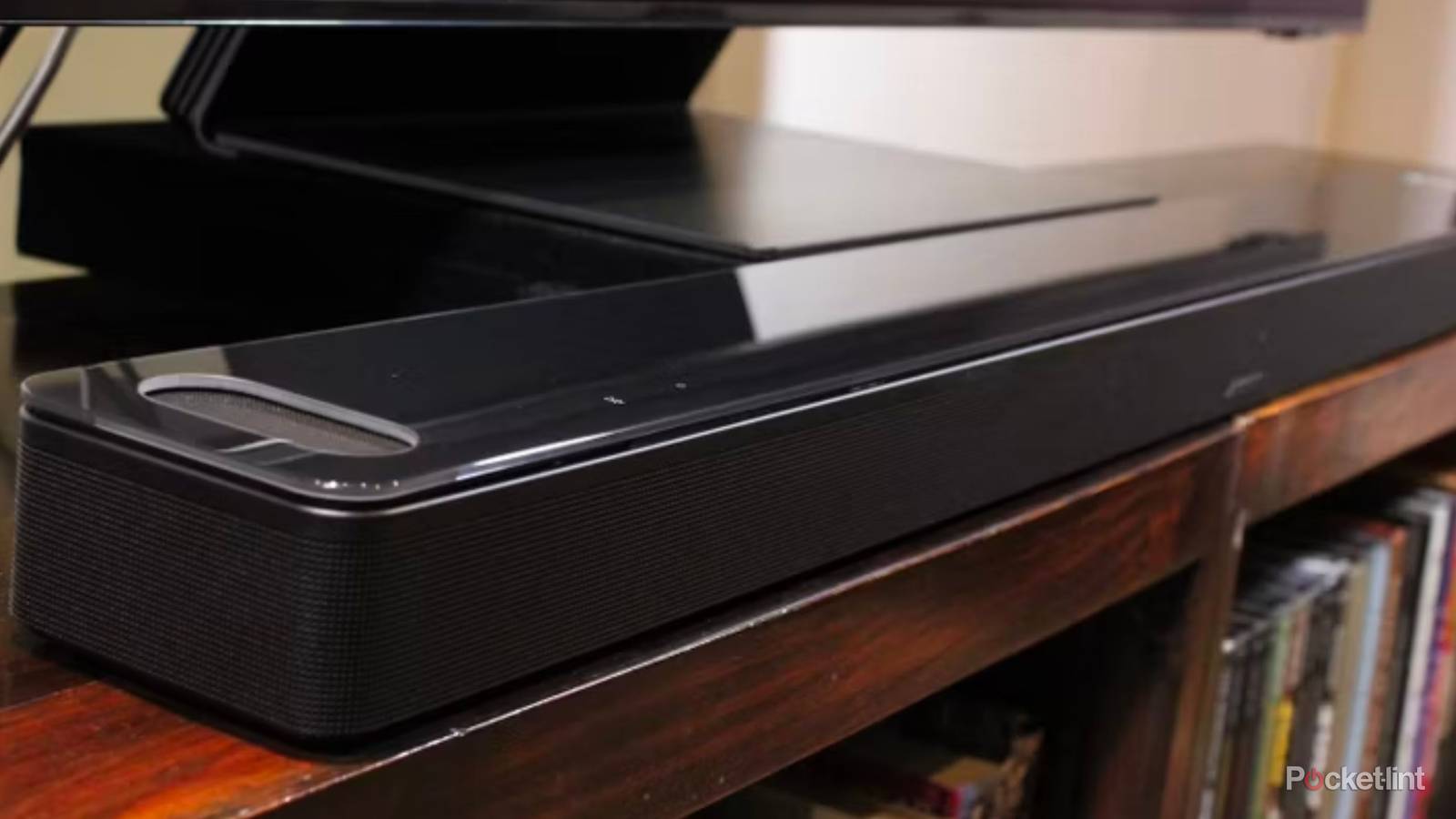
I think it’s safe to say that as we approach 2030, wireless tech is increasingly the norm for home theaters rather than the exception. Even if you’ve got an HDMI soundbar as the centerpiece, it might have wireless satellites, or smart functions that let you stream music and podcasts directly over Wi-Fi, no Bluetooth pairing required. If you’re exceptionally lucky, you might be able to ditch the HDMI connection completely.
The appeal of wireless is obvious, but there are a variety of caveats to be aware of too. These include potential pitfalls, and specs you should be chasing to make things as smooth as possible. Hopefully this guide will give you a sense of what to consider if you’re upgrading from a solo soundbar, a wired receiver system, or just your TV’s internal speakers.
What you need to know about buying wireless speakers for your TV
From Bluetooth to tips for Wi-Fi

The first thing to do is forget pairing a speaker to your TV via Bluetooth. While there are codecs that can reduce lag, Bluetooth is an intentionally low-power, low-bandwidth format. It’s unlikely to sync well with onscreen action, and regardless, it doesn’t have the bandwidth for lossless or native multi-channel audio. The best it can manage is simulated spatial audio, and that’s really engineered with headphones in mind, where psychological tricks have more impact.
That leaves us with proprietary wireless connections or standardized Wi-Fi platforms. On a technical level, the former can be preferable, since they allow direct connections between speakers and/or your TV, dodging the congestion (and any other limitations) of your router. Proprietary also means exclusive, unfortunately. Some LG soundbars may talk wirelessly to LG TVs, for instance, but that goes out the window if you dare to buy a set from Samsung or Hisense. You’ll be back to HDMI again.
With cheaper proprietary systems, you might not even be able to add or replace accessories without starting from scratch. That’s not necessarily a dealkiller, but you’re betting that you’ll be happy with what comes out of the box, and that it will last as long as you want.
Wi-Fi platforms typically center around app-based control with an HDMI device (like a soundbar) acting as a hub. The advantage of this is that you can add satellites and/or a subwoofer whenever you’re comfortable, so long as they’re compatible models from the same company. The archetypal example is Sonos. You might start with a Beam soundbar, but later add a couple of Era 100s as rear satellites, then swap one or both halves out for their inevitable upgrades a few years later. It’s really a software framework that’s tying everything together.
In some cases, software frameworks are linked to smart home ecosystems. Via HomeKit, Apple will let you pair any AirPlay 2 speaker with an Apple TV 4K, although you’ll probably get the best results from a pair of matching HomePods. Amazon, meanwhile, lets you build a full-scale home theater system using Alexa, the catch being that you have to choose the right Fire TV and Echo devices. Either way, another drawback is that your speakers will no longer work with your TV if you decide to ditch their associated ecosystem. There’s no way to link an Echo Studio with Roku OS, Google TV, Tizen, or webOS beyond automations and voice commands.
There are two major risks with Wi-Fi audio, the first being lag. Although speaker makers typically do a solid job of compensating for it, there’s still a chance that sound will fall out of sync. If that happens, you’ll need to investigate compensation settings on your TV, media streamer, and/or speaker platform, then test whether you’ve solved the issue.
More significantly, Wi-Fi audio is only as reliable as your overall network. Range and interference problems can cause speakers to briefly drop out, or prevent you from connecting products in the first place. In fact, you shouldn’t even consider Wi-Fi speakers if your router isn’t based on Wi-Fi 6 or later, or if your network is already experiencing difficulties. Wi-Fi 5 just can’t handle enough simultaneous connections for a modern home. Newer standards are more efficient. Note that your speakers (and other hardware) won’t get the full benefit, however, unless they’re operating on the same standard as your router. A Wi-Fi 7 router has to “talk down” to products on Wi-Fi 5 or 6, and that can have a cumulative effect, preventing maximum efficiency.
Tips to keep your wireless network healthy

Start by minimizing range or interference concerns. A Wi-Fi router should be sitting out in the open, away from walls and off the ground. Don’t stuff it in a closet, drawer, or entertainment center. With any wireless product, it’s important to remove any obstacles that might be blocking signals or causing interference, within reason. You probably don’t need to relocate houseplants or your PlayStation.
To reach the next level with Wi-Fi, consider forcing all your speakers onto a single frequency band, which requires assigning each band a separate SSID (network ID) in settings. 2.4GHz is preferable for range, and because many smart home accessories communicate on that band anyway. This might not be an option if it prevents your speakers from talking with other devices on your network, though, or if you’re using mesh routers. Mesh systems rely on unified SSIDs to make roaming easier, and may not even allow you to split bands. Wi-Fi speakers can still work within these barriers, thankfully.
In the long term, be aggressive about disconnecting unused devices from your network, as well as managing the data consumption of what remains. If your speakers are competing against someone downloading an entire movie library on their PC, don’t be surprised if that congestion has an impact.


5/5