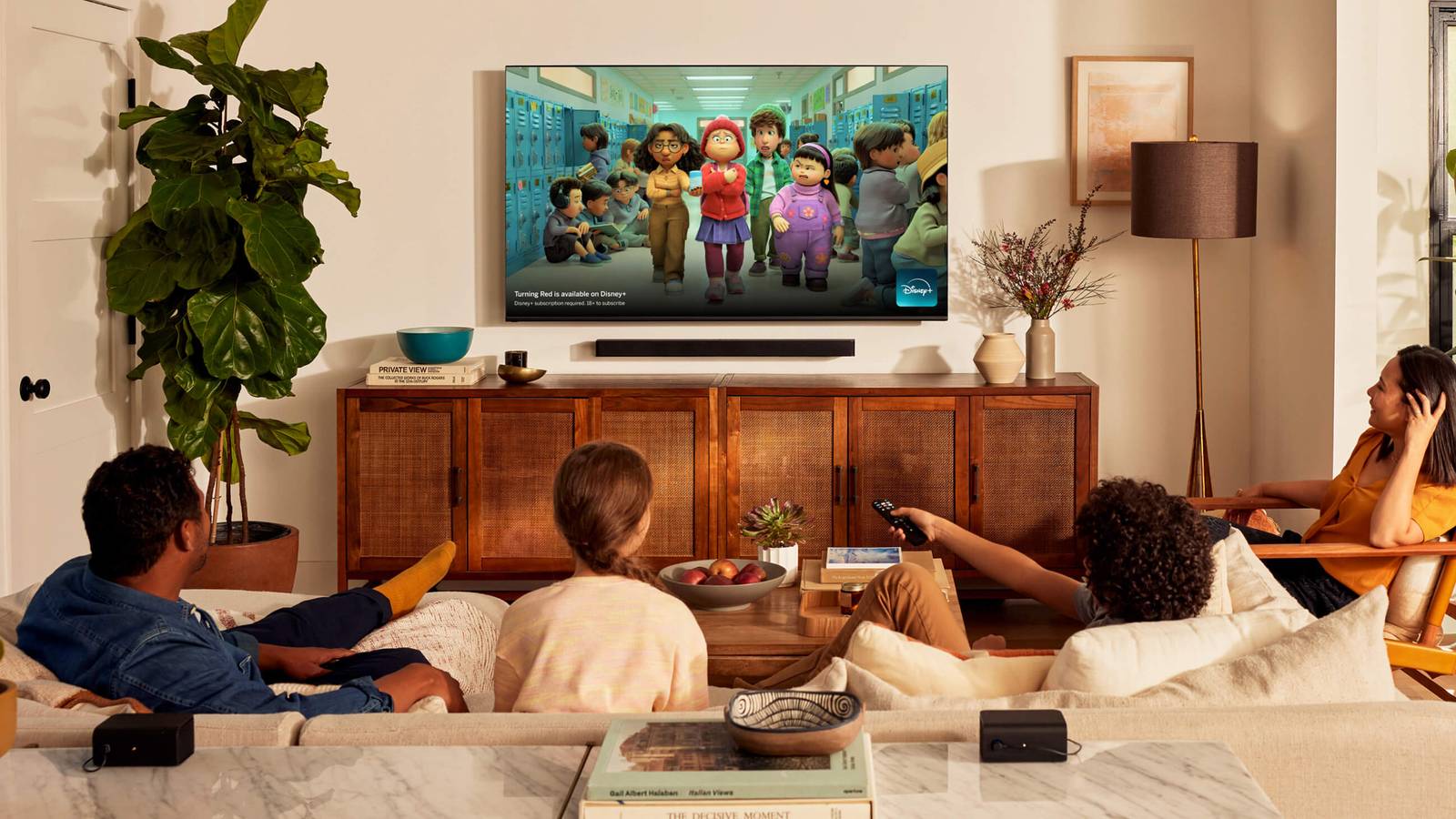
As most of you know, the TV sizes you see today are a relatively recent phenomenon. When we were all stuck with CRT TVs, anything over 40 inches was a behemoth, mostly because of the weight and footprint involved. My brother and I used to share an apartment together post-college, and the 40-inch CRT we moved in with was a struggle, even with two people and a dolly to make things easier.
LCD, OLED, and other technologies have made sizes over 50 inches not just possible, but de facto unless you’re specifically hunting for something small or cheap. You might want to squeeze a small TV in front of the rack in your home gym, for example, or on a kitchen counter while you do weekly meal prep.
It’s important to realize, however, that TV makers regularly cut off important features below certain (unannounced) size thresholds. The further you go below 50 inches, the more likely you are to run into these limits.
4K resolution and HDR
Probably the easiest sacrifice

If you search, it is possible to find 4K TVs under 40 inches. Samsung makes at least one 32-inch model. Realistically, however, a lot of TVs that size are limited to 1080p resolution, and frequently lose HDR (high dynamic range) at the same time. In case you’re not familiar, HDR ramps up highlights and shadow detail while extending color depth. As nice as 4K can be, it’s really HDR that makes an image “pop” in spectacular fashion.
The good news here is that on a small TV, you may not miss these features too deeply. It’s a matter of the limits of human vision. Below 50 inches, your brain can’t decipher any differences between 4K and 1080p, at least without getting uncomfortably close to the screen. You will miss HDR, but most video is mastered with SDR (standard dynamic range) as a baseline, so it’s hardly going to look terrible. In fact, go watch Samsara on a 1080p SDR set and tell me that it isn’t colorful enough.
A full set of (modern) HDMI ports
Beware the 2.0 demon

For whatever reason, TV makers are desperate to cut corners when it comes to HDMI ports. On a small TV, you’re liable to get no more than two or three, even though there should be plenty of design space. That may be sufficient for your home, but if it’s not, you’ll need an HDMI switch to get around the limitation. Simply buying a game console and an HDMI soundbar might leave you without any ports left.
This wouldn’t be such a bad thing if it weren’t for the fact that another place companies skimp is the version(s) of HDMI they provide. HDMI 2.1 is required for VRR, which prevents motion glitches when connecting a PC or console, as well as things like eARC speaker support. eARC is backwards-compatible, but using an ARC port means you won’t get lossless audio when you hook up something like a Blu-ray player.
Small TVs may only have one 2.1 port, or if they’re dirt cheap, none at all. You can make do with 2.0 — just be aware of the limitations.
High refresh rates and low response times
Not the gamer’s friend

You might not have thought of refresh rates much or at all, but in the modern TV landscape, they matter a great deal. The gist is that for perfectly smooth motion, refresh rates need to align with framerates. A disjunction between the two can result in glitches like judder, or even screen tearing, in which multiple frames merge.
Because smaller TVs tend to be cheaper TVs, you’re more likely to run into lower refresh rates, and that can cause trouble in multiple arenas. 60Hz is fine for most movies and shows, which typically run at 24 and 30fps (frames per second), respectively. Computers and consoles, however, may not only operate beyond 60fps, but wildly fluctuate as they struggle under load. That’s why VRR is so vital — a graphically intense game might be at 62fps one minute but 32fps the next. VRR can also help with movies and shows, just to a lesser degree.
There’s more. Without refresh rates at or above 120Hz, you may not get much benefit from motion smoothing features. Most of the time, I’d recommend disabling smoothing anyway. It might actually be worth using once Dolby Vision 2 and HDR10+ Advanced gain more traction though, and I’m not about to dictate how you use your TV.
Related to refresh rates is the concept of response time, a measure of how fast an individual pixel can change colors. Usually, this doesn’t impact much. With a PC or console, however, high response times can result in extra blur and input lag. Shoot for response times of 10ms or less, ideally under 2ms. One of the reasons OLED technology is so popular is that quick response times are baked in.
Fewer dimming zones and/or lower peak brightness
New panel tech to the rescue?

Speaking of OLED, if you’re not using that or MicroLED, you’re automatically dealing with dimming zones based on the number of backlights your TV has. Additional zones translate into improved contrast control, since there’s more nuance over what gets brightened or dimmed. On a small TV, there’s less space to fit backlights — ipso facto, then, black levels may not be as dark as they could be.
As for brightness, TV makers commonly reserve the most power for expensive sets, so small TVs may not be great for daytime viewing. Even when they’re fine, I can almost guarantee their peak brightness levels will be inferior. That determines how bright HDR highlights can get. If a small TV supports HDR at all, it may not wow you the way you were expecting.
Thankfully, progress in panel technology is coming to save the day. If you can’t afford OLED, LCDs are quickly migrating to mini-LED, which dramatically increases the number of backlights. A bigger mini-LED product will still perform better, but I doubt you’ll be worried much about contrast.

- Brand
-
Hisense
- Display Size
-
55-inch
- Operating System
-
Fire TV
- Display Type
-
Mini-LED