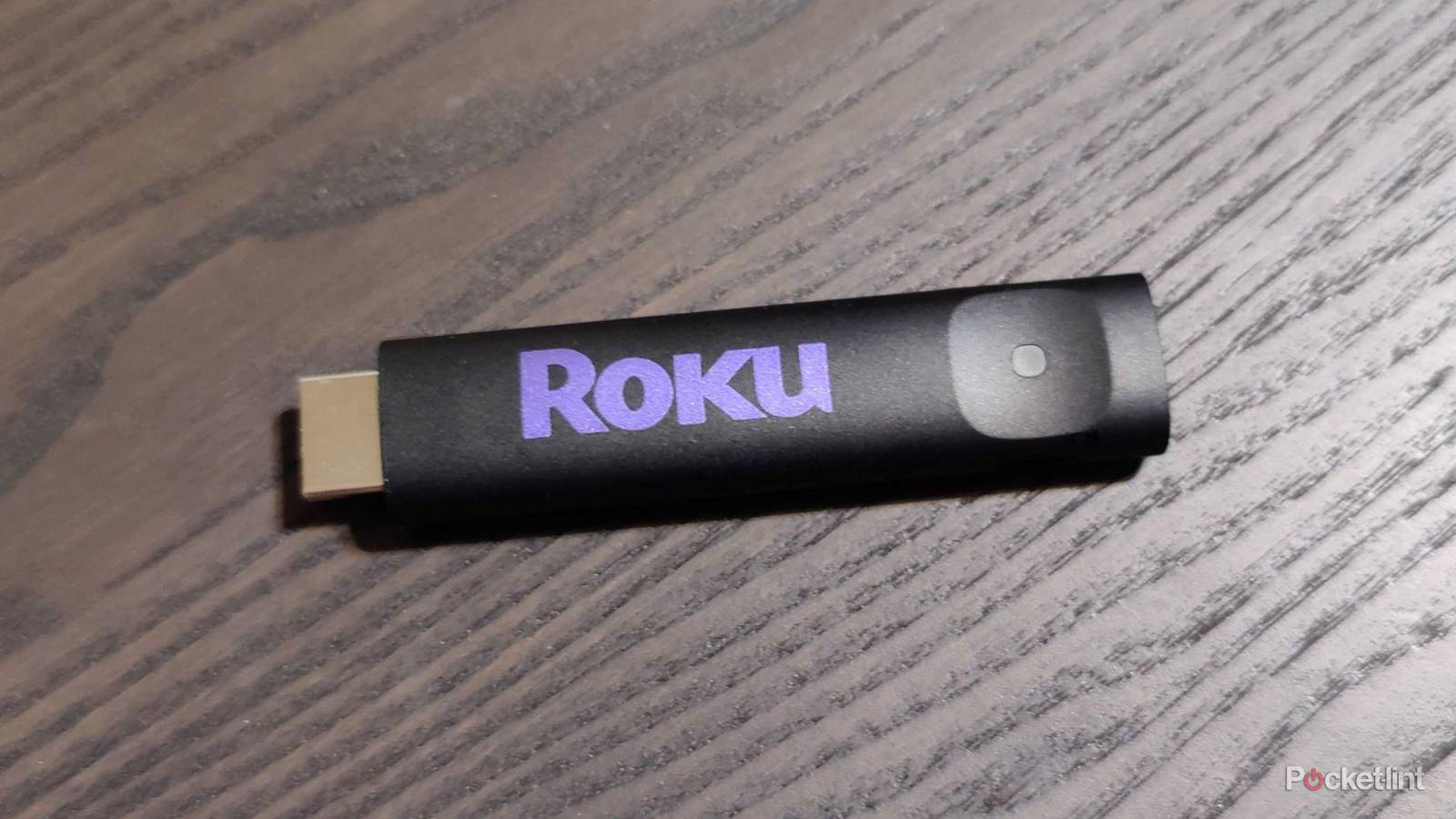
In my experience, streaming sticks are durable little devices, and it takes quite a bit to actually break one. However, that doesn’t mean they are totally indestructible, and it’s the little things that add up. A lot of people like to tuck their electronics into cabinets and tight spaces, but that’s not always the best option. I understand wanting to hide wires and devices, but you need to be careful.
Electronics don’t like to be exposed to a ton of heat, and while your streaming stick doesn’t typically get nearly as hot as a game console trapped in a cabinet, it’s still not good to do that. Streaming sticks placed too close to a wall can have trouble venting air, and that could cause some problems with your Roku stick. It’ll probably take a lot of prolonged heat to truly make a difference, but it’s certainly possible that the damage could add up over time.

- Operating System
-
Roku OS
- Resolution
-
4K
- Ports
-
HDMI 2.0b, USB for Power & Long-range Wi-Fi receiver
- Connectivity
-
Wi-Fi
- Dimensions
-
3.7″ x 0.80″ x 0.45″
Don’t cook your Roku Stick
Easy to avoid

A lot of people like to wall mount their TVs, and that means that they’re going to be as flush to the wall as possible. If you want to squeeze a Roku Stick into your HDMI port, it means you could potentially be dealing with a lot of radiating heat. There’s not a lot you can do to avoid that, but you’re better off checking the stick periodically to see if it’s getting proper airflow. This is much more of an issue if you’re using a box like a Roku Ultra where it’s a lot easier to tuck it away into a cabinet and forget about it.
Roku suggests avoiding direct sunlight and areas with high humidity and temperature. It’s also important to note that it’s okay if your Roku feels warm to the touch, and the only time you should be concerned is if you get an overheating warning. Your Roku device may also have a red light appearing to indicate that it’s too hot. Obviously, you’re not going to notice this light if it’s behind your TV or in a cabinet, however.
Honestly, it’ll take a lot of prolonged heat to make a difference, but if you can minimize or eliminate problems like this before they snowball into something bigger, you definitely should. I don’t want to have to worry about whether my Roku is getting enough airflow, so I’d like to avoid that when I can. The good news is that I’ve never come close to breaking a streaming device this way, but that’s also because I’ve been conscious of it for years. Not everyone is aware that you can cook your streaming devices, so I hope this helps out.
It’s not as cheap to replace these anymore
Prices are going up

For a long time, this wasn’t really worth worrying about, because even if your stick broke, it’s not like it cost an arm and a leg to replace it. While that’s still mostly the case, things are more expensive than they were even a few months ago. A Roku Ultra now costs $150, barring a sale, so it’s a tough pill to swallow if you have to run out and replace that, considering it was $100 not too long ago, and it was often on sale.
This is happening across the board, so don’t think it’s exclusive to just your streaming sticks. It’s expensive to replace anything, and that’s part of what makes your smart TV more valuable now. I’ve suddenly become more aware of how old some of my devices are, and now I’m worried about having to replace some of them. I have an Apple TV 4K that’s almost 10 years old, so it’s obviously closer to the end of its life than it is the beginning. A new Apple TV 4K costs $200 now, so I don’t want to replace that if I don’t have to. I expect the fourth-gen Apple TV 4K, if it’s real, to cost even more than that.
A streaming stick is still relatively cheap in comparison, so it’s not all doom and gloom. If you do take the proper steps to keep your device in good shape and avoid overheating, you should be able to get years of use out of it. The good thing about a streaming stick and box is that they don’t undergo a lot of wear and tear. These are mostly plug and play, so you shouldn’t get scratches or ding them up since you won’t be touching them at all. That doesn’t mean you won’t run into software issues, but there are a variety of ways to speed a Roku back up again. You might have to try out a few of those tricks more than usual if you plan on prolonging the life of your Roku Stick. It’s unfortunate that it feels necessary to do this, but I’d certainly rather do this that shell out the money for a replacement.