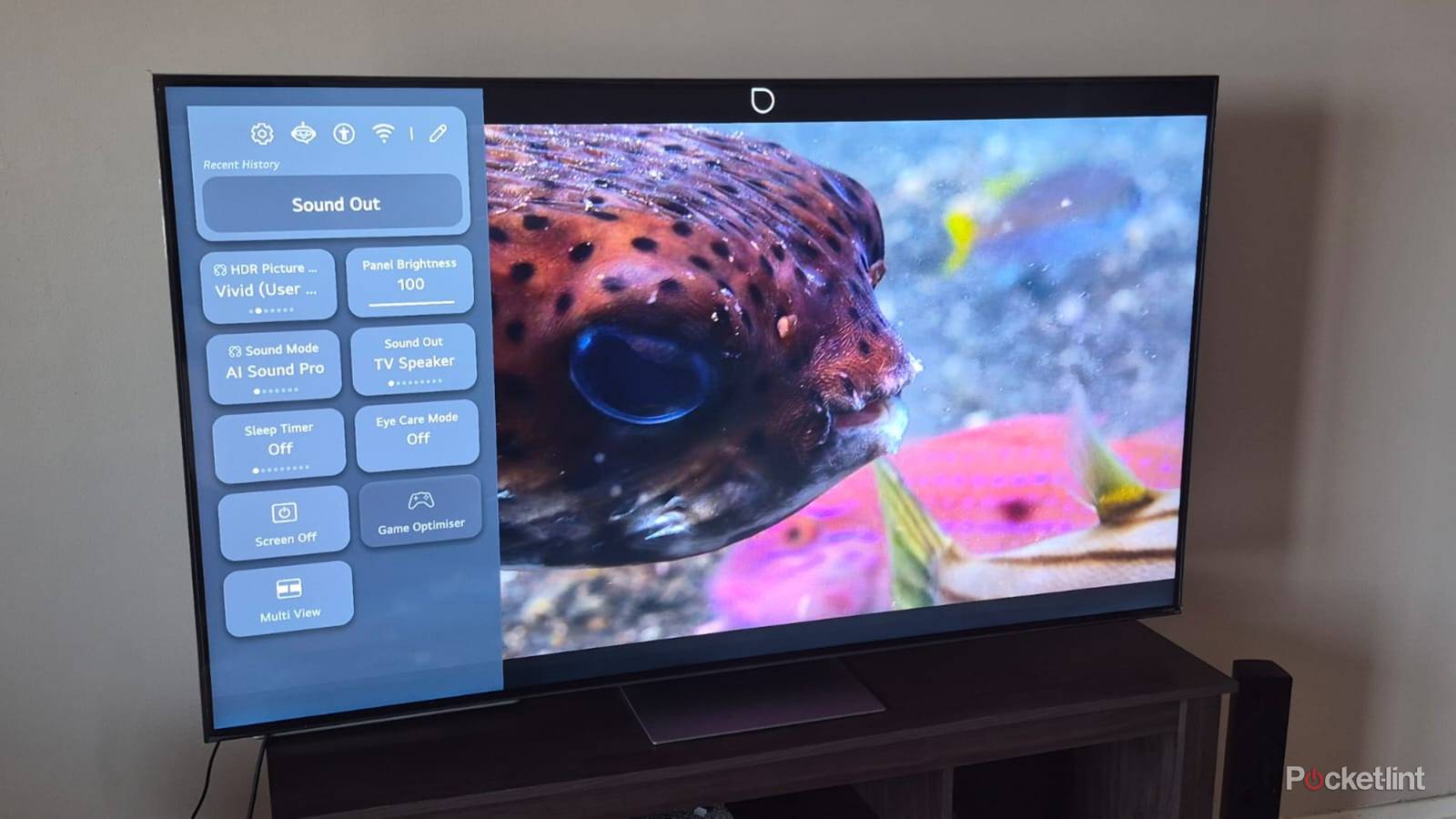
I love visuals, and it’s a big reason why I’ve gravitated toward higher-end Mini LED and OLED screens. Yes, my living room TV is an older Sony Bravia X90J, which is a Full Array LED, but it has been getting the job done for me over the past five years. I didn’t know as much as I know about TVs then as I do now, and if I did it again, I’d definitely grab at least a Mini-LED.
Something that’s also very important is a TV’s HDR support. These days, it’s not uncommon to see the letters HDR plastered on just about any new TV. That’s probably because everything can support HDR, but it doesn’t mean that each TV does it well. This is a problem that stretches well beyond HDR, as well. Your phone, TV, handheld game console, and laptop — anything with a screen, really — can all utilize HDR. The problem here is that not all HDR is created equally, and just because you’re capable of using it doesn’t mean you should use it.
Computer monitors are a big offender in this area, and it trickles over to TVs as well. There are some small tweaks to be made to get a better picture, but if your screen doesn’t have the brightness, it doesn’t have the brightness.


5/5
- Brand
-
LG
- Screen Size
-
65″
- Display Technology
-
OLED
- HDR
-
10
HDR is real, but only if your screen allows it
It’s worth it, I swear

HDR has almost become a buzzword for people who don’t know otherwise. Most smart TVs these days have HDR10 support, and some have Dolby Vision or HDR10+ support on top of that. Those latter two formats are the best versions of HDR you can have today, and if you’re watching something that really takes advantage of it, 2024’s Furiosa comes to mind as a semi-recent example, then you can see how important it is. When there’s a proper HDR scan, the colors will pop off the screen and wow you. Of course, none of this is possible if you don’t have a TV that’s capable of doing this. As it turns out, many people don’t.
Whether you have good HDR or not is often determined by your screen’s maximum brightness. A good rule of thumb is 1,000 nits for good HDR. If you cut that in half to 500 nits, you’re getting the bare minimum, and it’s easy not to be wowed by that. A lot of computer monitors you see, my HP X34 included, boast something called HDR400, which is pretty much the same as not having HDR at all. In my experience, no PC game has looked better on my monitor after toggling on HDR, so I just leave it off. That’s the case with a lot of budget screens, and it almost feels like you’re scammed into thinking you have HDR. What often ends up happening is people turn on HDR, see some incredibly washed-out colors, and then toggle it off, thinking that’s what HDR looks like. I can confirm that good HDR isn’t supposed to look that way, and it’s damaging for low-end HDR implementation to shape the way people think like that.
You can see issues like this arise with budget TVs, too. I have an Amazon Fire TV Omni QLED in my spare bedroom, and while I like it a lot, it’s not exactly what I would call a perfect HDR experience. It’s certainly good enough, and the TV gets bright enough, but it doesn’t come close to my Sony in the living room. The Fire TV can hit up to 600 nits, so it’s much better than other budget options, and it has Dolby Vision support. Mini-LED is a nice sweet spot, as that means you can hit much higher peak brightness, and that means your image will pop off the screen more than it would with something lower, like my Omni QLED.
The point is that there are many people using cheaper TVs and screens, thinking HDR looks a certain way when that’s not the case. I get that letting HDR be available to the masses is a good thing, but not when it leads people to think the format isn’t anything special. Good HDR is a great experience, and I always get excited when I pick up a 4K Blu-ray disc that comes with a Dolby Vision scan.
Unfortunately, I do have to eventually upgrade my computer monitor to get a better gaming experience, and that’s a bummer. Screens in general are already expensive as it is, and since I use an ultrawide monitor, it’ll cost even more to get a decent one with good HDR. It’s definitely on the list of things to do, but I’ll hold off on that for a while.
 Quiz
QuizHDR10+ and Dolby Vision
Trivia challenge
Dynamic metadata, tone mapping, and peak brightness — how well do you really know the battle for HDR supremacy?
HDRDisplay TechStreamingStandardsPicture Quality
What key feature distinguishes HDR10+ and Dolby Vision from standard HDR10?
Correct! Both HDR10+ and Dolby Vision use dynamic metadata, meaning tone mapping instructions can change on a scene-by-scene or even frame-by-frame basis. This allows displays to render highlights and shadows far more accurately than static HDR10, which applies a single set of instructions to the entire film.
Not quite. The defining difference is dynamic metadata. Unlike base HDR10, both HDR10+ and Dolby Vision carry tone mapping data that adapts throughout the content, ensuring each scene looks as the creator intended on a wide variety of displays.
Which company developed and licenses the Dolby Vision HDR format?
Correct! Dolby Laboratories, the audio and imaging technology giant, created Dolby Vision. Because it is a proprietary format, manufacturers must pay licensing fees to include Dolby Vision support in their TVs, projectors, and streaming devices — a cost that has influenced some brands to favour alternatives.
Not quite. Dolby Vision is owned and licensed by Dolby Laboratories. The proprietary nature of the format means device makers pay a fee to support it, which is one reason rival formats like HDR10+ exist as royalty-free alternatives.
HDR10+ was developed as a royalty-free alternative to Dolby Vision. Which company is primarily credited with creating it?
Correct! Samsung developed HDR10+ and launched it in 2017, largely in response to the licensing costs associated with Dolby Vision. Samsung made the specification royalty-free and later partnered with Amazon and Panasonic to help grow its adoption across TVs and streaming platforms.
Not quite. HDR10+ was created by Samsung. The company wanted a dynamic metadata HDR format that manufacturers could adopt without paying royalties, and it launched the standard in 2017 alongside partners including Amazon and Panasonic.
What is the maximum peak luminance specification that Dolby Vision supports?
Correct! Dolby Vision’s specification supports peak luminance up to 10,000 nits, far exceeding what current consumer displays can actually achieve. This future-proofed headroom means the format is designed to remain relevant as display technology continues to improve over the coming years.
Not quite. Dolby Vision supports up to 10,000 nits of peak luminance. While no mainstream consumer TV today reaches that level, the generous ceiling ensures the format won’t become technically obsolete as display brightness capabilities continue to advance.
Which major streaming platform was among the first to offer HDR10+ content, helping drive early adoption of the format?
Correct! Amazon Prime Video was an early and enthusiastic adopter of HDR10+, working closely with Samsung to bring the format to streaming audiences. Amazon’s involvement was significant because it gave HDR10+ a high-profile platform at a time when Dolby Vision had a strong lead in streaming content availability.
Not quite. Amazon Prime Video was a key early partner for HDR10+, collaborating with Samsung to bring the format to its streaming library. Netflix, by contrast, has been a strong supporter of Dolby Vision rather than HDR10+.
Dolby Vision IQ is an enhanced version of Dolby Vision that adds which additional capability?
Correct! Dolby Vision IQ uses a TV’s built-in ambient light sensor to adjust the picture’s tone mapping in real time based on the lighting conditions in the viewing environment. This means the image stays optimally calibrated whether you are watching in a darkened home cinema or a bright living room.
Not quite. Dolby Vision IQ enhances the standard format by incorporating ambient light sensing. The TV reads the light level in the room and adjusts tone mapping accordingly, so the picture always looks its best regardless of the environment you are watching in.
What colour bit depth does Dolby Vision use, compared to the 10-bit depth of standard HDR10?
Correct! Dolby Vision supports up to 12-bit colour depth, which allows for over 68 billion possible colours compared to the roughly one billion available with 10-bit HDR10. In practice, most current displays are 10-bit panels, but 12-bit support future-proofs the format for next-generation screens.
Not quite. Dolby Vision supports up to 12-bit colour, enabling a dramatically larger palette than 10-bit HDR10. While most TVs on the market today are 10-bit, the 12-bit specification ensures Dolby Vision has room to grow as panel technology evolves.
Which of the following devices was notably the first smartphone to support Dolby Vision recording, not just playback?
Correct! Apple’s iPhone 12 Pro, launched in 2020, was the first smartphone capable of recording video directly in Dolby Vision HDR. This was a landmark moment for the format, bringing professional-grade HDR capture to a mainstream consumer device and significantly raising the profile of Dolby Vision beyond traditional cinema and television.
Not quite. The Apple iPhone 12 Pro made history in 2020 as the first smartphone to record video natively in Dolby Vision. Apple’s decision to bake this capability into its flagship camera system brought HDR video recording to millions of everyday users for the first time.
Your Score
/ 8
Thanks for playing!
Make sure you do your calibrations anyways
Check your TV settings

You’ll see that when you’re playing something on your Xbox or PlayStation, you often have the ability to change some sliders to get the picture looking the best that it can. It’s important for you to do this because you don’t want your entire time playing a game to look bad. Gaming is the most control I tend to have over my HDR experience since I can mess with various sliders, something that movies and TV shows don’t give you the option of doing. This is always where you’ll find out if your TV can handle HDR or not, because if you see that moving those sliders doesn’t do anything, then you’re in trouble.
For TV, it’s trickier because there are some settings you can’t tinker with on your TV, but those are general settings. Don’t get me wrong, you should definitely change your brightness and contrast depending on your room, so do that. Something that I didn’t realize until long after owning a Dolby Vision TV is the fact that there are two different modes. My TV has Dolby Vision Bright and Dolby Vision Dark, and while I have mine set to Dark most of the time due to me liking the colors better, Bright is better for people who have their TV in a bright room. As you might’ve guessed by the name, Dolby Vision Bright makes your screen brighter, which means it fights off glare better. If you can control the brightness of your room, Dark is typically the better of the two.
Even if your TV only peaks at about 500 nits, it’s still worth calibrating the settings because it’ll help SDR content as well, and I spend a lot of time watching that. If you watch live TV, you don’t have to worry about HDR at all, but it’s still nice to know that my regular cable channels still look good.