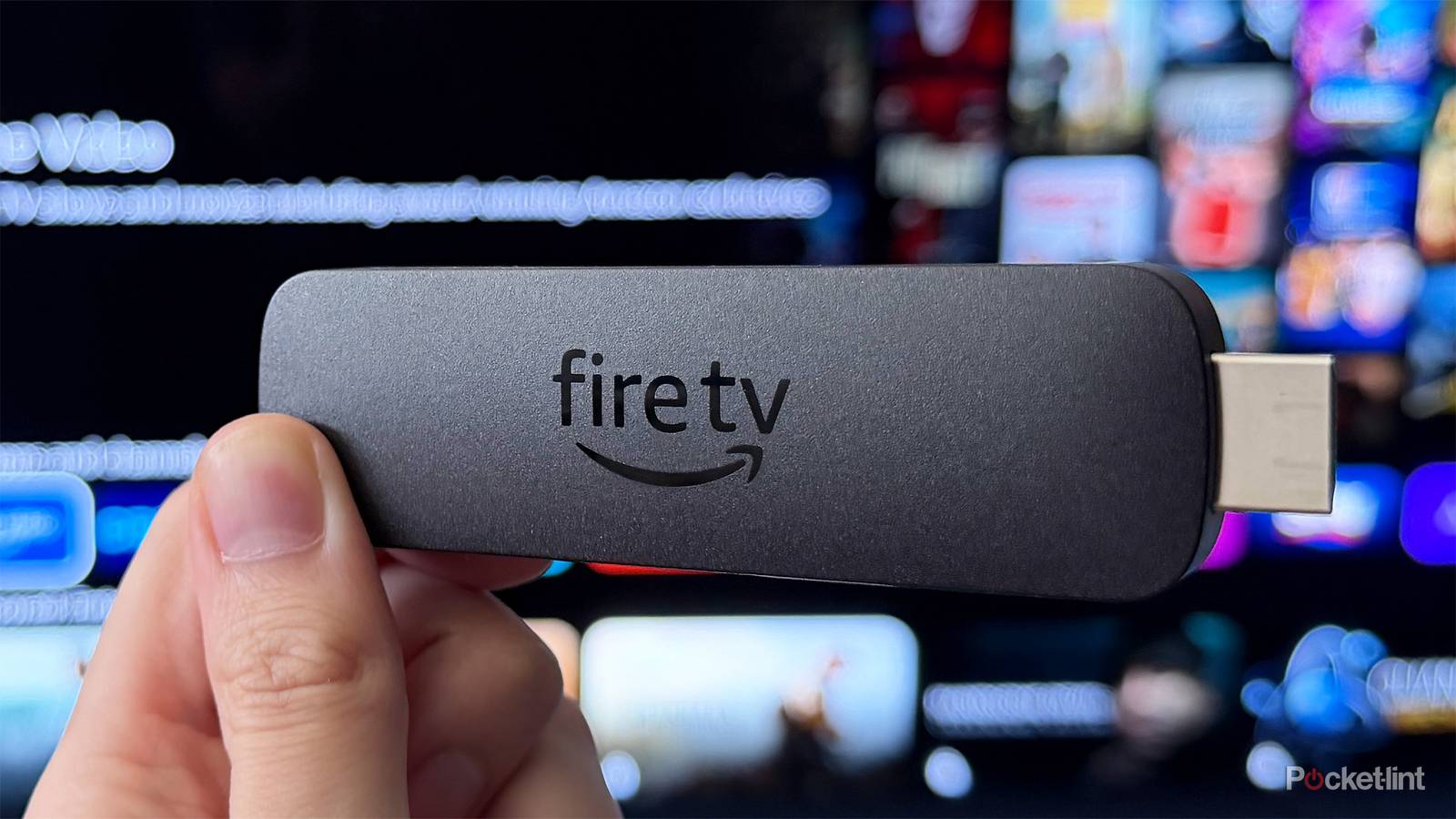
I think it’s fair to say Amazon doesn’t always get everything right with its Fire TV Sticks.
Take the new Fire TV Stick HD, for example. It has a sleek new slim design that looks great, and Amazon has finally ditched Micro-USB in favor of USB-C. But the downside is the software it runs: Vega OS, Amazon’s new Linux-based operating system that doesn’t support sideloading. If you never sideload Android apps, this probably won’t affect you much. But if you do, it’s a major letdown, and Amazon has confirmed that all future Fire TV Sticks will run Vega OS.
But setting aside the challenges of Vega OS, one thing Amazon gets absolutely right is accessibility options on its Fire TV devices. Features such as Dialogue Boost, Audio Descriptions, and High Contrast Text make Fire TV Sticks and Fire TVs much easier to use, especially for people with hearing or vision impairments.
And with the new Fire TV Stick HD, Amazon has quietly announced another new accessibility feature that will soon make it much easier to see what’s on your screen: Adaptive Display.
Adaptive Display is a game-changer
A major win for accessibility
Adaptive Display is a new accessibility feature that Amazon says is rolling out “in the coming months” for the new Fire TV Stick HD and will eventually be available on other Fire TV devices as well. It enhances the size of text, menus, and on-screen content to make everything easier to see.
I’ve been in plenty of situations where the text on my TV screen with a Fire TV Stick was simply too small to read, and Adaptive Display aims to fix that by offering multiple size options to enlarge on-screen text, as you can see in the images above. The first image shows a larger Adaptive Display option, the second a smaller one, and the third the default size.
“When turned on, the feature enlarges smaller items like text and menus while proportionally scaling content artwork, creating a more balanced browsing experience,” Amazon explained in a blog post.
Based on what Amazon has previewed of Adaptive Display so far, I really like how it keeps artwork and text clear without sacrificing image quality, and I also appreciate that it offers multiple size options. So if you don’t need the largest Adaptive Display setting, you can choose a smaller one that doesn’t scale everything up as much but still makes things easier to see.
Amazon hasn’t said when exactly Adaptive Display is rolling out, other than “the coming months,” but hopefully we’ll see it before the end of the summer. The new Fire TV Stick HD will be the first to support Adaptive Display, with Amazon aiming to bring the feature to other Fire TV devices afterward, but there’s no timeline for that yet.
I know there are a lot of grievances about Vega OS right now, and rightfully so, but I think Adaptive Display is a clear positive addition to Fire TV Sticks and Fire TVs, and I’m excited to test it out when it launches later this year.

- Brand
-
Amazon
- Bluetooth codecs
-
Bluetooth 5.3
- Wi-Fi
-
Wi-Fi 6
- Supported video
-
1080p (HD)