


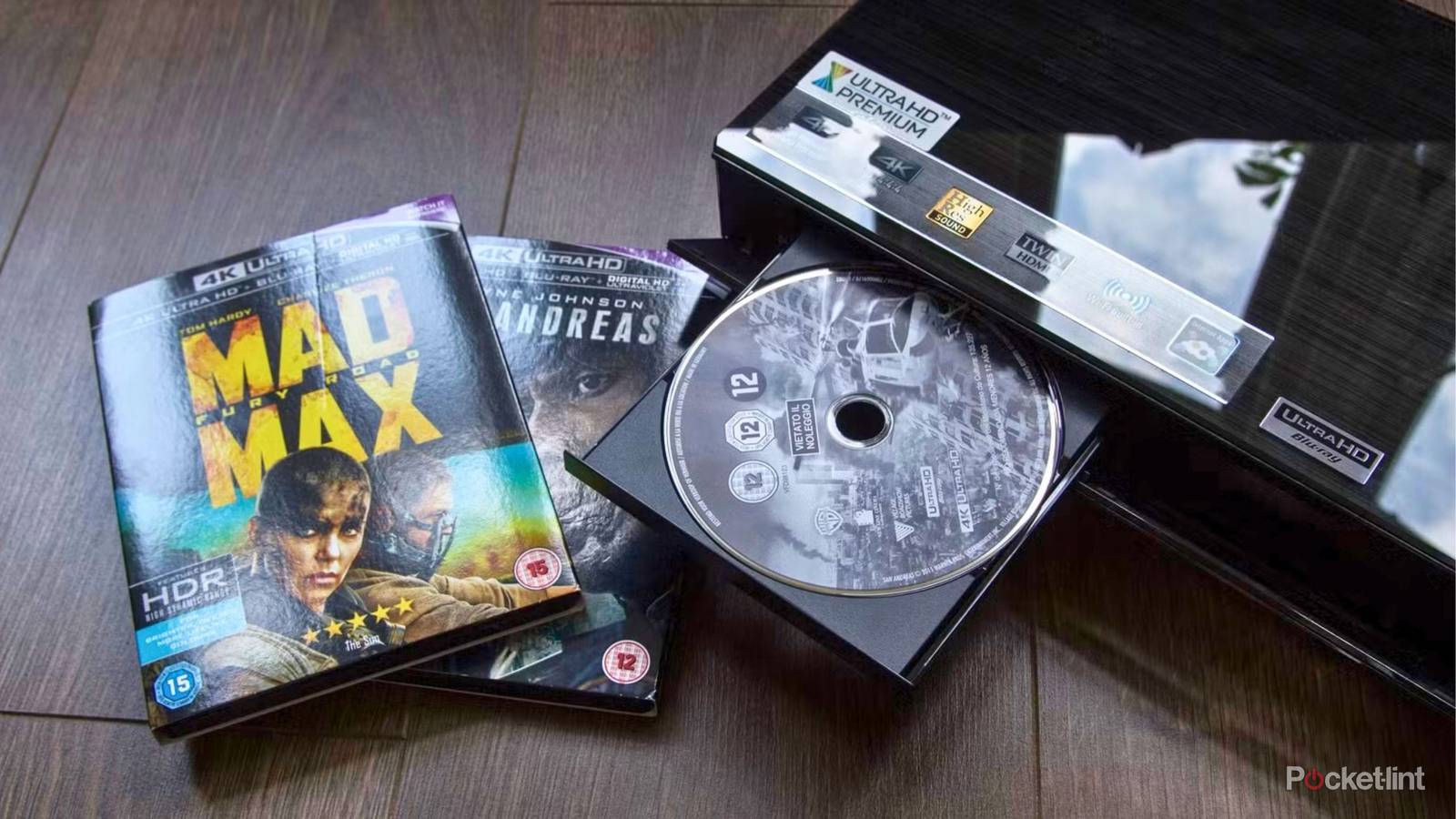
Whether they realize it or not, a lot of people have a way of playing 4K Blu-ray discs in their home. The most common way is by having an Xbox or PlayStation. The PS5 is this generation’s most popular console, and it’s an excellent entry point into the world of physical media. While Sony said it won’t be releasing discs anymore, that isn’t going to stop the disc drive from working. Sure, the PS6 may not have a disc drive, but that’s something for future you to worry about. For right now, your PS5 disc drive can play 4K Blu-ray discs.
I started off using a game console as my Blu-ray player, but I eventually moved on to greener pastures by picking up a standalone 4K Blu-ray player. The main reason I did this was for better HDR. If you don’t already know, 4K Blu-ray has three different HDR formats. The main one is HDR10, and that’s available on every single player. However, Dolby Vision and HDR10+ aren’t available on your PS5 or Xbox, so you’ll need to upgrade your player if you want that support. If that doesn’t interest you, then you can stick with what you’re currently using and call it a day.
More HDR formats are available on a dedicated player
Better picture quality awaits

Picture quality is a big reason to become a fan of physical media. Streaming can look good depending on the service, but it can never match the raw bandwidth available from a disc. Discs let you reach those high bitrates that streaming lacks, and that means you’ll get not only a better picture, but audio as well.
Part of the better picture comes from Dolby Vision and HDR10+, and any good 4K Blu-ray player can handle that for you. Not every disc has access to these formats, however, so make sure you take a look at your collection and figure out if you actually need to upgrade. Pretty much every single Marvel Cinematic Universe title has basic HDR10, which means your PS5 will get the most out of the disc. As you grow your collection, you’re bound to come across Dolby Vision and HDR10+ titles, so I’d say it’s still worth it to get a player even if you have little need for it right now.
Dolby Vision is my favorite HDR format, and it’s something that gives 4K Blu-ray an advantage over regular Blu-ray aside from the resolution bump. I don’t have an OLED TV myself, so it’s cool to get something that helps out my TV’s black levels. It’s interesting because both the Xbox and PlayStation support Dolby Vision for gaming, so I’m not sure why there isn’t a way for discs to do it, but here we are. If you want to get the most out of your discs, you need to leave the game console behind. Sadly, that means you have to drop a few hundred dollars on a 4K Blu-ray player, and that’s a tough pill to swallow if you’re not an enthusiast.
Your TV needs to support the HDR formats as well
An important step in the process

Perhaps more important than your player is your TV. If you have a 4K Blu-ray player but pair it with a TV that doesn’t support Dolby Vision, then it doesn’t mean a whole lot. Dolby Vision is rolling out compatibility with TVs all across the price spectrum these days, but you’ll still typically only find that it’s worth it as you start to climb up the price ladder. For that reason, there are a lot of people out there with 4K TVs that don’t support Dolby Vision. That’s not inherently a bad thing, however, as all 4K TVs will still give you access to HDR10. You’re still reaping some of the rewards of HDR, but not everything that the format has to offer.
All in all, it’s quite an expensive hobby to get into when you take into account the price of the player, the price of your TV, and the price of your discs. For a lot of people, myself included, it’s well worth the price. You can even throw in a Dolby Atmos sound system to get even more out of it if you’d like. This is very much a hobby where you get out what you put in, and because of that, there’s pretty much a bottomless well of money that you can sink into it. For people who are just using their PS5 as a player paired with a cheap 4K TV and a soundbar, there’s not much of a reason to ever upgrade to a dedicated player.
Once you start learning about things like Dolby Vision, Dolby Atmos, and why your TV’s nits matter, then you’ll start to see how limited your viewing experience has been. If you’re somebody who just wants to enjoy movies, then go ahead and ignore everything I said here and keep on watching your favorites. 4K discs are still 4K discs regardless of what you play them on, and they’ll always look better than streaming.


