


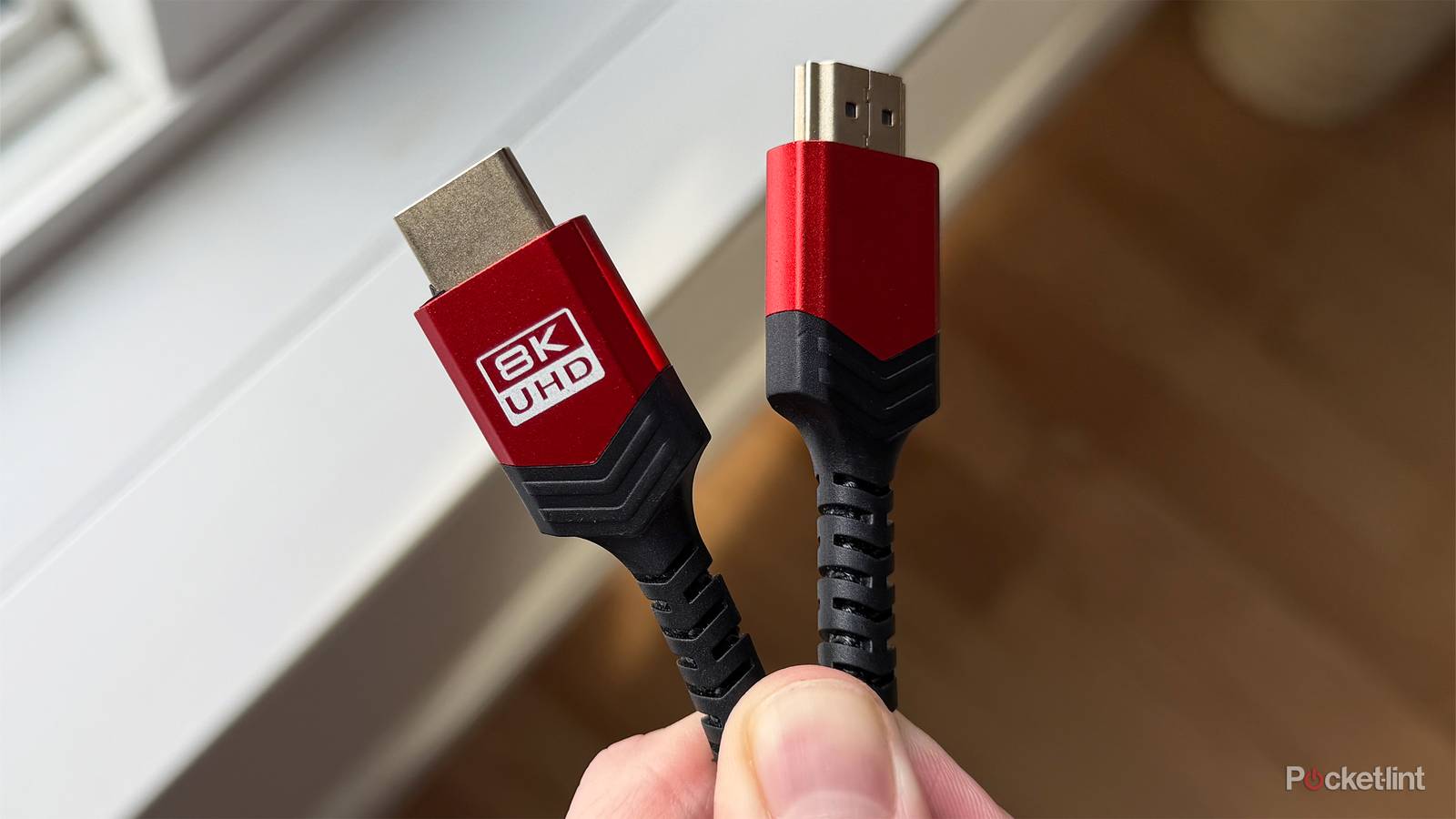
HDMI cables come in many shapes and sizes — okay, maybe not shapes. The point is that there are a lot of different HDMI cables that greatly vary in price. It’s easy to get swept away in thinking that the most expensive cables are the best performers, but that’s not the case.
What differs in price range are things like length and durability. For example, a braided cable will hold up to more wear and tear than a regular run-of-the-mill HDMI cable would. Another example is those gold-plated HDMI cables that are meant to last longer than regular ones. I’ve never had an HDMI cable corrode on me, but it might be an issue for you, so those gold-plated cables can fix that.
While that’s fine and good, you shouldn’t be expecting anything different in terms of performance. The neat thing about an HDMI cable is that it either works or it doesn’t. You either see a picture on your TV, or you don’t. If we judge HDMI cables by that criterion, then you’ll find a lot of them work just fine, even the cheapest thing you can find on store shelves.
Don’t sweat the expensive cables
Inexpensive HDMI cables work just fine

You need HDMI cables to connect most of your modern devices to your TV and monitors these days, so I fully understand why you’d want to grab a lot of them. Those prices can add up in a hurry, so I don’t blame you for wanting to cut costs when you can. The good news for HDMI cables is that you can do that without any noticeable drop in quality. If you want that Amazon Basics-branded HDMI cable plugged into your OLED TV, then go for it. It’ll perform the exact same way as something more expensive.
The thing you need to be on the lookout for is speed. HDMI 2.1 can do 48 Gbps, and that means anything with that 2.1 branding is up to the task, regardless of price. 48 Gbps will always be 48 Gbps regardless of the price you pay. That’s great for anybody looking to add to their collection of cables, and it might be bittersweet to know you may have already overpaid for some cables in the past. Bandwidth is the key to these cables, and all HDMI 2.1 cables hit the same number, so there’s no reason to go over budget if you don’t need the extra things offered, like gold plating or braided cables. That dirt-cheap HDMI cable you find on Amazon performs the same as that expensive one you find at Best Buy.
HDMI 2.1 is important to have for most modern devices. A 2.1 cable ensures you can get 4K 120 FPS performance out of your PS5 and Xbox Series X, provided your TV also has the capabilities. An HDMI 2.0 cable will work with those consoles, but at just 18 Gbps, you can’t get the cutting-edge features that a 2.1 cable provides. There’s another format, 2.2, on the horizon, but it’ll be a long time before that becomes the standard. It still doesn’t feel like we’ve taken full advantage of what 2.1 can do, so I don’t see this one catching on for a while. The fact that HDMI 2.0 is still good enough for many people should be proof of that.
This logic applies to most cables
Save your cash

If you apply this tip about HDMI cables to other cables, you might have an eye-opening experience. That’s right, bandwidth is all that matters with cables, so you can use the same buying tips on USB-C, USB-A, Ethernet cables, etc. There’s no need to break the bank on any of these cables if they hit the speeds you’re aiming for. A Thunderbolt cable is a Thunderbolt cable regardless of price. Yes, there will be scenarios where a more expensive cable is worth it, like braided USB cables. For most people, you can get away with one of the cheap cables.
There’s really no other way to slice this other than good news. In the case of USB-C cables, I’ve been upgrading to this cable more than anything. It feels like any device I buy these days takes a USB-C cable, so I’m well behind. Fortunately, I haven’t had to break the bank, as a bunch of cheap cables has sufficed for me. I do have a braided USB-C cable in my bedroom for my phone because I was sick of these breaking and fraying after a while. Other than that, any old cable will do for me. The same thing applies to you, so don’t get swept away in a bunch of buzzwords that don’t mean anything. Just look for the speeds you need with your HDMI or USB-C, and go from there. It’s very easy to do, and for HDMI, I’d just recommend buying HDMI 2.1 cables regardless of anything else. These cables are fully backwards compatible, so there’s no reason not to buy the newest available format, especially since the price difference between it and 2.0 is largely negligible.