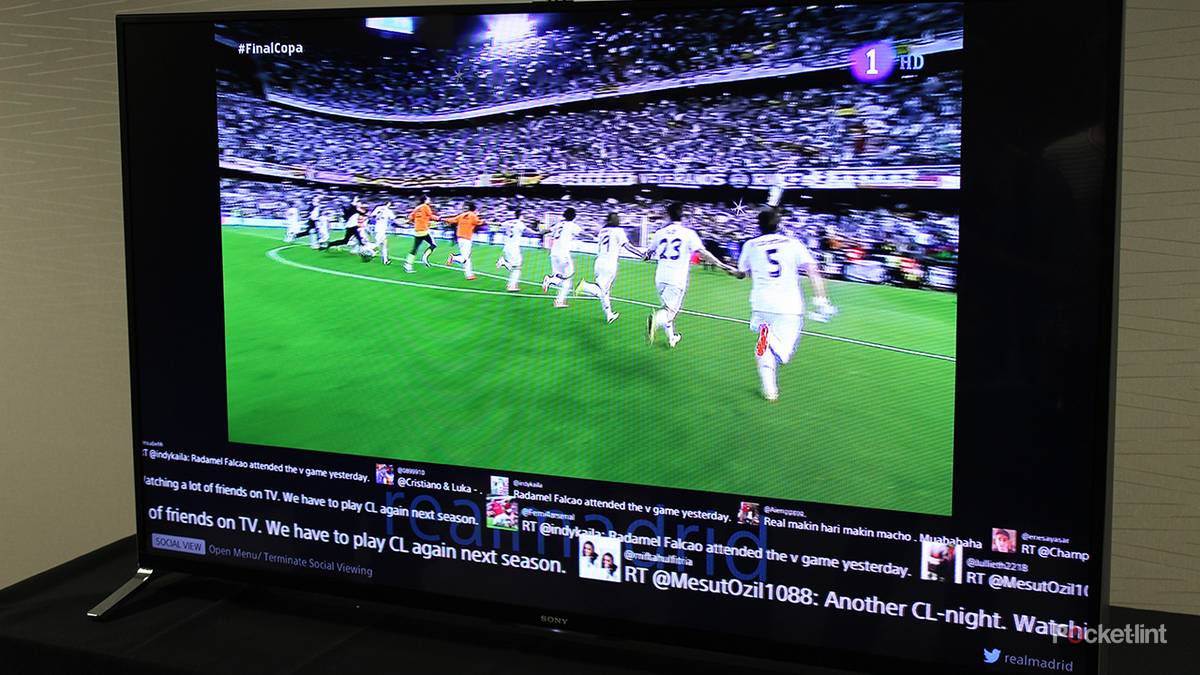
Somewhere around the group stage, I gave up. The neighbors upstairs would erupt, I would count to about twelve, and then a goal would arrive on my screen like a letter that had spent a fortnight in a sorting office. By the final, I was watching with my phone face-down, and every alert switched off, which is a strange way to watch the World Cup in 2026. The tournament is over now, though, and the delay is not, so with a full NFL season and a year of live sport ahead of it, it’s worth knowing where those crucial seconds actually go.
Where the delay actually comes from
Streaming was never built to arrive on time

Broadcast television sends one signal out to everyone at once, but streaming was never built to do so. Your match gets encoded, chopped into segments of a few seconds each, pushed out through a content delivery network, and then reassembled by your device, which deliberately hoards two or three of those segments before it plays a single frame. That hoarding is the buffer, and it’s also the reason your stream doesn’t stutter every time the Wi-Fi wobbles.
Unfortunately, that’s also the reason your stream runs behind. Encoding takes a second or two, and segmenting costs anywhere from three to ten, depending on how long the broadcaster set its chunks. Network hops cost more, and the player buffer adds several more on top of that. No single stage is outrageous, but stacked together, they’re the difference between celebrating with everyone else and celebrating alone.
What surprises most people is that broadcast isn’t instant either. Stats Perform, which measured Super Bowl LX in February with spotters inside Levi’s Stadium, put over-the-air broadcast at roughly 19 seconds behind the field and cable at 38. So when we say a stream runs 30 seconds behind the broadcast, we mean 30 seconds behind a signal that was already 19 seconds behind the ball. So, the person in the stadium has seen it, the radio has called it, and the betting app has already settled it.
Why two people watching the same game see it at different times
Your choice of service matters more than your gear

Phenix has run an annual Super Bowl latency study for six years, and the 2025 numbers are the clearest illustration you’ll see of how wide the gap gets. Measured from the field of play, Tubi came in at 26 seconds, NFL+ at 51, Hulu + Live TV at 62, DirecTV Stream at 63, Sling at 64, YouTube TV at 67, and Fubo at 78. Same game, same night, but a 52-second spread. Fox pushed its feed exclusively through Tubi that year, and that free FAST platform beat every cable measurement Phenix took.
Our own Eli Becht watched the game on Tubi and found the same thing (from the sofa rather than the spreadsheet), and the pattern held in 2026, with Peacock the quickest streaming option for Super Bowl LX at 48 seconds while cable sat at 38 and broadcast at 19.
There’s a second number worth caring about, even if it gets less attention. Drift is the spread between the fastest and slowest viewers on the same service, and Fubo has posted ranges from 30 seconds to over three minutes on a single game. A service with a decent average and terrible drift is a coin toss, but if you have a genuine choice of feed, I would take the rights-holder’s own route over the one bundled in with everything else, and I would take the consistent service over the nominally faster one.
The one setting that genuinely helps
YouTube TV’s Broadcast Delay control, and what it costs you

Among the big US live TV services, YouTube TV is the only one that hands the watcher a latency control, but for some reason it’s buried where nobody would accidentally find it. Open a live channel on a TV or streaming box, press down on the remote to bring up the player controls, open the three-dot menu, find Broadcast Delay, and set it to Decrease. It sticks now, across all channels, where it used to expire after 48 hours.
We’ve covered it as one of the YouTube TV tricks worth knowing, and Google recommends at least 3 Mbps for it, though you will want more.
Google is admirably blunt about the trade-off: the default delay is there to minimize interruptions, and cutting it may hit picture quality or cause rebuffering. Reported gains sit around 20 to 30 seconds, which is most of the gap, but the catch is that the setting is only available on a TV or a streaming box, not on a phone or tablet, and is still labeled experimental. If your connection is at all patchy, I would leave it on Default and mute your notifications instead, as a stream that stalls during a penalty is worse than a stream that is late for one.
YouTube’s Low Latency and Ultra Low Latency options live in YouTube Studio, which is the broadcaster’s end, so you cannot reach into someone else’s stream and turn them on. The Broadcast Delay control is the viewer-side equivalent, and on Fubo, Hulu + Live TV, Sling, and DirecTV Stream, there’s currently no equivalent at all.
What your network can and cannot do about it
A steadier connection stops the problem from getting worse

This is the part where the advice usually oversells itself. Whether it’s Wi-Fi 7, multi-link operation, a new mesh node, or a cable across the carpet, none of it shortens the segment length your broadcaster picked, and none of it shrinks the buffer the app insists on. You aren’t going to gigabit your way out of a 40-second delay.
A stable connection stops your player adding delay of its own, as every time packets drop, the player rebuffers, and every rebuffer pushes you further back and leaves you there for the rest of the match. That’s why the gap tends to grow across a game rather than hold steady, and it’s the single most common reason one person on a service is a minute behind while another is 30 seconds behind.
So the question is consistency, not throughput. We’ve argued on this site that your TV’s Ethernet port may well be slower than its Wi-Fi, and for raw speed that’s true, because most sets cap that port at 100 Mbps. For latency, though, the calculation is different: a 100 Mbps wired link that never fluctuates beats a 300 Mbps wireless one that halves itself whenever someone microwaves something.
If your router is in the same room and your set has Wi-Fi 6 or better, stay wireless, but if it’s two rooms and a wall away, wire the streaming box rather than the TV, since boxes like the Apple TV 4K and Roku Ultra have gigabit ports that the sets mostly don’t.
The cheaper fix, and the one most people don’t want to hear, is to stop asking for 4K. A 4K feed needs more buffer than a 1080p one, and dropping the quality lock a rung down often buys back a few seconds along with stability.
What to do when the app won’t cooperate
An antenna, a second screen, and a bit of discipline
If a game is on a local network, an antenna is still the fastest route into a US living room, and it’s a little absurd that a $30 lump of metal can beat a digital subscription. Broadcast at 19 seconds against Peacock at 48 is not a close contest. However, for the World Cup, that was no help, since the tournament ran through cable and streaming rights. But for NFL Sunday afternoons, it’s the most effective fix on this list.
Ahead of the tournament, the UK’s Sky launched low-latency Real Time versions of the channels carrying coverage on Glass and Stream in the UK and Ireland, parked on channel 926, after years of Sky’s own streaming customers sitting behind its satellite customers. Nothing comparable has landed in the US, and the BBC announced it had eliminated streaming lag back in 2018, so I wouldn’t hold your breath.
Which leaves the thing you can control: everything except the stream. You can’t speed a lagging stream up by pausing it, whatever the internet tells you, as pausing pushes you further behind and keeps you there. But score alerts, betting apps, group chats, and social feeds are all effectively live, and they are what actually spoils the goal. Turn off notifications before kickoff rather than during the second half, when it’s already too late. If you’re watching with a radio call for company, be aware the commentary will be well ahead of your picture, not behind it.
It’s a small enough gap that competitive gaming has built a whole vocabulary around exploiting it, which is roundabout what stream sniping is.
None of this gets you to zero. Streaming is still last in the queue behind an antenna, and it will be next year too. What you can do is stop losing the seconds you didn’t have to, by picking the feed with the better record, turning the setting on if your service offers one, wiring the box if the Wi-Fi is unreliable, and killing the alerts before you sit down. It’s the sort of thing worth doing in late July while there’s nothing much on, because the next time it matters you’ll be halfway through the first half before you remember it needed doing.
If you want to go further than latency, it is worth working through the TV settings that make live sport look right in the first place.
-

- Simultaneous streams
-
3
- # of profiles
-
6
- Live TV
-
Yes
- Price
-
Starts at $83 /month
- Free trial
-
Yes, length varies
-

- number of users
-
80 million
- notable shows
-
Hemlock Grove, Babylon 5, Spartacus, Gotham, Columbo
- notable movies
-
Don’t Tell Mom the Babysitter’s Dead, Child’s Play, White House Down, Knives Out, It
- Premium Subscription
-
No
- Originals
-
Yes
- Live TV
-
200+ channels
Tubi is a free streaming platform that offers a vast collection of TV shows, movies, and even access to live TV channels. Tubi is available across all major platforms via a dedicated application or via the web.