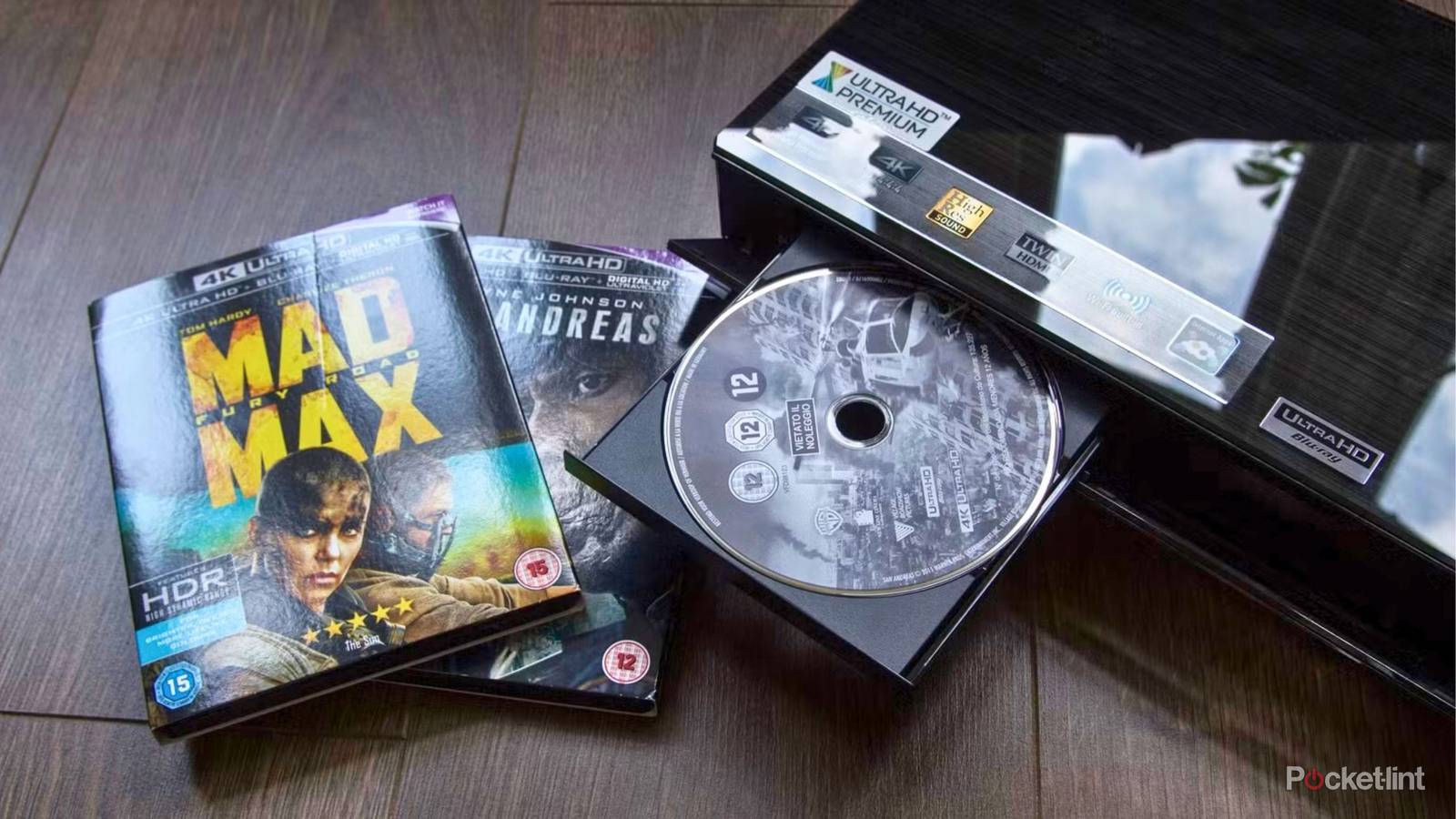
Physical media is making a comeback. With subscription service fatigue on the rise, more and more film and TV fans are opting to consume their media the old-fashioned way: via optical discs. Whether we’re talking about DVD or Blu-ray, optical media formats bring a lot to the table, including real physical ownership, a sense of nostalgia, resalability, and less reliance on the internet and on big tech giants.
Of course, optical discs are only as useful as their playback equipment, and there are plenty of additional audiovisual accessories and peripherals that allow you to transform a collection of discs into a full-fledged multimedia library. Aside from the discs themselves, here are six things you need to truly get started with your physical media collection.
A quality display panel or projector
To facilitate the audiovisual experience

Obviously, you’ll need a display of some sort to actually view the contents of your Blu-ray discs or DVDs. It goes without saying that high-end TVs will provide better picture quality than low-end ones, but the sweet spot might actually be right in the mid-ranger middle. Another option worth considering is a dedicated projector unit, which offers its own pros and cons over a traditional television set. Lastly, there are some portable all-in-one Blu-ray players on the market, which are travel-friendly but generally not as premium on the display side of thr equation.
A competent Blu-ray player
To read all your optical discs effortlessly

Speaking of Blu-ray players, you’ll certainly want to invest in a performant unit if at all possible. It’s tempting to purchase the cheapest model available and be done with it — after all, they all play the same discs — but you’ll be skimping out on quality behind-the-scenes. Premium Blu-ray players feature advanced technologies that improve the audiovisual experience, including high dynamic range (HDR) optimizers, Dolby Vision, LED upscaling, and sometimes even speedier disc reading mechanisms.
An appropriate HDMI cable
To get the most out of your tech gear

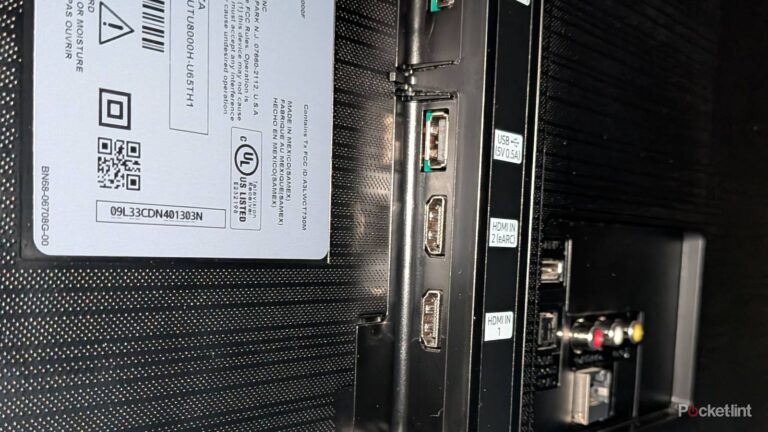
Even if you pair together a 4K TV, a 4K UHD Blu-ray player, and a 4K Blu-ray disc, you won’t be benefiting from the best-possible picture quality if you’re not using an appropriately specced HDMI cable. For maximum bandwidth throughput (to allow for the greatest amount of data to flow through the cord), stick with HDMI 2.1 certified cables. These cables can deliver up to a theoretical 48Gbps of data, which unlocks not only 4K resolution at 120Hz or 8K resolution at 60Hz (which is overkill), but also dynamic HDR, eARC, and other AV technologies.
An external sound source
To improve overall audio fidelity

Most modern flat screen television sets, no matter the price range, sacrifice audio quality in favor of a thinner and lighter physical design. With this in mind, an external sound source like a soundbar or a surround sound set will dramatically improve your movie and TV viewing experience, especially in the case of select 4K Blu-ray discs that support Dolby Atmos and other spatial audio technologies. If you opt for a soundbar, consider picking one up with eARC or optical input support, which will provide a hard-wired connection instead of a Bluetooth one.
Bias lighting
To foster a more immersive visual experience

Bias lighting adds a subtle hue to the back of your TV or display, creating a halo of light that dynamically adjusts on a scene-by-scene basis. Aside from the obvious cool factor of the setup, bias lighting can also reduce the eye fatigue that sometimes occurs when viewing a bright display in an otherwise dark room. The effect can also help immerse you further into the content you’re consuming, making scenes pop more than they otherwise would.
A universal remote
To make navigating your gear a breeze

Lastly, if you’re juggling multiple pieces of audiovisual equipment within a single home theater setup, you’ll want to consider investing in a universal remote. This will save you the headache of having to keep track of all the other remotes that come with your gadgets, while streamlining the time it takes you to actually jump into watching the contents of your Blu-ray discs or DVDs. Why settle for juggling four remotes when a single remote is technologically capable of handling all input duties?