



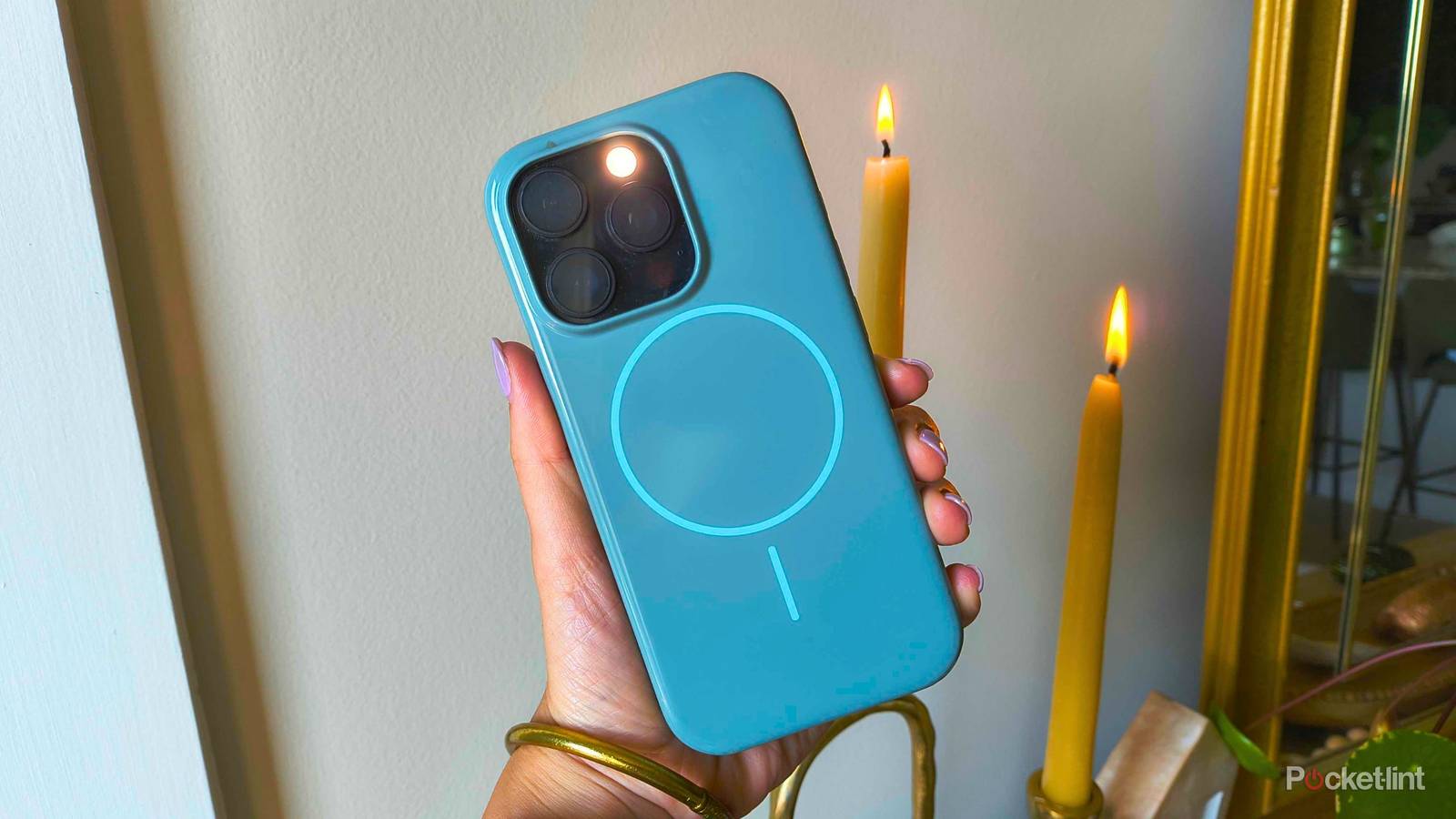
“Expecto Patronum!” Next time you encounter dementors on your morning commute, fear not — for your iPhone knows magic spells.
Okay, your phone can’t actually ward off the guards of Azkaban, but that doesn’t mean a few of the programmers at Apple didn’t give it a basic Hogwarts education. Preloaded with a few fan-favorite spells straight from the Wizarding World of Harry Potter, your iPhone’s voice assistant, Siri, has a few magic tricks up her sleeve that you can use anytime you want to sprinkle a little more magic into your day.
Here are the five best spells you can ‘cast’ on your iPhone by simply saying, “Hey Siri…”

- Brand
-
Apple
- SoC
-
A19
- Display
-
6.3-inch 2622 x 1206 pixel resolution Super Retina XDR
- Storage
-
256GB, 512GB
Hey Siri, Lumos
Let there be light

One of Apple’s best early features was turning the camera flash into an actual flashlight. It’s been well over a decade since the company graced us with a native toggle, but it remains one of my most used basic features.
While it’s easy enough to access via the lock screen and Control Center, there’s something — well — magical about casting a spell to turn on the light. To turn on your flashlight, activate Siri by saying, “Hey Siri, Lumos.”
I use “Lumos” when I misplace my phone in a dark room and don’t want to turn on the light to find it. As soon as the “spell” is cast, the flashlight gives away its position almost immediately.
Hey Siri, Nox
“Turn that light out!”

I’m not the cranky man in the painting that Harry blinds on his moonlit stroll about the castle that night in his third year, but I can tell you exactly how to turn your iPhone’s flashlight off without a single tap.
“Nox” is the counter-spell to “Lumos,” which turns on your phone’s flashlight. If your flashlight is on, say, “Hey Siri, Nox,” to turn it off immediately. Now, you’ll have enough time to stow away the Marauder’s Map in your pocket before Professor Snape can take it away.
Hey Siri, Accio [app]
Summon anything

To launch any app on your iPhone, say, “Hey Siri, Accio [app].” Pronounced “ack-ee-oh,” the spell allows witches and wizards in the Harry Potter universe to summon an object of their choice, like Harry getting his hands on his trusty broomstick in the Goblet of Fire.
Now, this one comes in handy when you can’t find an app that you’re looking for. Instead of swiping down and using Spotlight Search to try and find it, this Siri spell is much quicker and more fun.
Hey Siri, Silencio
Turn it all the way down

When you say, “Hey Siri, Silencio,” your phone will automatically turn the volume down to 0%. It’s slightly less convenient than holding down the volume button or even jumping into your Control Center, but if you have a flair for the dramatics and want everyone to know that you’re cutting the noise, this spell is for you.
I find it particularly funny to do this spell, because “Silencio” sounds like “silence” in a variety of languages, so your peers might not even know it’s a spell from Harry Potter. Nevertheless, what a good conversation starter.
Hey Siri, Avada Kedavra
The Killing Curse

Now if you remember Professor Moody’s Defense Against the Dark Arts lecture, you know that the Killing Curse is one of the Unforgivable Curses. If you point your wand at someone and say, “Avada Kedavra!” it will kill them in the Harry Potter universe. Only one person has ever been known to survive such a curse… and if you’d like to know who, well, you have some reading or watching to do.
Luckily, casting Avada Kedavra on your phone doesn’t kill it — it just shuts it off. Even then, your iPhone will ask you to confirm if that’s what you really want to do. Don’t worry, the Apple programmers didn’t install a magic kill switch to brick your ultra-fancy iPhone. That’d be the equivalent of tossing it into the Whomping Willow.