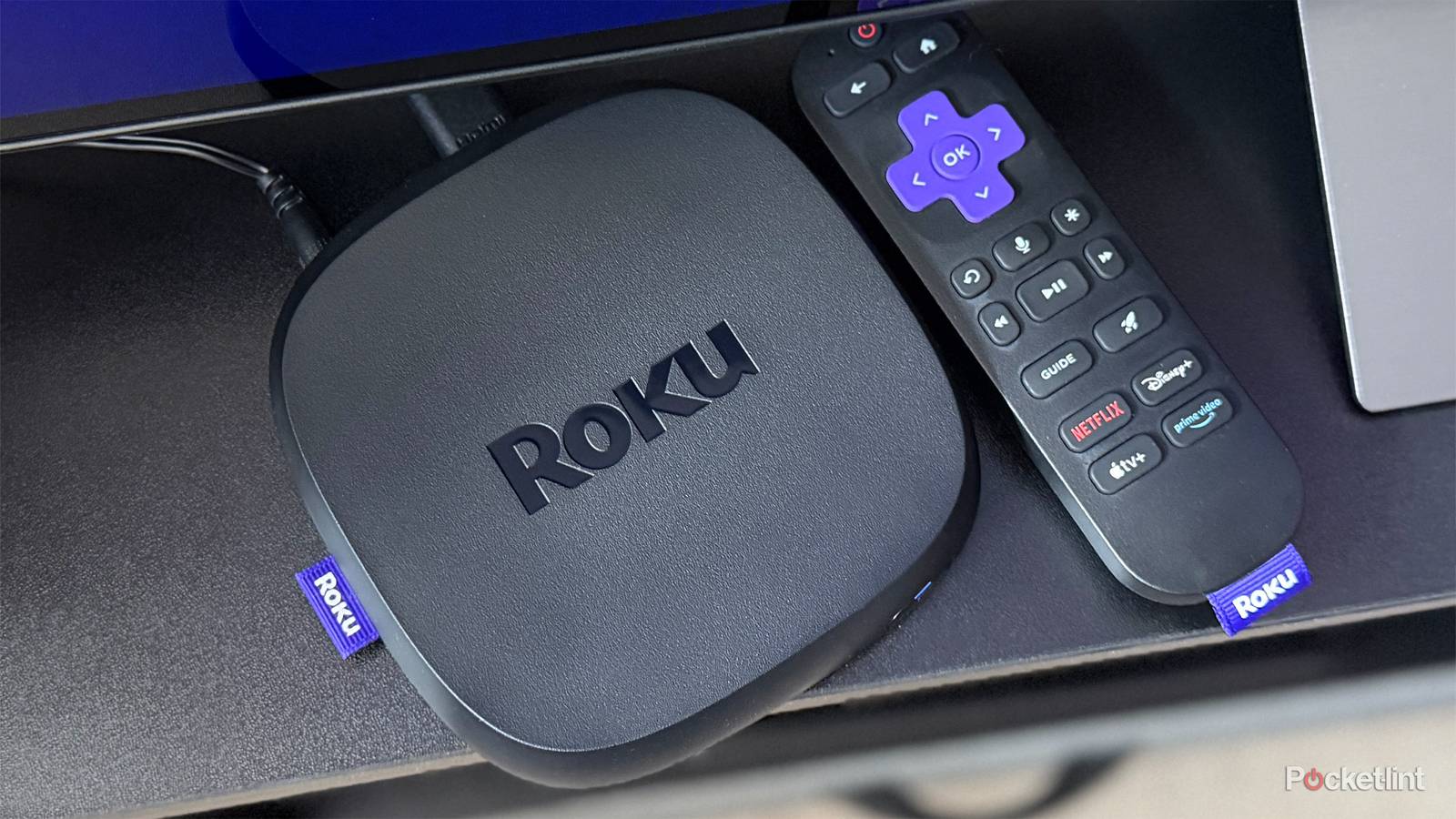
A theme that keeps coming up in my home theater and smart home pieces is how dependent everything is on your Wi-Fi network. Factors such as HDMI conflicts or pairing troubles can obviously wreck those experiences too, but faulty HDCP handshakes are almost trivial if your media streamer can’t reach Netflix in the first place.
Some of the problems that impact Wi-Fi on Roku devices are predictable, in that they might affect any other product in your home. There are a few unique situations going on, however, particularly with budget models. You’ll see what I mean in a moment.
The biggest problems killing Wi-Fi on your Roku
Plus potential fixes

The dominant threat is signal quality. If your router is too far away, your Roku will naturally get a weak or intermittent signal. The same is true if you’re dealing with interference, whether from obstacles, or overlapping broadcasts on the same channels. Your router doesn’t have to be in the same room — but it should be reasonably close, and sitting out in the open, off the ground. Consider relocating any large or dense obstacles in the signal path. If you’ve got unmovable brick, metal, or concrete in the way, you might need to consider switching to Ethernet.
For range, one potential solution is forcing your Roku to connect to your router’s 2.4GHz band by setting up a 2.4-exclusive SSID (network ID) on your router. Not all routers support split SSIDs, though, particularly mesh systems. 2.4GHz is also the most likely to suffer interference from other devices, so pay attention to how your Roku reacts if you’re switching on accessories like Bluetooth speakers or game controllers.
Dropouts can also be caused by a third factor: outdated Wi-Fi standards. Wi-Fi 5 routers can only handle a few dozen simultaneous connections. Once that limit is reached, older connections are kicked off automatically to make way for new ones, and your Roku could be a victim. In 2026, you should at least be using Wi-Fi 6, and Wi-Fi 7 is becoming increasingly affordable.
If you’ve got a Roku Streaming Stick, pay attention to heat and power. An overheating Stick may throttle its performance or shut down. As for power, Streaming Sticks don’t require much — yet if one is connected to your TV’s USB port, it’s possible that surges in activity (such as 4K HDR streaming) will push things too far, impacting components like Wi-Fi if it doesn’t cause your device to power off. A wall adapter is always the more reliable option.
One source of slow speeds and interruptions may be 2.4GHz channel width. Routers typically default to 40Hz, which on paper is better for carrying more data. In practice. though, there are only three non-overlapping channels within the 2.4GHz spectrum, and 40Hz can force devices to wait for them, paradoxically making everything slower. If you suspect this is going on, try dialing width back to 20Hz.
Is there anything else you can do to improve Roku Wi-Fi?
Without spending money, that is

One thing is to periodically reboot your Roku, router, and/or modem. With the first two, it’s possible for network-related software processes to run into errors, and a reboot will force those processes to start fresh. Don’t worry — you won’t lose any critical configuration data. Your modem is only indirectly related to Wi-Fi, but forcing it to reestablish a link to your ISP could in rare cases improve overall speeds, or solve DNS (Domain Name System) issues preventing you from connecting to some services. Whenever you unplug something, give it at least 30 seconds before plugging back in.
If you want the fastest possible Wi-Fi, you might try the opposite of a trick I mentioned earlier, forcing your Roku to connect to a 5GHz-only SSID. This will sacrifice range, but increase bandwidth, and actually decrease the chances of interference from competing electronics. Just be warned that if you have unmovable obstacles, 5GHz signals are more likely to be hampered by them.