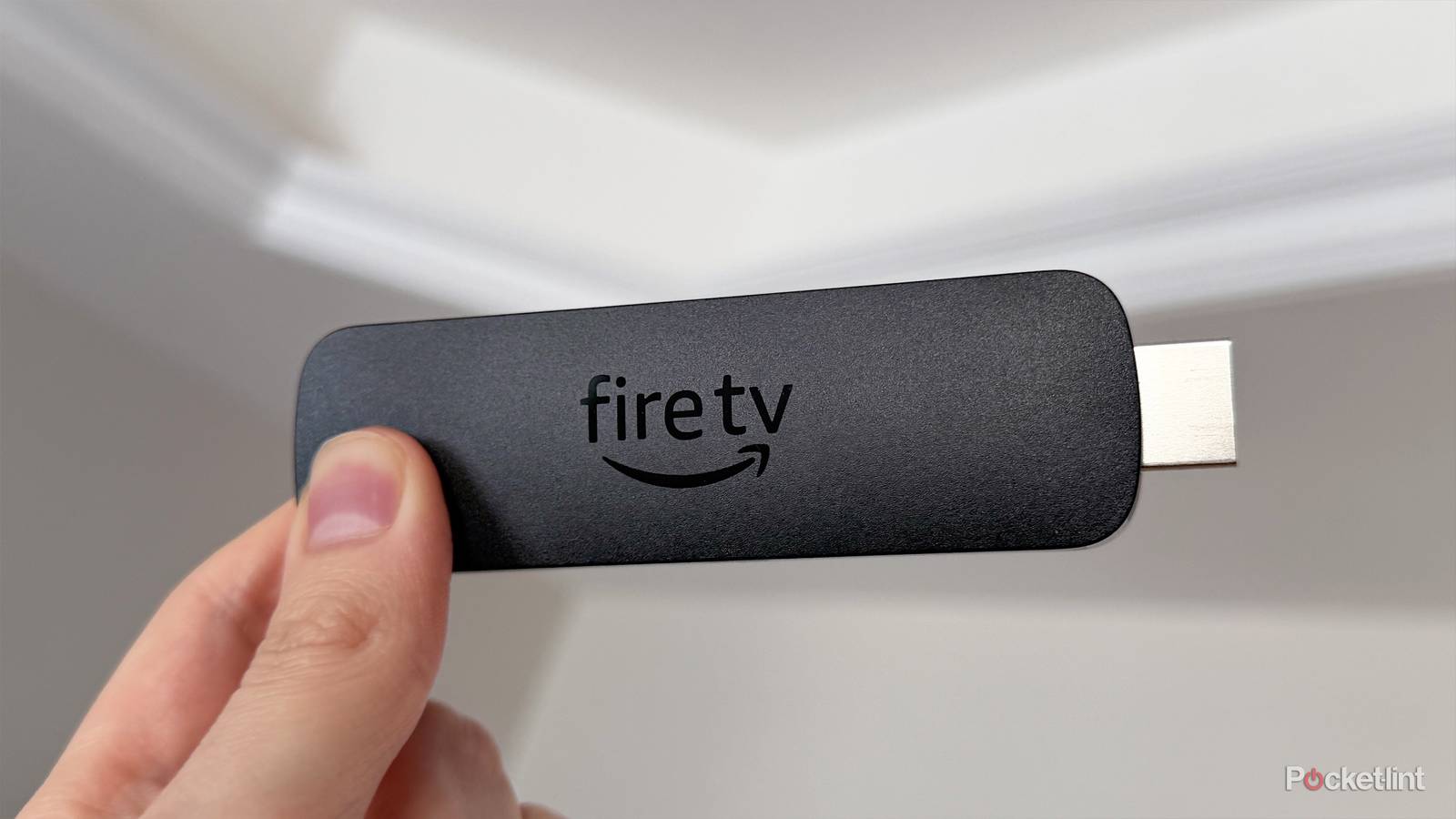
When you think of a Fire TV Stick, streaming is probably the first thing that comes to mind. Plug one into the back of your TV, and you instantly get access to major streaming services like Netflix, Prime Video, HBO Max, Disney+, and more. It’s also a great hub for free content, thanks to FAST (free ad-supported TV) channels and popular free streaming apps such as Pluto TV, Tubi, and Plex.
So when I was trying to decide which streaming stick to buy a while back, the Fire TV Stick 4K Max was an easy choice, especially when it was on sale for $40. It offers 4K streaming, Dolby Vision, Dolby Atmos, and Wi-Fi 6E support. On top of that, after using it for so long, I’ve found it to be a noticeably smoother experience than webOS on my LG TV. Needless to say, it quickly became my go-to streamer.
Over the past few months, however, I’ve been testing a Roku Ultra, and while I still love the Fire TV Stick 4K Max, I’ve found myself enjoying the Roku experience a bit more. The interface is cleaner, the Roku app’s Headphone Mode is fantastic, and the built-in USB port makes it easy to watch local media files.
That said, even though I’ve been using the Roku Ultra more often lately, there’s one feature that keeps pulling me back to the Fire TV Stick 4K Max — and it’s the reason it remains plugged into my TV at all times. It’s something no other streaming platform has quite embraced as much as Fire TV: cloud gaming.
You can transform your Fire Stick into a console or gaming PC
Fire TV supports more cloud gaming apps than any other platform

If you’re not familiar with cloud gaming, it’s a feature that essentially lets you turn your Fire TV Stick into a console or even a high-end gaming PC, thanks to the power of the cloud.
How it works is that instead of running games locally, as they would on an Xbox Series X, PlayStation 5, or gaming PC, the games run on powerful remote servers that handle all the processing and graphics rendering. When you connect a controller, your inputs are sent to those servers, while a live feed of the game is sent back to your device. The result is that you can see, hear, and play the game as normal, even though it’s not actually running on your Fire TV Stick.
What makes Fire TV stand out is how seriously Amazon has embraced cloud gaming compared to other streaming platforms. Cloud gaming apps are non-existent on Roku and Apple TV, whereas on Google TV, they’re pretty limited.
On Fire TV, it’s about as straightforward as it gets. Most of the major cloud gaming services offer dedicated Fire TV apps you can download directly from the Amazon Appstore, including Xbox Cloud Gaming, Amazon Luna, and Nvidia GeForce Now, making it pretty simple to start playing.
Xbox and Amazon Luna are available on all current Fire Sticks, and GeForce Now is only available on the Fire TV Stick 4K Plus and 4K Max.
However, there are a few caveats. First, you’ll need a Bluetooth controller to actually play any games. Second, while the apps themselves are free to download, both Amazon Luna and Xbox require a subscription to play games from the cloud.
Amazon Luna offers Luna Standard and Luna Premium, while Xbox has multiple Game Pass tiers that all include cloud gaming. Depending on the tier you choose, the selection of available games can vary widely, so it’s worth checking what’s included before signing up, which you can do in the app.
Nvidia GeForce Now is one of the best cloud gaming apps, as it lets you play PC games from the cloud on your Fire TV Stick and has a free tier in addition to paid tiers. So, if you just want to try cloud gaming before spending any money, I’d recommend starting with GeForce Now.
My experience with cloud gaming
It’s not perfect, but it works

I’ve played a number of games through cloud gaming on my Fire TV Stick 4K Max, including Indiana Jones and the Great Circle on the Xbox app and Skyrim on Amazon Luna. My biggest takeaway is that cloud gaming can be a really enjoyable experience — as long as you keep your expectations in check.
The biggest drawback is latency. Because the game isn’t running directly on your device but is instead processed in the cloud, there will always be some input lag. That’s why I’ve generally stuck to single-player games and avoided multiplayer titles where quick reactions matter more. That said, the input lag isn’t nearly as bad as you might expect. I’ve played Indiana Jones and the Great Circle through both the Xbox and Luna apps, and while the delay is slightly noticeable at first, I found that I adjusted to it pretty quickly and was able to enjoy the game without much trouble.
…if you don’t own a console or gaming PC, cloud gaming is absolutely worth trying, especially if there are newer games you’ve been wanting to play.
Visual quality is another thing to keep in mind. Since you’re playing the game through the cloud rather than rendering it locally, it won’t look quite as sharp as it would on a console or gaming PC. With newer games like Indiana Jones and the Great Circle and Kingdom Come: Deliverance II, I definitely noticed that the image wasn’t as crisp as playing the game natively on my PC. It’s less of an issue with older titles, but with newer releases, the difference can be noticeable.
Your internet connection also plays a major role in both responsiveness and image quality. The faster and more stable your connection is, the better the experience will be. For example, Xbox recommends an internet speed of at least 20 Mbps for cloud gaming.
All in all, if you don’t own a console or gaming PC, cloud gaming is absolutely worth trying, especially if there are newer games you’ve been wanting to play. No, the experience isn’t quite as sharp or responsive as playing natively on a console or PC, but the fact that you can play modern games on a streaming stick that you can get for $40 is pretty impressive.
It’s one of the most underappreciated features of Amazon’s Fire TV Sticks, and right now, it’s something competing streaming platforms like Apple TV and Roku simply can’t match.

- Brand
-
Amazon
- Resolution
-
4K
- Audio codecs
-
Dolby Atmos
- RAM/storage
-
16 GB