Voice controls are a feature that I didn’t think I’d use as often as I do, but here we are. I upgraded to a universal remote in my living room so I could finally retire my plethora of remotes, including my Apple TV 4K remote. What I didn’t realize was that the universal remote’s lack of voice controls would mean I have to keep my Apple TV remote handy. Voice controls make it easy to search for things on YouTube, type in passwords, and just navigate the menus.
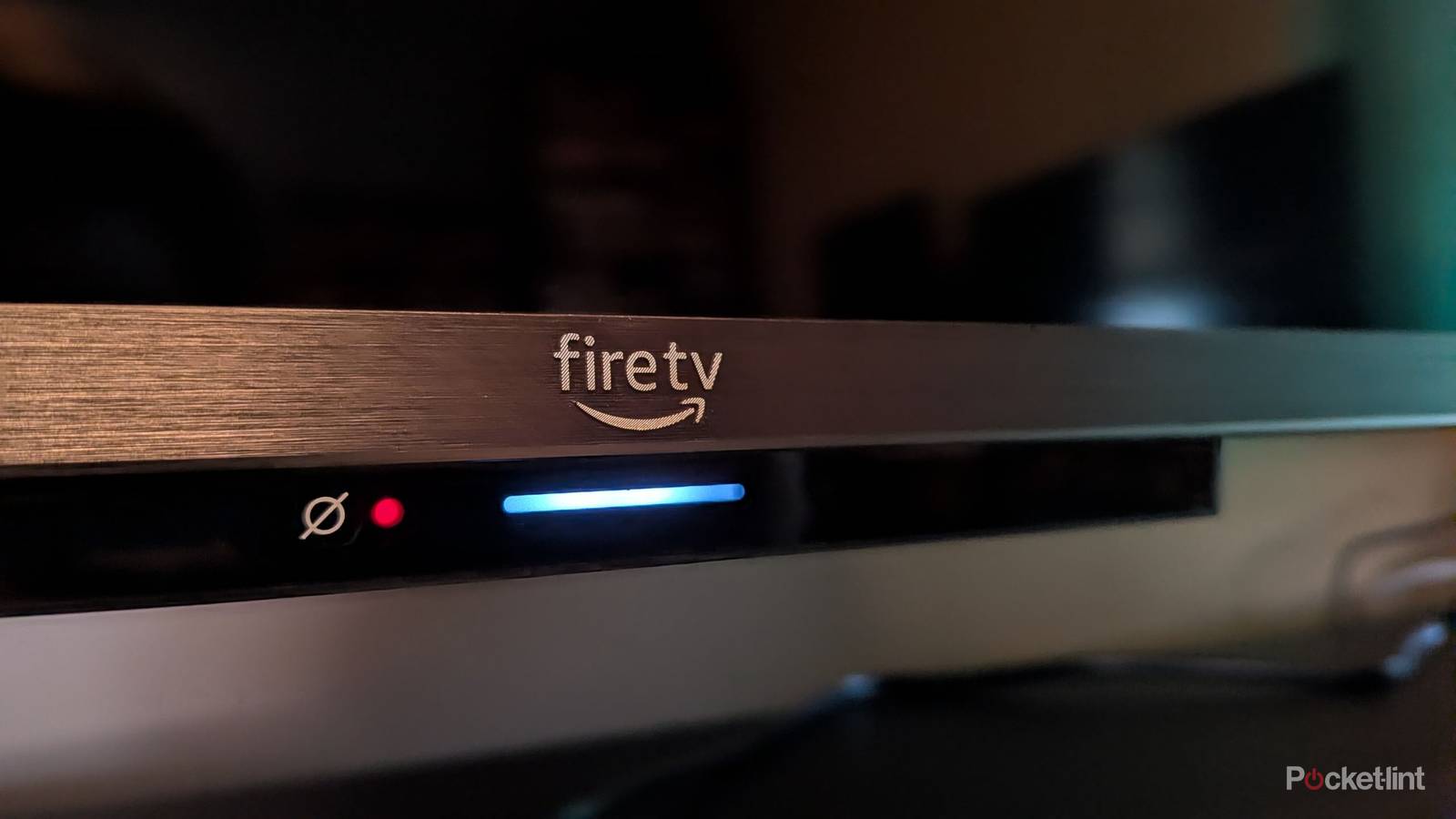
I very quickly added my Apple TV remote back into the rotation, which sort of defeats the universal remote’s purpose. However, my Fire TV that’s upstairs has voice controls built in, and I love them. When I reviewed this TV back in 2025, the Alexa voice controls were one of the standout features, and it came with an Alexa+ subscription bundled with it. The big appeal of this for me was the ability to go completely hands-free without the use of a remote. It was also nice that I didn’t have to say Alexa to keep a conversation going. As long as the light on the bottom of the TV was illuminated, I could keep asking questions.
The obvious downside is that Alexa+ is a paid subscription — at least, it was a paid subscription. Fire TV owners now get the upgraded Alexa for free, and if you ask me, it’s about time.
Alexa+ for the masses as it always should’ve been
My favorite service free from a paywall

It never made a lot of sense for an AI service to be behind a paywall like this, especially since Apple and Google are both pushing a perfectly capable free service. A $20 subscription is a high cost for somebody like me who would’ve only used it with a TV, so I’m glad it’s finally free. I said last year that it’s a great service, but there was no way I’d pay for it.
With that paywall gone, there’s no reason for people not to experience what it can do. If you have an Amazon-centric household, you’ll see immediately how much better this Alexa is over its predecessor. Much like Gemini and Apple Intelligence, Alexa+ pushes the boundaries forward, and it’s abundantly clear. The big thing for me is the ability to have a free-flowing conversation with Alexa+, and it feels less like asking a chatbot for questions and more like a natural way of talking. So far, I’ve only used it with my TV, but it’s been a painless experience. My TV quickly swaps between HDMI ports, opens apps, and answers questions. In fact, I don’t even need to keep a remote around anymore, and that’s the biggest upgrade for me so far. I wish everything had voice controls like this, but so far it’s just my Fire TV that has built-in voice controls.
It’s an arms race of sorts with these AI assistants, and with that paywall behind the superior Alexa, it felt like Amazon was lagging behind, even though it was the one I enjoyed using the most. To be fair, regular Alexa voice controls would work just fine for what I use them for, but people who want to go above and beyond will benefit from the free subscription. There are certainly better ways to ask questions than talking to your TV, but I’m glad the option is there for everybody to do it now.
Hands-free is the future of voice controls
I can’t see myself wanting to go back

You can use your remote to control Alexa+, just like you can with any other type of voice controls, but I feel like hands-free is the way forward. Yes, this means you have to leave a microphone on all the time, and it opens the door to accidentally waking up Alexa and making it do something you don’t want. In my experience, it’s difficult for that to happen, so it’s a non-issue. Believe me, it was something I was worried about too. If you’re really concerned about Alexa waking up while you’re watching something like a movie, go ahead and flip the switch and turn the microphone off.
There’s something so freeing about not needing a remote to do everything. In fact, I hardly need a remote at all anymore for my Fire TV. It can change the volume, switch HDMI inputs, and answer my questions. I still have the remote sitting on the entertainment stand just a few feet from where I’m sitting, so it’s not like I just tossed it in the trash. However, simple setups like mine with a receiver and a TV work just fine since the receiver turns on automatically when I turn on the TV. I don’t expect everybody to immediately get on board with something like this, especially with the privacy concerns of leaving a TV’s microphone on all the time, but it works great for my specific use case.