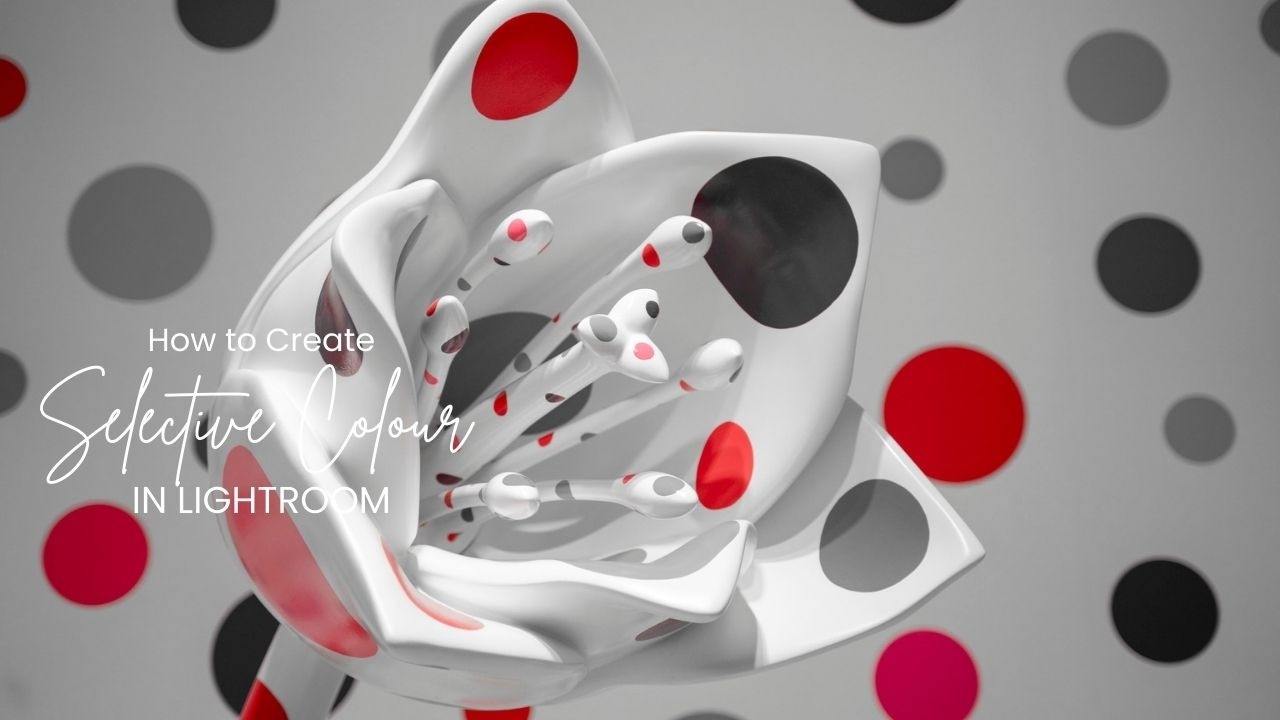
Want to create that dramatic black and white photo with just one color popping—without using Photoshop?
In this Lightroom tutorial, I’ll show you exactly how to isolate and highlight a single color using the HSL panel and masking tools in Adobe Lightroom Classic. Perfect for portrait, still life, or product photographers looking to add a creative edge to their edits! Whether you’re a beginner or a seasoned YouTuber who loves sharing photography content, this easy technique will elevate your images and thumbnails. Don’t forget to subscribe for more photography tips, Lightroom tutorials, and creative editing tricks.