


Let’s face it, now isn’t exactly the best time to buy a new PC. Inflation is running wild — gas prices are being driven up by war, which affects not just your commute, but the cost of producing and shipping everything. As if that weren’t bad enough, the massive expansion of AI datacenters has hiked the prices of RAM and graphics cards specfically.
It’s not going to get better anytime soon, though, so if you’re looking to buy a new machine, it may be time to weigh reasonable compromises. It’s important to be strategic. The wrong sacrifices can cripple a PC, particularly if gaming is an important part of your life. Here are the things I think most shoppers can reasonably skip.
The latest generation of AMD or Nvidia graphics
Focus on VRAM instead

If you can at all afford it, you should buy a PC with a dedicated graphics card. Yes, you can get by with CPU-integrated graphics if your only interests are email, the web, basic productivity apps, and maybe some very light gaming. If you’re interested in anything more, however, a separate GPU will likely make a huge difference, and it’s effectively impossible to play photorealistic games like Cyberpunk 2077 or Forza Horizon 6 without one. You could in theory make those games playable by scaling back to minimum detail, but at that point you might as well play something else.
The good news is that you don’t need the absolute latest generation of graphics cards to get good results. You won’t necessarily be maxing out details, but a card based on one of Nvidia’s RTX 40-series chipsets is still liable to produce solid results, and won’t become outdated for a few years yet. You need to be a bit pickier with AMD Radeon cards, which usually lag behind Nvidia in performance, but you can still avoid buying the best of the best.
What’s more important is VRAM. While you can get away with 8GB, that’s increasingly constraining for the amount of detail games have, and it’s simply untenable if you want to play at resolutions over 1440p. If you want to play at 4K, you need 16GB or more. For that reason, I’d much rather have a 16GB RTX 4070 in my system than an 8GB RTX 5070.
Internal storage over 1TB (or even 512GB)

If you’ve got a lot of files to work with, or just want the breathing room, it might feel essential to buy a PC with ample internal storage upfront. You don’t want to find your drive full at the worst possible moment, and if you’re buying a laptop, carting around an external SSD may be inconvenient.
Take a step back and examine your real-world needs. Many people rely heavily on cloud services for everything from music and movies to spreadsheets. If you’re one of them, you may need very little internal storage beyond client apps and Windows itself. Combined with cloud lockers like OneDrive or Google Drive, it can be possible to get by with as little as 256GB.
Realistically, 512GB is a safer choice. Windows 11 takes up a sizable footprint all on its own, and some apps can consume dozens if not hundreds of gigabytes, particularly if they have optional downloadable content. That includes the likes of video editors, audio workstations, and online games like Call of Duty. Indeed if you’re into media production, or gaming is a major hobby, you’re probably going to want a 1TB drive at a minimum.
You probably don’t need a 2TB drive, though, much less 4TB. It’s really apps that deserve your expensive, high-performance internal storage. Most file libraries will do just fine on cheaper external drives so long as they’re not system-critical. You should be looking into Thunderbolt 4 or 5 SSDs if you’re serious about audio or video production, it’s true — but you’re not going to find yourself hobbled that much if you store your music or movie libraries on a drive with USB 3.x. As a bonus, storing files this way means they won’t be trapped if your PC fails. Just remember to make backups for files you can’t afford to lose.
4K, ultrawide, or ultra-high refresh displays
No need to exceed human vision

I realize I just talked about the importance of VRAM for 4K, but that’s mostly for the sake of futureproofing, and covering increasingly demanding game requirements. The fact is that while 4K can be useful for gaming and productivity, it’s by no means required, especially if you’re on a laptop. My Lenovo is capped at 1440p, and on a 16-inch screen, that’s plenty sharp. You may well want 4K if you’re connecting to a monitor measuring 27 inches or more — but the level of acceptable sharpness is going to be up to you.
Likewise, don’t worry too much about refresh rates. While 60Hz is too low these days, there are diminishing returns past 120Hz. Most games aren’t going to run much faster than 60 frames per second, and movies and TV shows are typically limited to 24 and 30fps, respectively. At 165Hz or higher, what you’re mostly getting is the ability to react slightly faster, and that’s assuming your GPU and your display’s response times can keep up. Zealous focus on input lag doesn’t matter much outside of e-sports.
It can be tempting to buy an ultrawide monitor, particularly if you do a lot of multitasking, but you probably shouldn’t. Ultrawide aspect ratios come at a premium, and are often unnecessary as long as you tweak window sizes and zoom levels. In fact, you may need a beefier GPU just to handle one, since of course more pixels translates into more rendering work. A 4K ultrawide is going to demand a top-tier GPU if you expect to do high-end gaming on it. For productivity, you may be able to sacrifice graphics horsepower, but only so far.
Touchscreen or 2-in-1 features
How often do you like to clean your display?

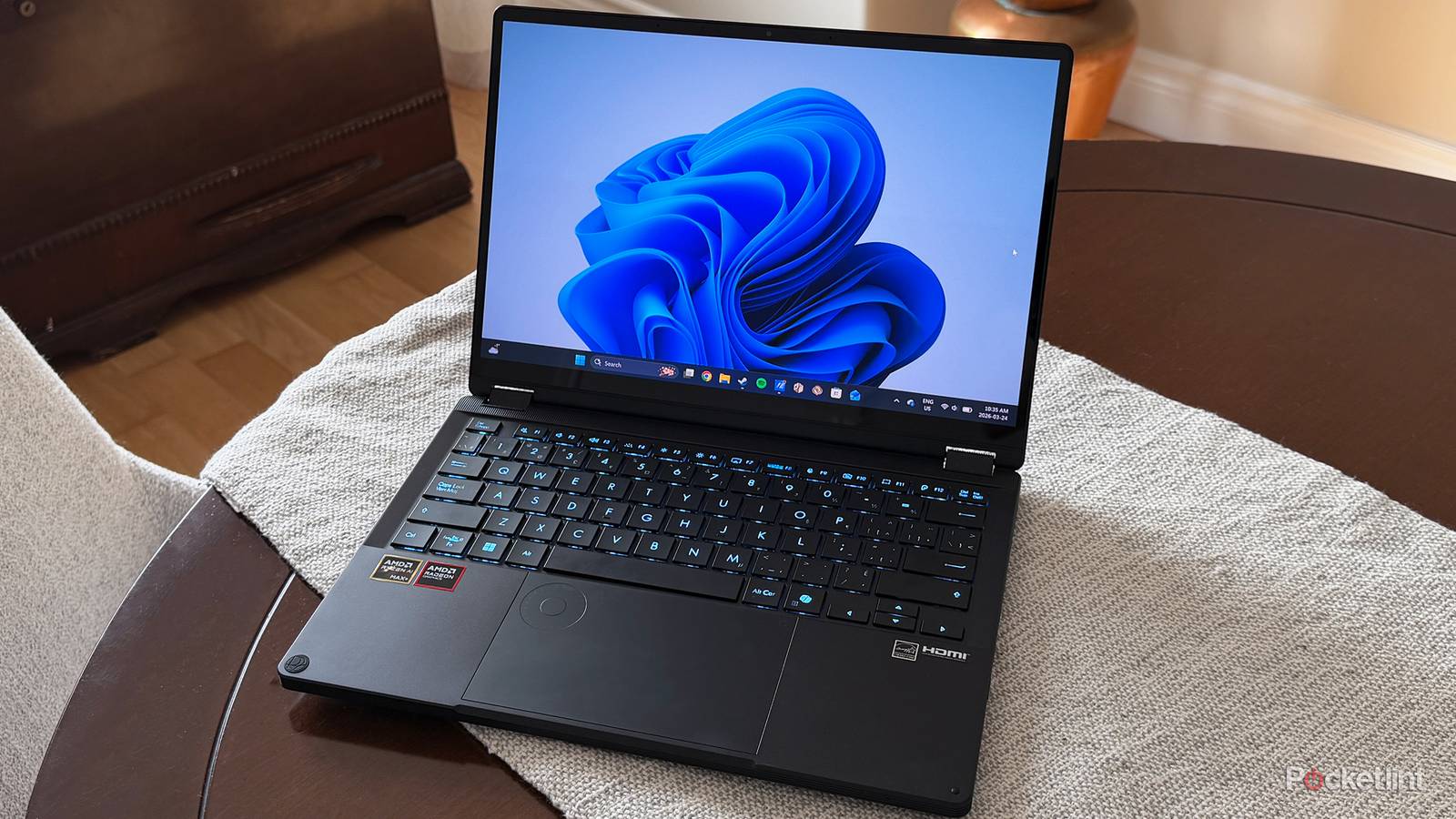
With touchscreens being ubiquitous on phones, tablets, and even cameras and gaming handhelds, you might instinctively think you need the same tech on a laptop. It does have its conveniences. It makes music and video control easier, and enables stylus support for tasks like drawing and notetaking. In practice, though, you’re better off using your mouse and keyboard for most commands, especially since the more you touch your screen with your fingers, the oilier it’s going to become. Unless you need those stylus functions, a touchscreen probably isn’t worth the extra money.
Along the same lines, I’m surprised at how persistent reversible or detachable (a.k.a. 2-in-1) laptops are. I’m sure there’s some call for them among people who need to use their laptop for illustration work and presentations. Otherwise, though, 2-in-1s are a poor substitute for a dedicated tablet. They tend to be bulkier and heavier, which means you may not like them much when you’re using them on a couch or a seat tray. Also, despite refinements over the years, Windows still isn’t great when you have to rely purely on touch controls. Give me an iPad Air or Pro any day.

- Brand
-
Apple
- Storage
-
256GB, 512GB, 1TB, 2TB
- CPU
-
M5
- Memory
-
12GB