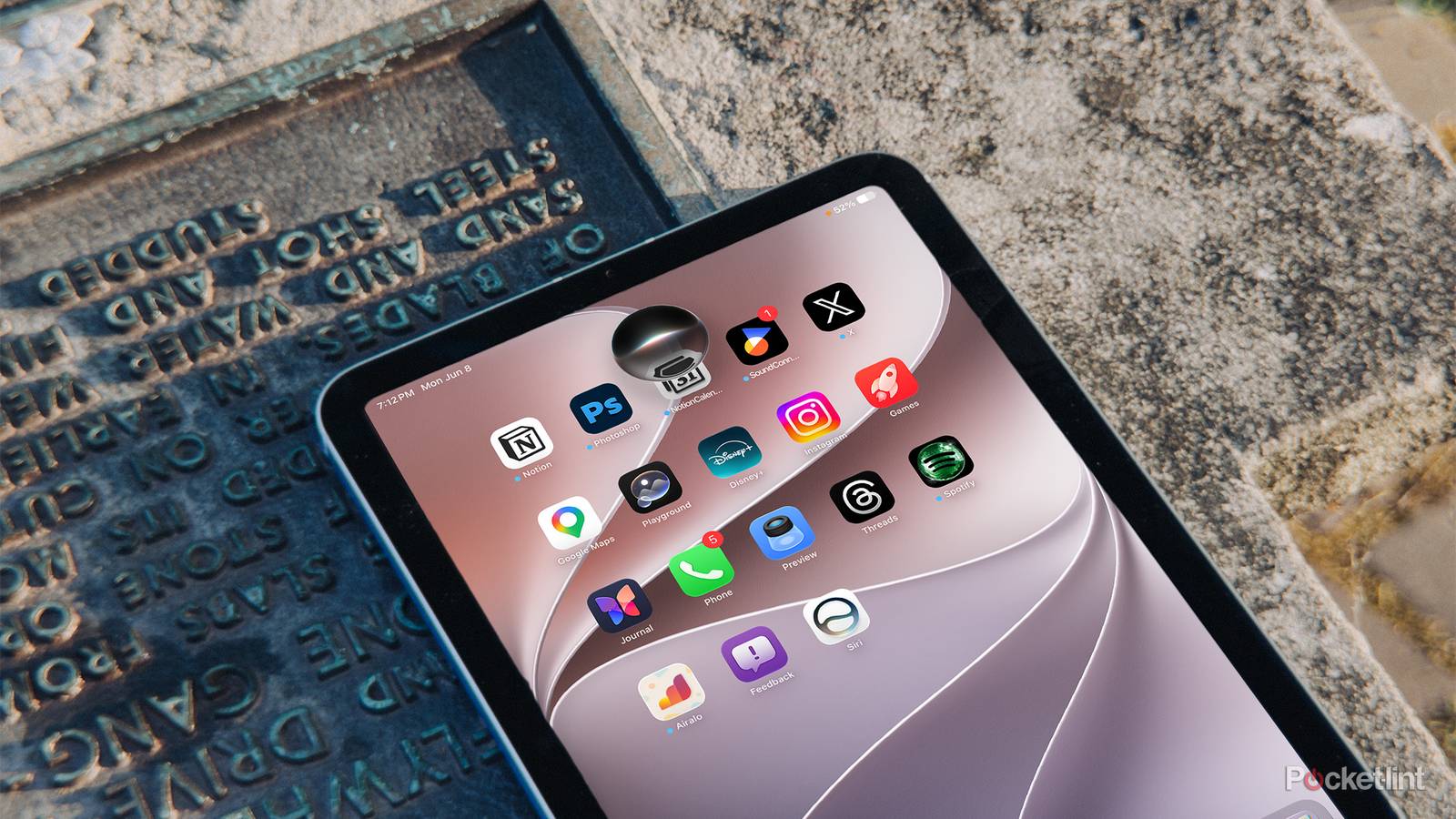
For the past several years, the iPad has existed in a strange middle ground, where Apple has marketed it as a device for artists, students, professionals, and people who want something more flexible than an iPhone but less traditional than a Mac. With iPadOS 27 though, Apple’s latest update positions the iPad as a more thoughtful device for families.
More emphasis on children and families

At WWDC26, Apple introduced the much-anticipated platform-wide improvements across iPadOS 27, including the next generation of Apple Intelligence, Siri AI, improved performance, better search, and refinements to the overall software design.
All of which are meaningful updates, and in early testing on the Developer Beta on my iPad Mini, it feels noticeably smoother and more stable than I expected from pre-release software. Still, the larger shift in today’s announcements was not about making the iPad feel more like a Mac, but about emphasizing parents and children as a key subset within the iPad’s user base.
That feels like the right place for the iPad to go. While the iPhone is deeply personal and the Mac remains tied to work or school, the iPad has always had a more communal quality. It gets handed to kids of all ages, used in schools for recreation and learning, and passed around at home in ways few other products are.
For the first time, Apple is making the child account setup process more central to the experience, and giving parents a more guided way to create age-appropriate protections from the beginning. Once a child account is set up, parents are able to choose exactly which apps are available, either starting with a small set of essentials, a curated selection, or their own specific choices.
Parental controls have historically been one of those features most people know exist but rarely configure well, so Apple’s approach here seems to be about removing the friction from that initial setup.
Building on that, Ask to Browse is one of the better examples of Apple extending an existing idea into a more complete family system. Ask to Browse makes it so that child accounts can be required to ask permission before visiting a new website in Safari, and the feature works across iPhone, iPad, and Mac.

The new communication controls expand parental controls by allowing parents to require approval before a child communicates with new contacts. On top of that, Communication Safety has also become more capable, going beyond nudity detection to intervene when gore or violent content is detected in shared images or videos, and Apple says that it works in FaceTime as well.

Apple is also reworking how parents manage time with Time Allowances, which let parents set flexible limits across categories like Entertainment, Games, and Social Media, with guidance based on a child’s age. Schedules go a step further by giving parents control over which apps are available at different parts of the day or week.
Overall, I think the new improvements made to address this specific user demographic were unusually more in-depth than what we’ve come to expect out of WWDC and iPad news in general, but with the growing concerns surrounding AI and specifically, AI safety with children, Apple has done an excellent job at not only rethinking the experience for both parents and children, but addressing the friction points of current parental controls.
Of course, it remains to be seen whether any of these improvements actually yield better digital health practices or not.
Siri and Apple Intelligence finally work

In terms of the productivity side of iPadOS 27, we don’t get a fancy visual overhaul like we did last year, but what we do get is software consistency and theoretically better software reliability.
Apple Intelligence is now more deeply integrated across the system, and Siri AI is easily one of the more consequential additions. On iPad, Siri AI is integrated into Spotlight, can draw on personal context across messages, emails, photos, and more, and can answer questions about the content on screen. In my early testing with the Developer Beta, which is not available to the public yet and only offers a rough sense of the final experience, Siri AI has been one of the more promising parts of the update… because Siri actually works as intended.

Asking Siri to pull up something from an old conversation or surface relevant information from Mail feels much closer to the kind of personal assistant Apple has been promising for years. It is not perfect, and because this is still beta software, I would not treat every response as final or fully representative of the public release, but it is at least on-par with Gemini in some respects on Android. Regardless, the foundation for this new Siri finally feels far more practical than the first wave of Apple Intelligence features did.
Siri also gets its own app for the first time, where you can revisit conversations or start new ones similar to ChatGPT or other AI chat apps. Right now in the Developer Beta, it’s a very barebone app, but I anticipate that it’ll change closer to the launch of the public beta.
Subtle performance gains

The under-the-hood improvements are also worth paying attention to. Apple says iPhone and iPad apps launch up to 30 percent faster, photos load up to 70 percent faster after being taken, AirDrop transfers are up to 80 percent faster, and browsing or transferring files between external drives and iPad is up to five times faster. Those claims are likely not representative within the Developer Beta, but in the short time I’ve been using the new release, it already feels surprisingly stable and fluid, and I have noticed a slight bump in speed when using AirDrop.
The design changes are more restrained, but the new Liquid Glass personalization slider is a welcome touch, especially for those who may not have gotten accustomed to Liquid Glass from the previous release. Apple’s recent software direction has leaned heavily into translucency and depth, which can look beautiful in the right context but distracting in others.

Letting users adjust how clear or tinted the interface feels is a smart compromise, especially on a larger display like the iPad’s. The iPad is not just something you glance at for a few seconds; it is often used for long reading, writing, drawing, and multitasking sessions. Visual comfort matters more here than it does on smaller devices.
Overall, iPadOS 27 feels like one of Apple’s more low-key iPad updates, but it’s a welcome addition that brings much-needed improvement to the day-to-day experience of using the iPad and as it progresses towards the full public beta in July, we should be able to uncover more of what’s available in this latest release.