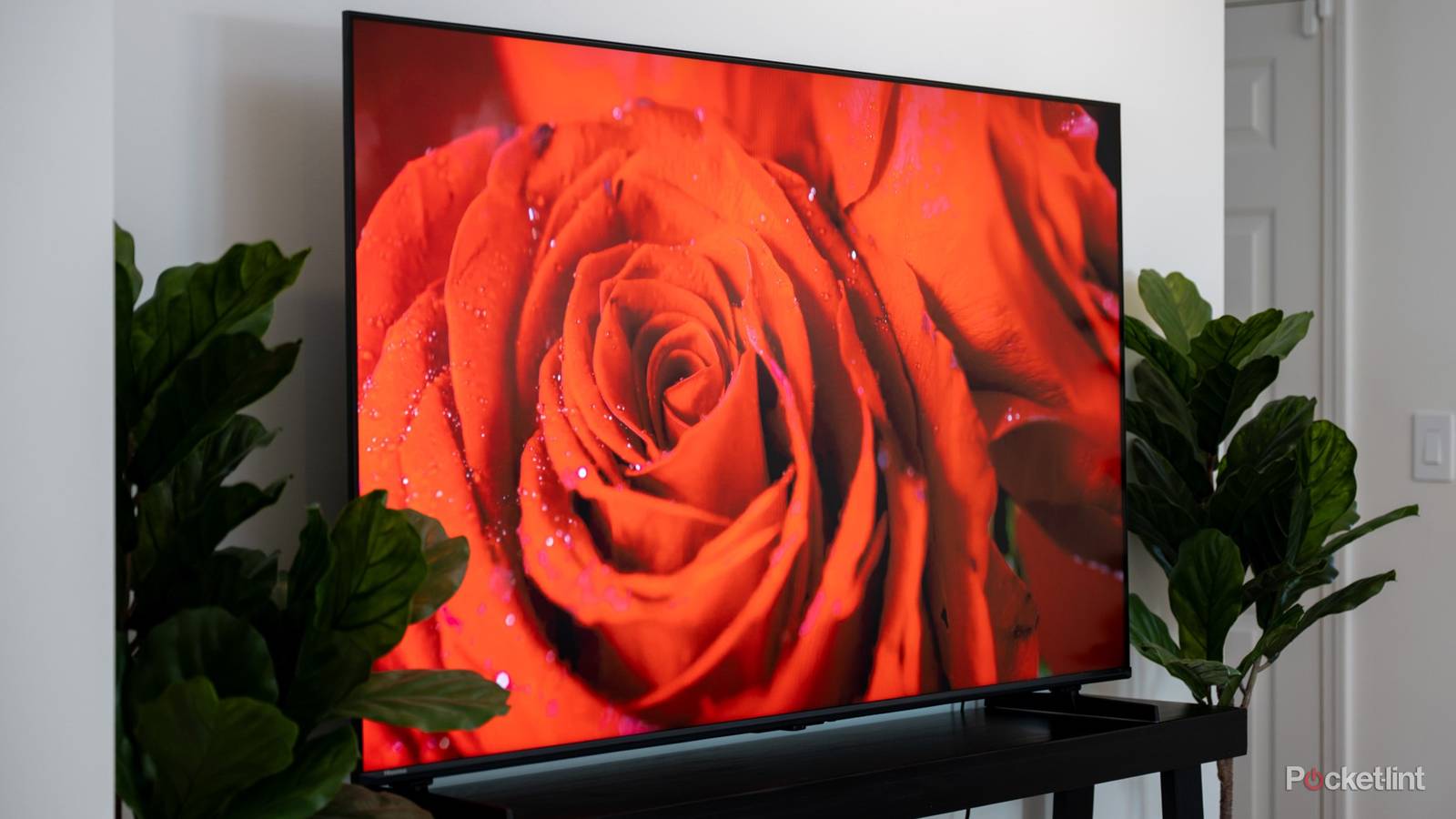
Buying a new smart TVcan be an exciting opportunity. A fancy new screen full of detail and color backed by a powerful system that supports gaming, streaming, and all kinds of entertainment is quite enticing.
However, for all that a new smart TV offers, whether you’re going for an OLED model with infinite contrast ratio or a brightly colored mini-LED model, you’re not going to get everything you want without two key accessories. Here’s why the right cables are crucial to your entertainment experience.
HDMI cables connect devices to your smart TV
Faithful audio and video run through HDMI

If you are planning on using your TV to play video games, watch movies on a Blu-ray or DVD player, listen to music or audio via a soundbar, or connect any other devices to the screen, then you’re going to need an HDMI cable. Chances are you have many already around your house, and most of your devices are going to come with one as well.
HDMi stands for High Definition Multimedia Interfaces, and it’s the standard for transferring audio and video from a source to an output, which is your TV screen. Your smart TV will typically have at least three HDMI ports to connect devices, although most new models will feature four ports. That means you can build up to four different devices and use them on your TV.
However, it’s not enough to have just any HDMI cable. You need the right cable that is up to the task.
Investigate your HDMI version
Various iterations are currently in use

The HDMI cable has been around for over 20 years, with various iterations increasing bandwidth and capabilities over the years. The most popular and widely used model is the HDMI 2.1 cable, also known as the Ultra High Speed Cable. This is the one you want to be using if you have a 4K HDR TV. If you’re going to buy a brand new smart TV and you don’t have an HDMI 2.1 cable, then you’re going to lose out on a lot of features.
That’s because previous iterations of the HDMI cable aren’t equipped to transfer 4K resolution and the top HDR formats with the speed and fidelity that HDMI 2.1 can. It boasts 48Gbps bandwidth that allows the pass through of 4K resolution at 120Hz refresh rate. Notably, it also allows for HDR10+ and Dolby Vision, the top two dynamic HDR formats that enhance things like color and contrast on the screen.
If you are using a top-gen gaming console, either the PlayStation 5 or the Xbox Series X, or you’re hooking up a 4K Blu-ray player, then the cable that connects those devices to your TV needs to be an Ultra High Speed one. Even if your TV offers 4K resolution with Dolby Vision, it can achieve that quality if the compatible source material isn’t getting to it with an appropriate cable.
Fortunately, the top gaming consoles come with a matching HDMI cable, but be mindful when it comes time to replace it. Keep in mind that other devices may only come with a basic HDMI cable to allow for a threshold of functionality.
HDMI cable versions can be a bit confusing to track. Cables are typically marked on the cable itself. While the 2.1 version is named Ultra High Speed, the 2.0 version is dubbed Premium. The 1.4 version, which is still common, is known simply as a High Speed cable.
Audio needs proper support as well
An eARC port is key to immersive sound

It’s not just video features that HDMI boosts. If you are connecting a home theater system, especially if you’re starting with a soundbar, then you need to make sure there is an HDMI 2.1 cable between the TV and the audio output. HDMI 2.1 includes an enhanced audio return channel, a feature that allows audio to move from the TV to an output device. This is a superior feature to the HDMI 2.0 cable; it removes potential lag or audio sync issues while improving fidelity.
The eARC channel is crucial to an immersive home audio experience. The higher bandwidth allows for uncompressed audio to pass through, and if you have enough channels across numerous speakers at home, you can enjoy things like spatial audio and object-based surround sound. A lesser HDMI iteration can’t do that.
Be mindful that you’re connecting the cable to the right port. Not every port on your TV is equipped with an enhanced audio return channel. You don’t want to have all the right components together only to put the cable in the wrong slot.
Hook up an Ethernet cable for streaming
Wi-Fi signals are unreliable and limiting

Aside from a few proper HDMI cables, you’ll want to make sure you’re connecting a physical Ethernet cable from your modem to your TV. If you’re planning on streaming a lot of titles, then Wi-Fi isn’t going to cut.
For all the conveniences of streaming services and being able to log in and start watching within seconds, quality is heavily sacrificed. Even if you have a 4K TV with HDr10+ capabilities, and you’re streaming from a service that offers 4K resolution and HDR10+, you may not be getting the best possible image. The reasons involve the limitations of both Wi-Fi and the platform you’re using.
Titles are compressed in order to get from a service like Prime Video or Netflix to your TV screen. That compression results in a loss of detail. Streaming on a platform will also result in lesser fidelity than watching a movie from a physical disc, but you can improve your chances of getting a quality image by making sure you’re using a physical cable instead of Wi-Fi.
With Wi-Fi, there are going to be bandwidth limitations and the risk of interruptions. When a service notices Wi-Fi problems, it does whatever it can to keep the stream going, which means lowering the quality and downscaling resolution and other features. It would rather keep running if the title is of an inferior quality than stopping it altogether and watching for a boost in the signal.
An Ethernet cable removes that potential. It’s the best chance you have at enjoying all those fancy smart TV features when you’re streaming; there isn’t a ton you can do to change how a service compresses its files, but at least you’re removing other obstacles.
You don’t need HDMI 2.2 just yet
The new cable isn’t worth the worry

HDMI versions keep coming, but the newest, the Ultra96, isn’t one you need to think about for now. With 96Gbps, it provides 8K resolution at higher speed and improved refresh rates. But in order to do so, it needs source material that’s 8K.
The whole home entertainment setup is based on having source material and an output device that are compatible in their features, and a cable that can transfer that level of quality. If you have a cable that can move 8Kk resolution with ease, but you don’t have either content or a screen that works with 8K, then there is no point in investing in the cable.
For now, just keep tabs on your current cables and make sure you have enough 2.1 versions to go around. And keep your TV hooked up to your model while you’re at it.