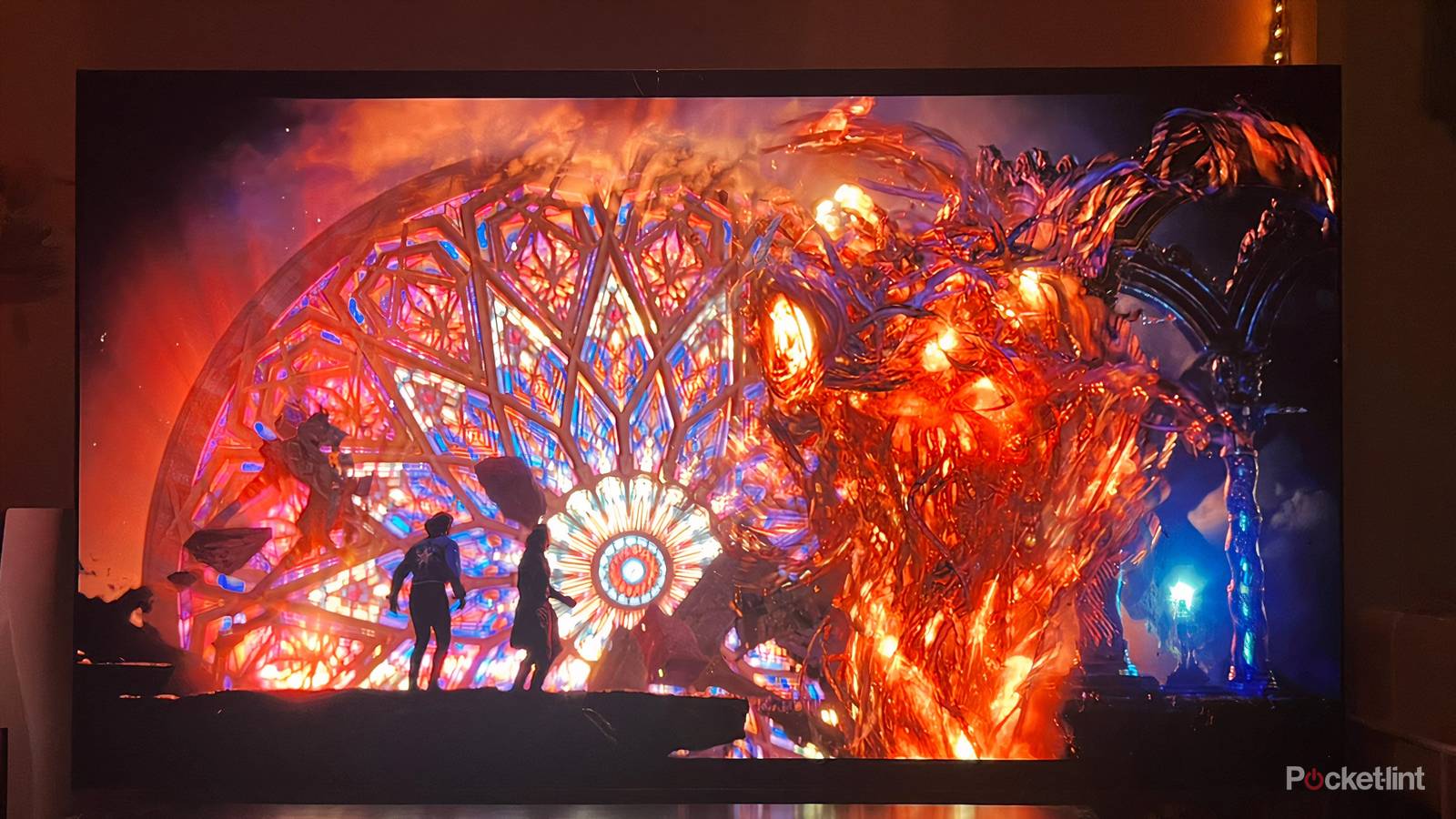
Even after you make all the important decisions to buy and acquire a smart TV, there is still work to be done when you get it home and turn it on. Numerous video and audio settings can significantly impact how things look and sound. These settings can improve the experience or make it worse, which is why it’s so important to know how to optimize your smart TV based on its own features, your viewing environment, and the source material.
Perhaps the best and easiest way to do it is with a feature that you only need to enable once. Filmmaker Mode is the ideal setting for those who want cinematic fidelity without having to tinker with every single setting. If you love big blockbuster movies, auteur films, or prestige TV, you need this setting turned on. Here’s how it works.
How Filmmaker Mode was created
An innovative collaboration to improve home viewing

This unique and popular setting came about because the film industry was less than thrilled about the way movies were being viewed at home. Smart TVs are filled with all kinds of software processes that work to improve older titles that weren’t made with modern-day resources. Upscaling and frame insertion are among the features that smart TVs have available to incorporate so that you can watch shows and movies from decades past without them seeming completely off or looking poor.
However, these extra processes, which include controversial motion smoothing, can diminish the quality of modern productions, especially those where a director or DP is working to create a specific, artistic look. Essentially, these processes can’t tell when something is done intentionally. Because all these extras were essentially flattening and distorting major films and shows, a group got together to create a mode that fixed everything.
Filmmaker Mode came from a collaboration of filmmakers, studios, and TV manufacturers to create a setting that positions any title the way it was meant to be seen. Or at least to the best abilities of your TV and source material. When Filmmaker Mode is activated, you’re watching exactly what the filmmakers want you to see.
How Filmmaker Mode alters the image on screen
Automatic changes are made to the picture

For the most part, this mode doesn’t so much activate certain settings as it does disable a lot of unnecessary extras. Motion smoothing, frame insertion, sharpening, noise reduction, and any other supposed software enhancement are turned off. These things may be useful if you’re trying to restore older titles that aren’t pristine, but when there is an intentional look and feel of a movie, and your TV thinks it’s a mistake, the result is going to be ugly and misleading.
Filmmaker Mode also maintains the director’s aspect ratio and frame rate. It also standardizes the color temperature so that it is inline with industry standards. This means the image on screen won’t look too blue or too orange; the result may be an image that is filled with blues or oranges, but only because the director wanted the image to look like that and not because you told your TV to change how everything looked.
How to enable Filmmaker Mode
Available in picture settings on most smart TVs

Filmmaker Mode is available on most new smart TVs and is typically easily accessible from any Picture settings menu. LG, Samsung, Vizio, and Panasonic all support Filmmaker Mode. TCL was a notable holdout for some time, but the company added Filmmaker Mode to its TV lineup in 2025. While its specific location will vary depending on the model of the TV, it will be prominently situated and easily found, unlike any privacy or tracking settings that ar typically buried deep down within multiple menus.
The best part about Filmmaker Mode is that you can set it and forget it. It’s an automatic setting that, when enabled, will turn on when it detects compatible source material. It doesn’t matter where you are watching titles: filmmaker mode is compatible with streaming, broadcast, and Blu-ray players. So, whatever you’re watching, and wherever you’re watching it from, if it can be shown in Filmmaker Mode, your TV will detect the metadata and activate it.
While Filmmaker Mode is an automatic setting for most TVs, you may also have a button on your remote dedicated to Picture Settings that will also enable it.
Notably, Filmmaker Mode does not replace top HDR video formats; it simply complements them. Filmmaker Mode is not affected by which formats your TV can work with. It simply exists to set up certain titles for the best viewing experience possible.
Who Filmmaker Mode is for
The setting doesn’t work with all entertainment

As the name suggests, this setting is ideal for anyone who is a fan of notable filmmakers with specific visions. If you’re someone who enjoys the films of Christopher Nolan, James Cameron, Kelly Reichardt, Sofia Coppola, or any other director with a distinct vision, then you’ll want to make sure you have Filmmaker Mode enabled. J.J. Abrams, Paul Thomas Anderson, and Ava Duvernay are among the many creatives who have expressed support for this feature. Tom Cruise and Christopher McQuarrie famously did a PSA for a recent Mission: Impossible movie telling viewers how to get the best home viewing experience by turning on Filmmaker Mode.
It’s also useful for certain TV shows. Just about any HBO drama will be aided by Filmmaker Mode. Disney+ subscribers will also benefit by Filmmaker Mode when watching any number of productions, including Marvel and Star Wars TV shows.
It definitely helps if you have the right equipment at home. A new smart TV, preferably an OLED model or a mini-LED unit with quality contrast, will best support movies and shows in Filmmaker Mode. While it’s not necessary, you probably want to invest in a quality sound system for the complete immersive home experience.
Filmmaker Mode considerations
Be mindful of some potential drawbacks

Not everything you watch will require Filmmaker Mode. Reality TV, live broadcasts, and sports aren’t suited for Filmmaker Mode as these types of programming are designed for mass consumption and easy viewing across all kinds of TVs and entertainment setups. Similarly, Filmmaker Mode is not suitable for gaming. For anyone with a top console, your TV may have any number of gaming settings better suited to the visual and performance needs of playing. This includes features like ALLM and VRR. Just like Filmmaker Mode, your smart TV may automatically change to its enhanced gaming features when it detects a console turning on.
Darkness in Filmmaker Mode can be an issue for some viewers. Plenty of movies that utilize this feature will have dark scenes, and for some viewers, the images will be too dark, especially if you’re watching in a bright room or if your TV doesn’t have the best contrast ratio. Some viewers may personally find action sequences too jarring as well; motion smoothing is very maligned for but for some viewers it helps make for a more comfortable experience.
There may be an adjustment period for some viewers as well, but it’s worth being patient. If you’ve been watching TV with cool color temperatures and motion smoothing and all these extra processes for a long time, it may seem shocking when you change all the settings as well. However, if you’re keen on cinematic fidelity and watching titles as directors and creatives intended, it’s worth the journey to find and enable Filmmaker Mode.