Despite my Blu-ray disc collection being relatively small, it takes up a lot of space inside my home. Between the discs themselves, the cases, and the need for a disc drive or player, optical media isn’t the most compact solution out there by any means.
Of course, that’s not a knock against the Blu-ray format in the slightest — I happen to love the physicality and collectibility of optical media, and there’s genuine charm in having to get up off the couch to slot in a disc, and in proudly displaying a collection on a shelf.
Pragmatically, however, Blu-ray discs do present a storage hurdle over time, which is why I decided to experiment with a unique solution: shrinking my collection down to Secure Digital (SD) memory card proportions.
SD cards are great for storing shows and movies
Providing local-first added convenience

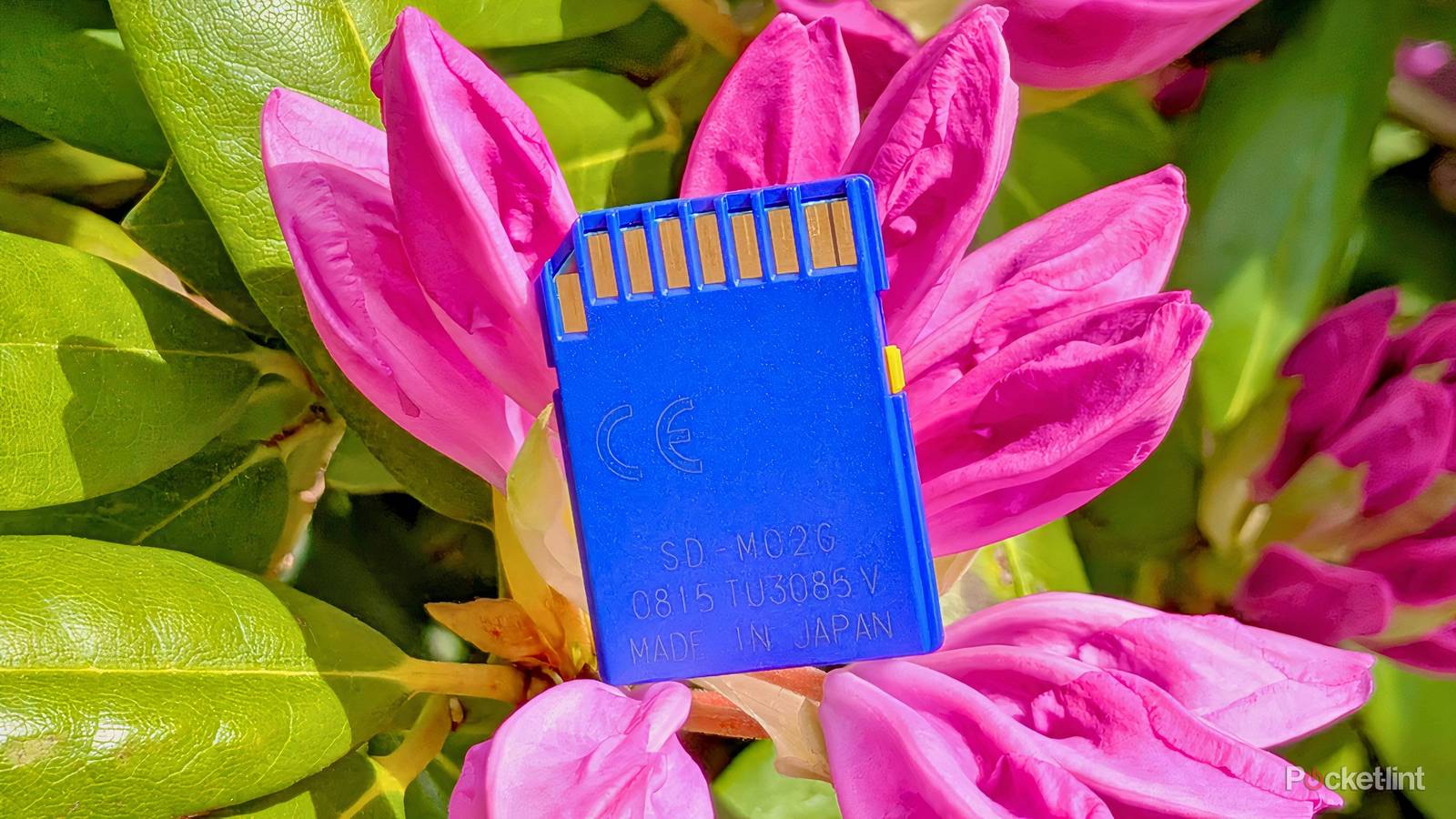
Rather than opting to burn my Blu-ray discs all onto a single SD card, I decided to dedicate a separate card for each movie and TV show series I own. This sounds counterintuitive, but it’s appealing to me as it functions in a plug-and-play manner akin to, say, video game cartridges or, indeed, optical media itself. Splitting out my library in this way is also cost-effective, as I only really need to make use of cards with low storage capacities and read/write speeds.
When I want to watch something new (or rewatch a classic), I can then easily sift through my collection of SD cards. This preserves not only physical ownership, but also the joy of collecting and holding a singular object that corresponds to its own distinct piece of media.
Playing back content isn’t difficult, either. With the help of a basic USB-C / USB-A to SD adapter, flash memory cards can interface with just about any modern piece of equipment. This includes phones, tablets, PCs, TV set-top boxes, and even most Blu-ray players, too.
Rather than opting to burn my Blu-ray discs all onto a single SD card, I decided to dedicate a separate card for each movie and TV show series I own.
Now, SD cards all look roughly similar to one another, and they don’t offer physical space to write information down onto them à la floppy disks. I pondered how to solve this, and I ultimately landed on placing each card into its own plastic hard shell with a label to denote the contents within it. An imperfect solution, but a solution nonetheless.
Finally, I should mention that I’m all too aware that SD cards are unsuitable for long-term archival purposes. In my case, the contents of each SD card are backed up onto an external solid state drive (SSD), providing data redundancy in the case of anything going awry.
Ultimately, by transitioning my show and film collection from Blu-ray over to SD card, I’ve been able to save space within my home, maintain ownership of my physical media, and even simulate the cartridge-like swap-ability that defined my Game Boy-infused childhood. Plus, as an added bonus, I now have more file backups than ever, helping to protect against data degradation.