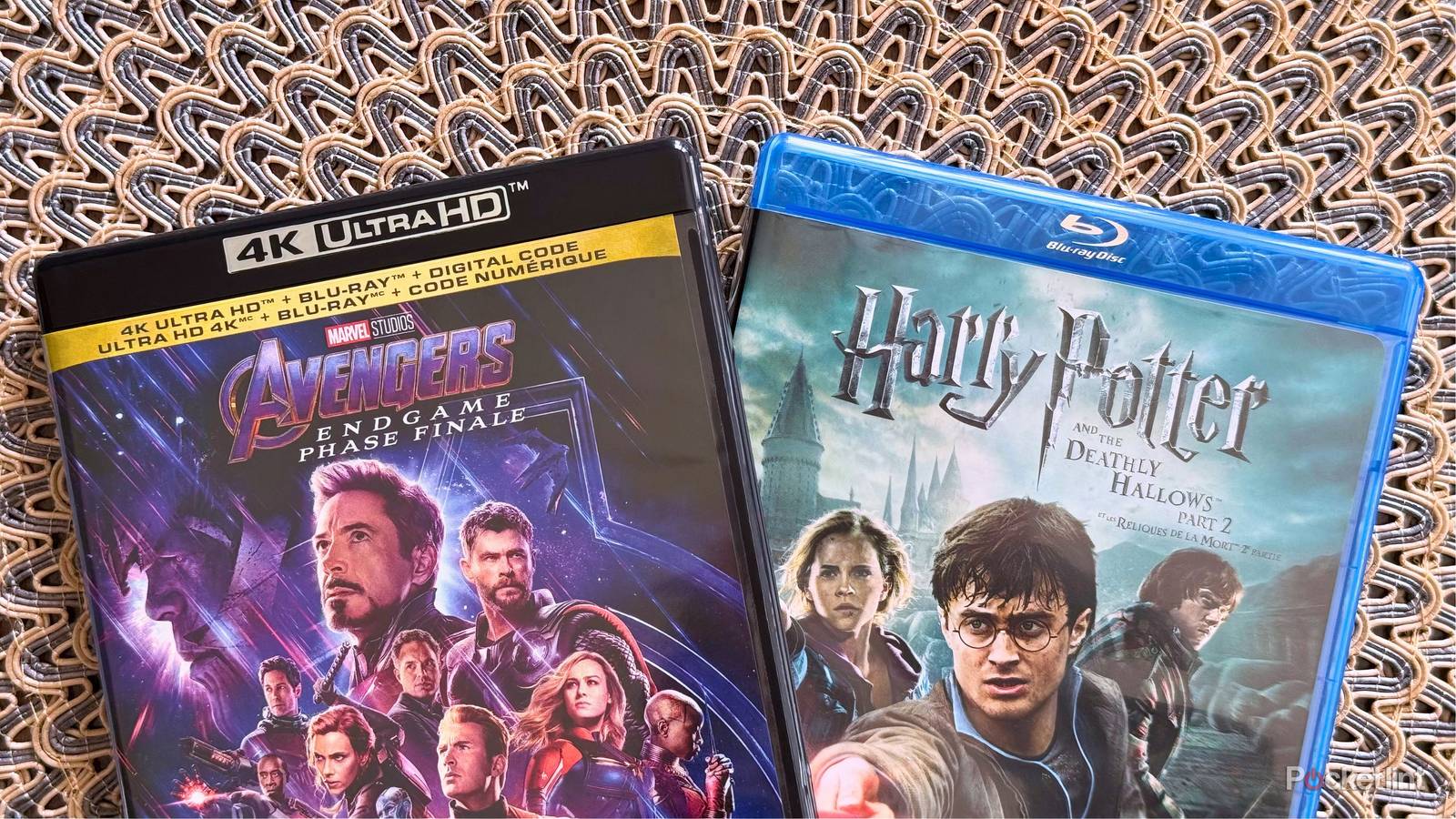
I love 4K Blu-rays, and while my collection hasn’t grown as much as it has before, largely thanks to increasing prices, I’m still a huge fan of the format and will add to it when I can. I’ve seen a lot of chatter online about people gravitating more toward physical media thanks to the rising costs of streaming services. You tend to see people saying it when Netflix announces a price hike, and to be fair, that’s been happening a lot.
However, I don’t think it’s as simple as unsubscribing from everything and switching to discs.4K discs aren’t free, and it’s not uncommon to spend $30 on a single movie. To put that in comparison, the most expensive Netflix tier doesn’t even cost that, and you get access to a lot more than a single movie. Of course, streaming services don’t come with any ownership, and that’s a big selling point of physical media.
Another hurdle to cross is getting something that plays your discs. I have a Sony UBP-X700 player that still goes for over $200 despite its old age. There are some Panasonic options that drive up the price even higher, and that’s a tough pill to swallow for somebody just looking to ditch a streaming service. It’s a high barrier of entry, but it’s one that you might’ve already crossed without realizing it.

- 4K Capability
-
Yes
- Game support
-
PS5, PSVR 2, PS4, PSVR
- Processing Power
-
10.3 TFLOPS
- Storage
-
825GB SSD
- CPU
-
x86-64-AMD Ryzen Zen 8 cores
- Dimensions
-
390 × 104 x 260 mm
The best Blu-ray player is the one that you have
Sometimes, it’s just that simple

Gaming is more popular than ever, and that means a lot of people have video game consoles in their home. As of 2026, there are over 90 million PS5 consoles in the wild, and there are at least 30 million Xbox Series X consoles out there. What you might not realize is that both of these consoles are 4K Blu-ray players. Even the older Xbox One X and PS4 consoles play 4K Blu-ray discs, so there’s an even bigger chance that you have one of them.
The main purpose of these consoles is to play games, but they are versatile little machines that can help you dip your toes into the world of 4K Blu-ray discs. It’s how I got my start, and I know I was never going to find out how to play 4K discs as a broke college student without them. While a dedicated player comes with more features, there’s nothing wrong with using a game console to watch movies. Everything works the way that it should, and you don’t have to make any extra space for another player. Game consoles aren’t known for their small size, and they don’t seem to be getting any smaller with each passing generation. If you have an entertainment stand, it’s easy to have it completely filled up. I actually have my 4K player put in a cubby on my Ikea Besta while an audio receiver, center channel speaker, Nintendo Switch 2, and an Xbox Series X make up the top of my cabinet.
If you don’t have a game console already, it still might be better value to pick up an older PS4 than an actual 4K Blu-ray player if you want to do other things. Game consoles can do quite a bit other than play games, and they can make for a great smart TV replacement. Over time, your smart TV starts to slow down, and you can use a game console to pick up that slack. I find that streaming apps on game consoles get quite a few updates, largely because there’s a huge chunk of the viewing audience using them. Smart TV streaming apps tend to lag behind in the updates.
It’s for these reasons that I think a game console is a perfect entry point for people getting into 4K Blu-rays. They don’t go above and beyond, but for somebody who just needs to play discs, it’s hard to go wrong here. The only thing you’re going to be missing are some of the features found in higher-end Blu-ray players. Of course, you’ll also need a TV that supports these features, and if you’re a budget-conscious shopper, you might not have a TV that can take advantage of a high-end player. On the bright side, you can always future-proof yourself by getting a great player to start with.
 Quiz
QuizBlu-ray players
Trivia challenge
From disc capacity to codec wars — how much do you really know about Blu-ray players?
TechnologyHistoryFormatsFeaturesHardware
In what year did the Blu-ray Disc format officially launch for consumers?
Correct! Blu-ray launched in June 2006 alongside the first wave of players and titles in North America. Sony’s PlayStation 3, released later that same year, also played a huge role in driving adoption of the format.
Not quite — Blu-ray officially launched for consumers in 2006. The format had been in development for years prior, but it wasn’t until June 2006 that players and discs hit store shelves in North America.
What was Blu-ray’s main rival format during the high-definition disc format war of the mid-2000s?
Correct! HD DVD, backed primarily by Toshiba and Microsoft, went head-to-head with Blu-ray in a fierce format war. The battle ended in early 2008 when Toshiba conceded defeat after major studio and retailer defections to Blu-ray.
The correct answer is HD DVD. Backed by Toshiba and supported by Universal and Paramount studios, HD DVD was a serious contender until early 2008, when Toshiba officially discontinued the format after losing key studio support.
What colour laser does a Blu-ray player use to read discs, and what is its approximate wavelength?
Correct! Blu-ray players use a blue-violet laser with a wavelength of approximately 405nm. This shorter wavelength compared to the red laser used in DVDs allows data to be packed much more densely on the disc surface.
The correct answer is a blue-violet laser at around 405nm. This is actually the origin of the ‘Blu’ in Blu-ray — the shorter wavelength enables tighter data pits on the disc, dramatically increasing storage capacity over DVD.
What is the standard single-layer storage capacity of a Blu-ray Disc?
Correct! A standard single-layer Blu-ray Disc holds 25GB of data. Dual-layer discs double that to 50GB, and later BDXL discs pushed capacities to 100GB and beyond using triple and quadruple layers.
Not quite — a standard single-layer Blu-ray Disc stores 25GB. For comparison, a standard DVD only holds around 4.7GB, so Blu-ray represented a massive leap in optical disc capacity when it launched.
What is the name of the interactive feature system built into Blu-ray that enables web connectivity and advanced menus?
Correct! BD-Live is the Blu-ray profile feature that allows players with an internet connection to access downloadable bonus content, online games, and interactive features. It was introduced as part of the Blu-ray Profile 2.0 specification.
The correct answer is BD-Live. This feature, part of the Blu-ray Profile 2.0 specification, required players to have internet connectivity and local storage, enabling studios to offer downloadable extras and web-based interactive content.
Which gaming console, released in November 2006, significantly boosted Blu-ray adoption by including a built-in player?
Correct! Sony’s PlayStation 3 included a Blu-ray drive as standard, making it one of the most affordable Blu-ray players available at launch. This gave Blu-ray a massive install base advantage and is widely credited with helping the format win the format war.
It was the PlayStation 3. By bundling a Blu-ray player into a gaming console priced competitively against standalone players, Sony put Blu-ray hardware into millions of living rooms rapidly, which proved decisive in the format war against HD DVD.
Which audio format, developed by Dolby, was introduced as a lossless surround sound standard supported by Blu-ray players?
Correct! Dolby TrueHD is a lossless audio codec that Blu-ray helped bring into mainstream home cinema. It supports up to 14 discrete audio channels and is bit-for-bit identical to the studio master, delivering truly reference-quality sound.
The correct answer is Dolby TrueHD. Unlike Dolby Digital Plus, which is a lossy format, TrueHD is fully lossless — meaning it reproduces audio identically to the original studio recording. It remains one of the premier audio formats for home theatre enthusiasts today.
What is the maximum video resolution supported by standard Blu-ray discs and players?
Correct! Standard Blu-ray discs support a maximum resolution of 1080p, or Full HD. For 4K content on physical media, you need an Ultra HD Blu-ray disc and a compatible player, which is a separate, more advanced format launched in 2016.
The correct answer is 1080p (1920×1080 progressive). Standard Blu-ray tops out at Full HD resolution. If you want native 4K content on disc, you need Ultra HD Blu-ray — a separate format that launched in 2016 and requires its own compatible player.
Your Score
/ 8
Thanks for playing!
You should still upgrade to a dedicated 4K Blu-ray player
Something to aim for

While a game console is a good start, it shouldn’t be your end game. Like all hobbies, there are upgrades to be made, and getting a dedicated player is something to strive for. The big thing that pushed me over the edge was the lack of Dolby Vision on the PS5 and Xbox Series X. Both of those consoles support Dolby Vision for gaming, but it’s not available for discs.
Keep in mind that not every 4K player comes with Dolby Vision, and I actually ended up going for the cheapest one at the time that came with it included, and that was the Sony UBP-X700. As far as 4K Blu-ray players go, this is still a budget option, but it comes with Dolby Vision. Unfortunately, the Dolby Vision toggle is manual, so I need to look up whether the disc I’m about to watch has a Dolby Vision scan before I pop it in. If it does, I have to go into the settings and turn on Dolby Vision. Many people with this player leave Dolby Vision on permanently, but that’s not good to do because it’ll mess with the colors of everything you watch, regardless of whether it has Dolby Vision or not. I’d much rather take the time loss turning it on and off instead of watching something that’s not accurate.
The more expensive Panasonic players automatically switch to Dolby Vision for you, so there’s nothing to do but put in the disc and enjoy. I’m also one of the people who run into problems where 100 GB 4K Blu-ray discs can freeze on my player. If you do some research on the X700, you’ll see that many people have similar problems with these players. You’ll also find that a lot of people don’t have any issues at all, so your mileage may vary. It doesn’t happen to every disc, and sometimes, the player can chug through the problem. However, there are other times when I have to get up, remove the disc, put it back in, and hope the problem is fixed. Again, I’m not saying this will be your experience, but it’s happened to me and other people enough times t the point where it could be something you have to worry about. Fortunately, there are a lot of dual-layer 66 GB 4K discs that look excellent, so it’s not like every movie will freeze on you.