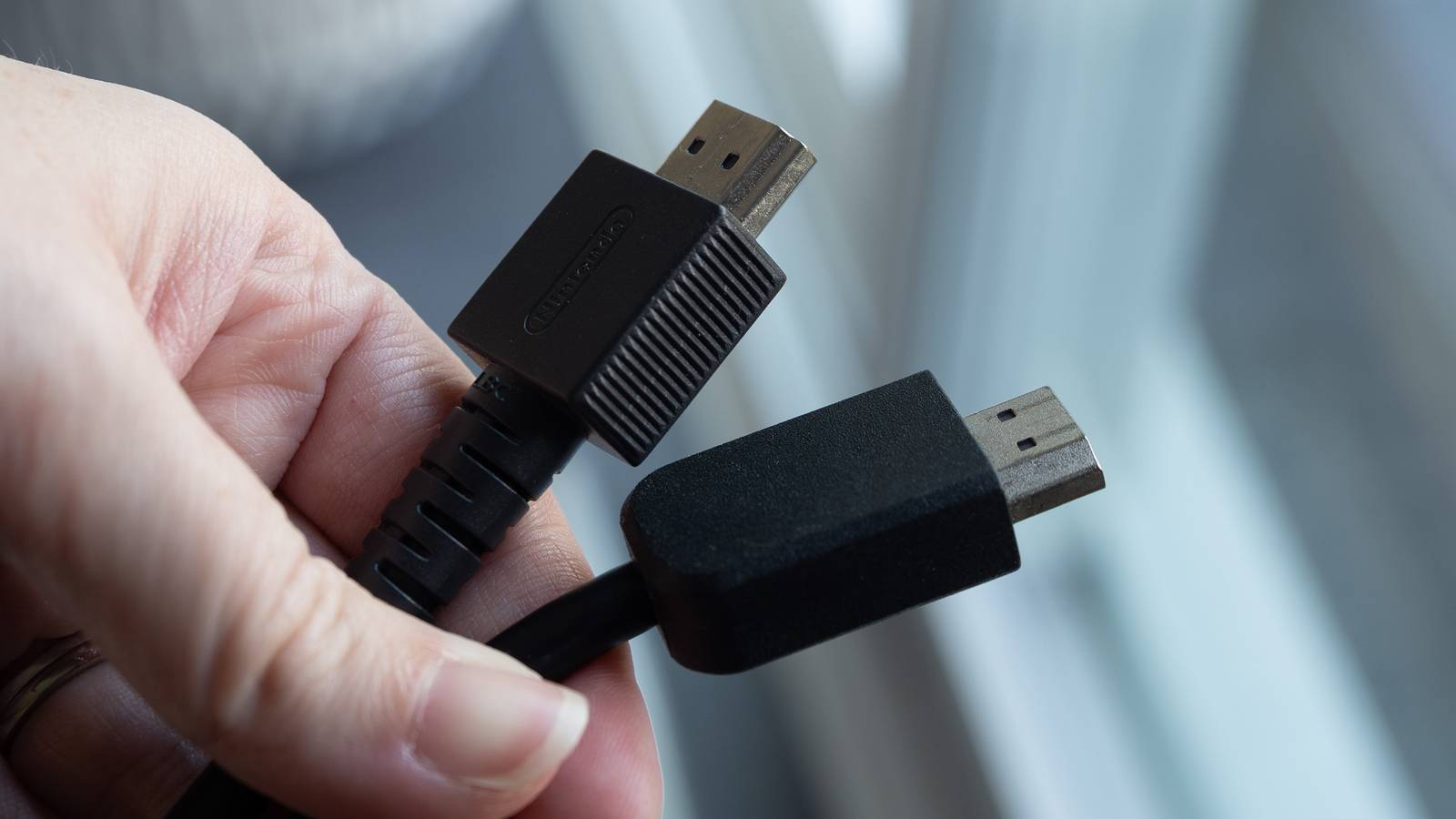
HDMI-CEC is an absolutely fantastic feature when it works. The only problem is that it doesn’t work the way that it should all the time, and it’s a bummer. The idea behind HDMI-CEC is that all of your devices are interconnected, and one remote controls them all. For example, your TV remote should control your TV, receiver, and streaming box if everything’s working according to plan.
When it works, it works, and I don’t have any issues. In fact, it’s one of the coolest things about having a home theater, because I love having one remote control for everything. For far too long, I had to keep too many remotes around, and it was just a hassle. Sadly, it hasn’t fully eliminated my need for these remotes because it still manages to have nagging issues after all this time.
With all that said, there are some ways to make your experience better. For me, that meant turning off some devices that I don’t need to control with my remote. Just because you can turn something on doesn’t mean you have to. I eventually upgraded to a SofaBaton X2 universal remote, but leaving these devices off HDMI-CEC saved me a lot of headaches.
Don’t use it with your game consoles
Not worth the hassle

The biggest problem with HDMI-CEC when it doesn’t work is turning on devices I don’t want on. This happened all the time with my Xbox Series X, and I solved the problem by simply turning off the HDMI-CEC feature. The thought process behind this was obvious — I’m already up if I’m playing my Xbox. I don’t keep my controller on my ottoman, where I can easily reach it like my remote. Instead, I have to go over to my Xbox and grab the controller off the console. Since I’m already up, I can easily hit the power button and turn it on from there.
This eliminates any headache from having to get up and turn off the Xbox, and I don’t lose any functionality. My remote still controls the volume, and if I need to control something on the Xbox, I just use the controller. This same line of thinking applies to all my game consoles, especially ones where I have to get up and put a disc in. I don’t see much of a reason to have HDMI-CEC toggled on with a game console. If it works for you, then by all means go for it. I just don’t think the juice is worth the squeeze in this situation.
The Nintendo Switch is a big troublemaker with HDMI-CEC. For whatever reason, it feels like any time the dock switches on, it’ll change the TV’s input to it. It’s also a problem when I dock my Switch after playing it handheld. It’s a very annoying feature, and I think it’s a bigger issue than both the Xbox and PlayStation, especially since I play my Switch exclusively in handheld mode.
Your Blu-ray player is fine without it
Leave it off, you don’t need it

Not using HDMI-CEC for your Blu-ray player follows the same thought process as not needing it for your game console. You are already putting a disc into your player, so you can just turn it on while you’re doing that. Like my Xbox, I leave the Blu-ray player’s remote on top of the player itself, and it’s small enough that I don’t really mind it being on the couch next to me. Having HDMI-CEC turned on means I would be able to control the player and fast-forward, but that’s a tradeoff I’m willing to make.
I don’t like it when devices I don’t plan to use turn on, so having the Blu-ray player turn on with my TV sometimes just wasn’t worth the hassle. Most of the time I sit down to watch something, I don’t even press anything other than play at the main menu, so having HDMI-CEC is wasted on me. If you like to pause a lot, then yeah, you’re missing some functionality here. Speaking for myself, I don’t see the point in it, and it’s no extra trouble for me to keep the Blu-ray player remote handy for when I need it.
Anything you don’t want hijacking your input
Something I noticed over the years

The biggest problem with HDMI-CEC, and what eventually pushed me toward a universal remote, is that things would turn on and take over the input. In my experience, the Nintendo Switch and my Apple TV 4K are the biggest culprits. It feels like the Apple TV 4K always ended up as the default option when turning everything on. However, that was typically what I was going for since I didn’t have a need to go to my TV’s home screen once I got a streaming box. It did get annoying when I didn’t want to go to my Apple TV 4K home screen since it didn’t seem to play ball all the time.
HDMI-CEC is pretty much a gamble of what input it’ll default to, and that’s why I recommend turning it off on devices you don’t need it on. I just find it much easier to manually switch inputs for my devices I don’t use all the time. An Apple TV 4K is tricky because I use it for the majority of the time I’m using my TV, so I want it to default to that more often than not.
The fix is a universal remote
It bypasses the problem

If HDMI-CEC is causing you nothing but trouble, and you don’t mind dropping a few hundred dollars on something, then a universal remote can effectively solve your problems. My SofaBaton X2 was free of charge courtesy of SofaBaton for a review, and it costs $360 on Amazon at the time of this writing. I’m not sure if I’d be open to paying that much for a remote, but if you’re somebody who’s fed up with HDMI-CEC, it’s something to consider. With the Logitech Harmony remotes out of production, you don’t have many options left for high-end remotes.
The SofaBaton lets me bypass HDMI-CEC completely and give commands directly to specific devices. I have a function set up on the remote that turns on my TV, receiver, and Apple TV 4K with a single button. This defaults to the Apple TV 4K screen, and it works like a dream. Whether a $360 fix is worth it for you is another question entirely, but I can say that having this remote has made me not miss HDMI-CEC at all. If you do plan to stick with HDMI-CEC, my advice is to take off any device you don’t absolutely need it for. This won’t fix the problems entirely, but it’ll make them much easier to manage.


4.5/5
- Brand
-
SofaBaton
- Integrations
-
IR, Bluetooth, Wi-Fi
- Battery
-
USB-C
- Integrated Screen
-
Yes