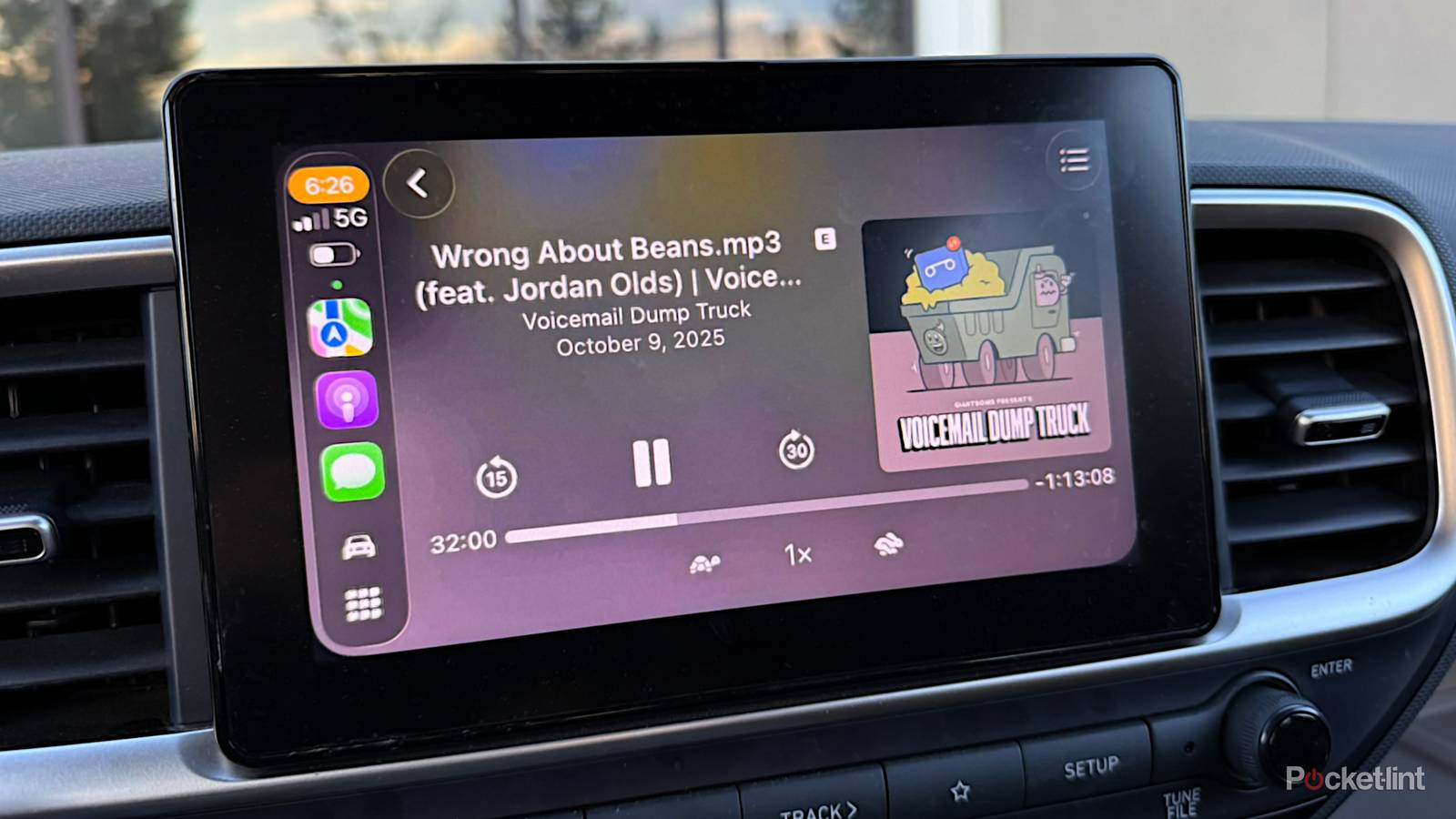
For the most part, there are three factors involved in how well CarPlay performs in your vehicle: the speed of your iPhone, the speed of your dash interface, and the quality of your cell signal. Navigation apps like Apple Maps and Google Maps practically demand a 5G connection for some features.
There are other variables at work, though, and it’s worth looking into these if CarPlay doesn’t feel as snappy as it should. Even a five-year-old iPhone should handle reasonably well as long as all other conditions are lined up properly.
The changes that speed up Apple CarPlay
(Mostly) easy solutions

Perhaps the best option (as relevant) is to switch from wireless CarPlay to wired. Wireless is increasingly common, and normally preferable for its convenience. It’s also dependent on a Bluetooth handshake setting up a direct Wi-Fi link, however, a process that takes a few moments. Moreover, all wireless technologies are prone to interference in a way wired ones aren’t.
The catch is that a car with wireless CarPlay will typically default to that even when you plug your iPhone into USB. That may not always be the case — but if it happens, and there’s no manual choice in your car’s dash interface, you’ll have to disable Wi-Fi and/or Bluetooth on your iPhone using Control Center or the Settings app.
No matter how you connect, being mindful of what your iPhone is doing in the background may help. Personal Hotspot should be off, since that draws from Wi-Fi and cellular bandwidth simultaneously. Halt any large background downloads, too, including cached playlists from Spotify or Apple Music. These will only really tax your iPhone’s cellular radios and CPU, but that might make all the difference if Apple Maps is trying to load a new region at the same time.
The overall condition of your iPhone matters. Aim to keep at least 5GB of storage free, giving iOS enough swap space for smooth operation. You may even want to consider heat, since high temperatures could force your iPhone to throttle its processor or shut down. In that regard, you should avoid using a windshield mount too often if you live in a hot climate like Florida or Texas, or a vent mount if you live somewhere cold and like ramping the heat up to full blast.
Something simple you can do is reboot your phone periodically, perhaps once every week or so. The reason is that without a reboot, system caches go uncleared, and background processes can’t get a clean slate. If you haven’t done one in a month or more, you’ll probably notice a small but tangible difference.
Lastly, keep iOS and its apps up-to-date. While Apple and third-party developers rarely target updates at CarPlay specifically, any performance tweaks will have a knock-on effect. Who knows — you may occasionally get new features, or fixes for nagging glitches.
When do you need a new iPhone?
Some final thoughts

I’d strongly consider upgrading your iPhone and/or your carrier if you’re stuck with 4G. As I discovered the hard way, North American carriers are rapidly deprecating the standard, assigning some of its frequencies over to 5G. With speeds tanking, navigation apps can noticeably underperform, even when combined with a high-powered device like my iPhone 16 Pro.
You probably don’t need to upgrade your iPhone at all if it’s a model from 2021 onwards. My wife owns an iPhone 13 Pro Max, and when it’s on 5G, it does just fine with Google Maps and any other app she throws at it. Many devices will additionally get a performance bump from iOS 27, which should be officially released in September 2026. Even 2020’s iPhone 12 series may see some improvement. Those products did have 5G, but their processors and RAM are a bit long in the tooth.