Walk with me. You’ve just gone to the grocery store on a busy Sunday. You hate yourself for choosing to go when you did, but it had to be done. Sigh.
You walk out of the store, a completely full cart in front of you, and you make your way toward what you think is the aisle you parked in. To your and the missus’ surprise, this aisle is not the one you’ve parked your grocery getter in. Instead, it’s a few aisles over and just happens to be facing the same direction. Your adulthood is now called into question. How could you forget where to park? You had one job.
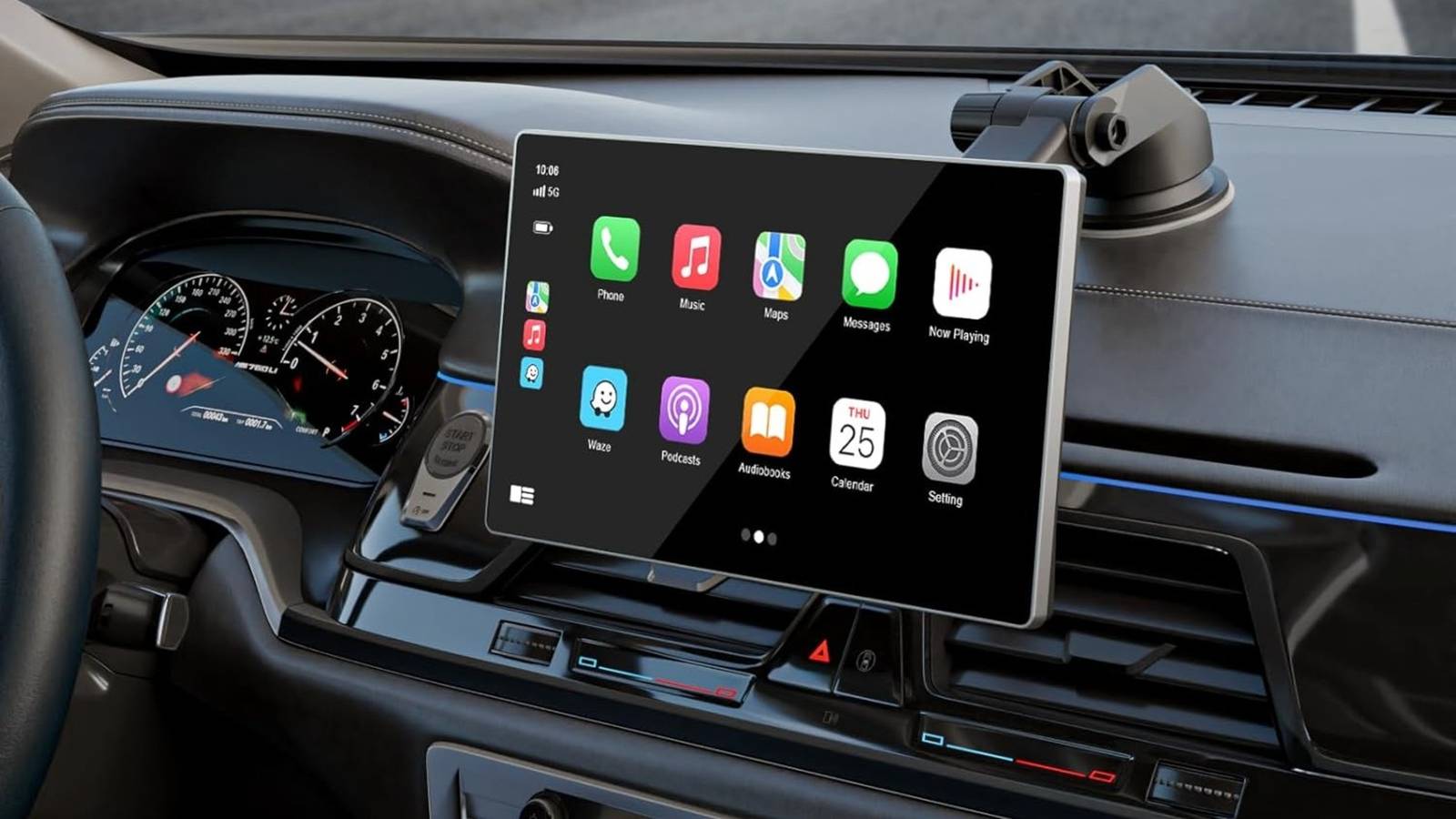
I’ve been there, friend. In fact, I was there just a few weeks ago. I had to take the grocery store walk of shame back down the aisle, because the parking lot was so full that I couldn’t sneak between other vehicles. It was truly horrible. So horrible, in fact, that I’ll never let it happen again, because now I use Apple CarPlay’s parking sensor feature. But there’s one more feature that doesn’t get nearly the shine it deserves for my EV-owing friends.
A small feature with big usefulness
Parking locator solves more real world problems than bigger updates

In a time when users are constantly clamoring for large, overhauled feature upgrades, it’s important to remember that sometimes, these small features can have even larger real-world applications and make a user’s experience 10x better simply by engaging the full functionality of the platform you’re on.
For instance, Apple Maps’ parking locator solves a problem that most drivers deal with at some point in time — remembering where they parked. Whether that’s in a large airport, garage, shopping center or even at work, depending on what you do, it’s a small feature that can make life that little bit easier. After all, isn’t that what our tech is meant to be for? Apple’s goal has always been to create background features that make life easier to manage, and as someone who has been openly critical of CarPlay in recent weeks, this feature fits that description to a tee.
How does it actually work
It’s just as simple as it sounds

After following just a few short steps, activating this feature in your ride is easy as can be. By allowing your maps app to sense when you leave your car or when you arrive at key destinations, it will place a pin on the exact location where you parked your car, whether that’s in an airport or large parking garage.
Then, later on when you return, you can get directions to that exact pin. Apple has done real work in improving its user experience when giving walking directions, especially if you’re in a large metro area or popular airport. Through this feature, getting to your car quicker means returning home quicker, and that’s all we really want to do at the end of a long travel day anyhow, right?
Speaking of solving driver issues
My EV-driving friends swear by this feature

The second feature that bears mentioning is EV Charger mapping, an especially helpful tool for those who are adopting EVs now that their used prices are becoming too good of a deal to ignore. While I haven’t personally made the switch, many of my close friends have, and they swear by CarPlay’s EV charger mapping feature, especially when they have to make longer commutes or trips.
Range anxiety is a very real thing among the EV community, and while the US in particular has made vast improvements to EV infrastructure in recent years, the charging stations are still lacking in parts of the country. However, a large enough network now exists that many EV drivers can safely make longer road trips and commutes with the help of charger mapping and scheduling.
Built-in charging stops lengthen drives, but ease anxiety
There’s no way to eradicate range anxiety, but this sure helps it

While EV charger mapping will more than likely extend road trips in the immediate future, it will also eliminate the need for range anxiety and allow users and drivers to reach their destinations without sweating out their next charging stop. Most interstates have solid access to EV chargers now, especially in more densely populated areas of the country, with more stations being added every day. All of that compiles to make a pretty clear picture that this is yet another feature within Apple CarPlay that can truly make the lives of its users easier on a daily basis if they own an EV.
As EV adoption grows both on the used and new car markets, charger mapping looks to become as essential to drivers as gas station locations for previous generations. Additionally, more and more gas stations around the country are beginning to add select EV chargers to their stations, further expanding the EV charger mapping capabilities of platforms like Apple Maps.