


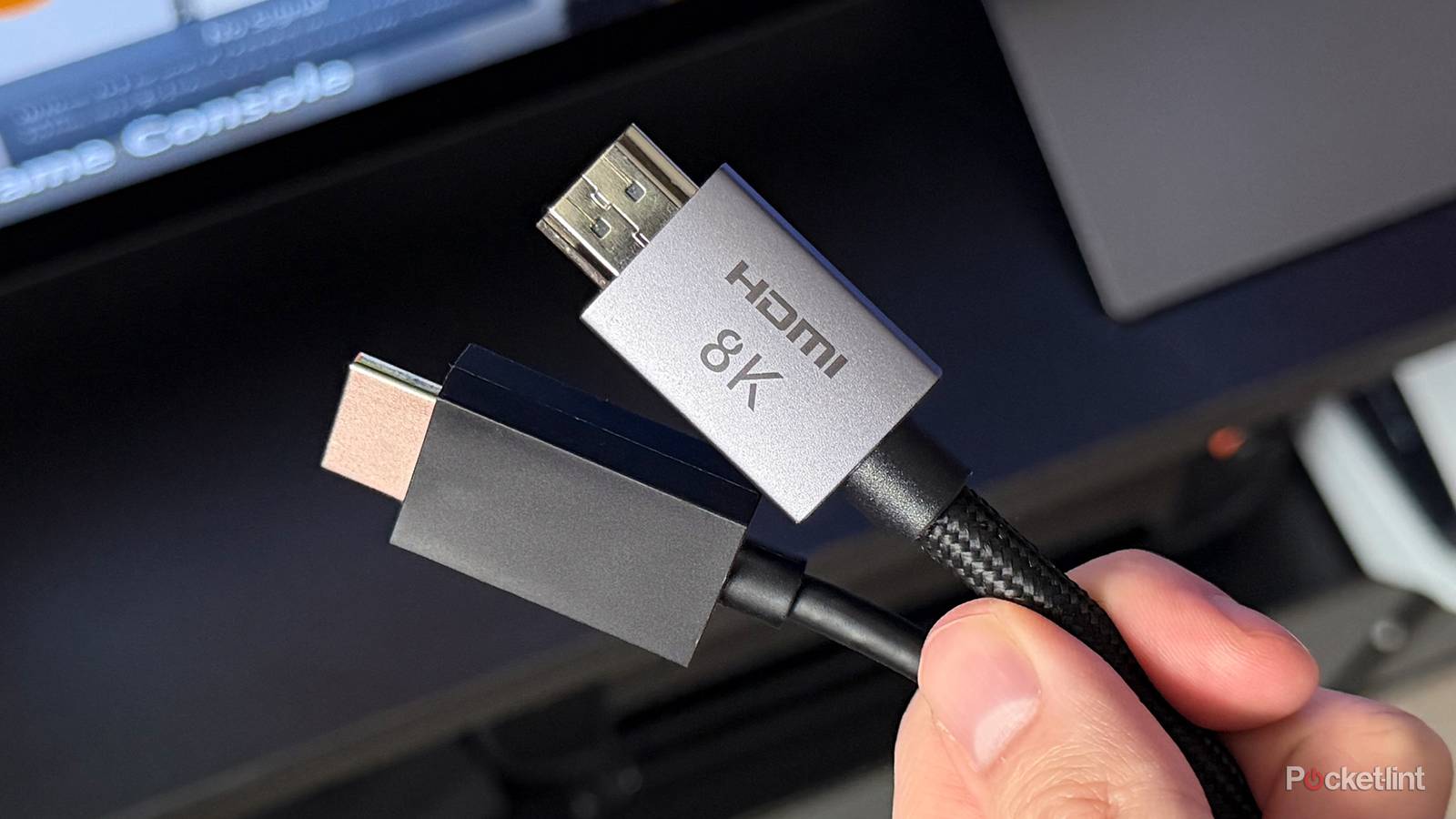
One of my primary considerations when shopping for a smart TV is, you guessed it, the number of HDMI ports available. It’s all well and good to own a 4K mini-LED with a 144Hz refresh rate and advanced AI, but that hardly matters if there aren’t enough ports to hook up your Blu-ray player and your Steam Deck at the same time. Even if you’re relying on a TV’s native apps at the moment, it’s good to have flexibility.
What can you do, though, if your TV is stuck with just two or three ports? Or if only one of them is equipped for HDMI 2.1 or 2.2? If you play your cards right, you can make do with what you have, although you might end up needing another accessory.
Coping with an HDMI crunch
Until the stinginess ends

The ideal these days is four HDMI ports, all rated for 2.1 or later, one of them including ARC/eARC support for a soundbar or receiver. Unfortunately, you can’t really assume you’ll get this unless you shop higher-end TVs. Cheaper models may dial back the number of ports, or mix in HDMI 2.0, which dates back to 2013. The cheapest TVs may skip 2.1 completely.
The relief here is that you don’t necessarily need 2.1 for every device. In terms of video, the spec’s main advantages are support for 4K refresh rates over 60Hz, and VRR, a feature that automatically syncs refresh rates to framerates. VRR is a must-have if you’re connecting a PC or game console. Those devices’ framerates can sometimes exceed 60fps, and even when they don’t, a graphically demanding game like Cyberpunk 2077 or Doom: The Dark Ages may fluctuate wildly, for instance jumping from 29fps one moment to 61fps the next. When there’s a mismatch between frame and refresh rates, the result is visual artifacts like screen tearing.
This means that if you’re connecting a Blu-ray player or an add-on media streamer, you can potentially get away with HDMI 2.0. 2.1 remains preferable for the sake of improving motion performance, as well as guaranteeing dynamic HDR in the form of Dolby Vision and HDR10+. You can still get dynamic HDR over 2.0, however, just at a lower refresh rate or resolution. 120 to 240Hz is possible if you dial down to 1080p, albeit without VRR sync. Your device or TV can upscale to 4K.
HDMI 2.1 and eARC are also required for lossless Dolby Atmos or DTS:X, yet here’s a secret: most of what you’re hearing isn’t lossless, with or without spatial audio. Streaming services like Netflix and Disney+ inevitably use compressed sound mixes, since combining lossless with 4K HDR would tax everyone’s bandwidth. You’re only going to get lossless from Blu-ray discs, and I would argue it’s overrated even then. You can get compressed Atmos over HDMI 2.0 and basic ARC, so there’s no sense stressing about HDMI when it comes to your audio chain.
The gist is that if you’re connecting a PC or console, that should take priority for your TV’s best ports. Most other devices can be relegated to 2.0 if necessary. You may not get the best experience with them, but that may be preferable to forking out for a more expensive TV.
What if you still have too few ports?
The awkward workaround

If your TV still has too few ports, or at least not enough of the kind you want, one answer to that is an HDMI switch. That turns a single port into two or more, depending on the particular switch you buy.
There are several potential catches to buying one. The first is that you need to be picky about specs — if you’re trying to expand an HDMI 2.1 port, you’ll not only want a matching switch, but one that promises the refresh rates and HDR standard(s) you’re expecting. Some 2.1 switches top out at 120Hz, which is disappointing if you’ve got a 144Hz TV.
They can also sow chaos with your TV’s CEC system. Inputs may sometimes flip or wake up unexpectedly, and if so, the solution is probably to disable CEC on your TV or the device(s) in question. Alternately, devices that sleep might not trigger a switch’s automatic selection functions when they revive, forcing you to use a switch’s bundled remote every time.
Lastly, there’s audio. Switches can introduce latency, or convince another part of the chain to downgrade to compressed stereo or 5.1-channel surround. To preserve all formats, including lossless, be prepared to spend more on a switch that supports eARC extraction and passthrough (a.k.a. bitstream).


