

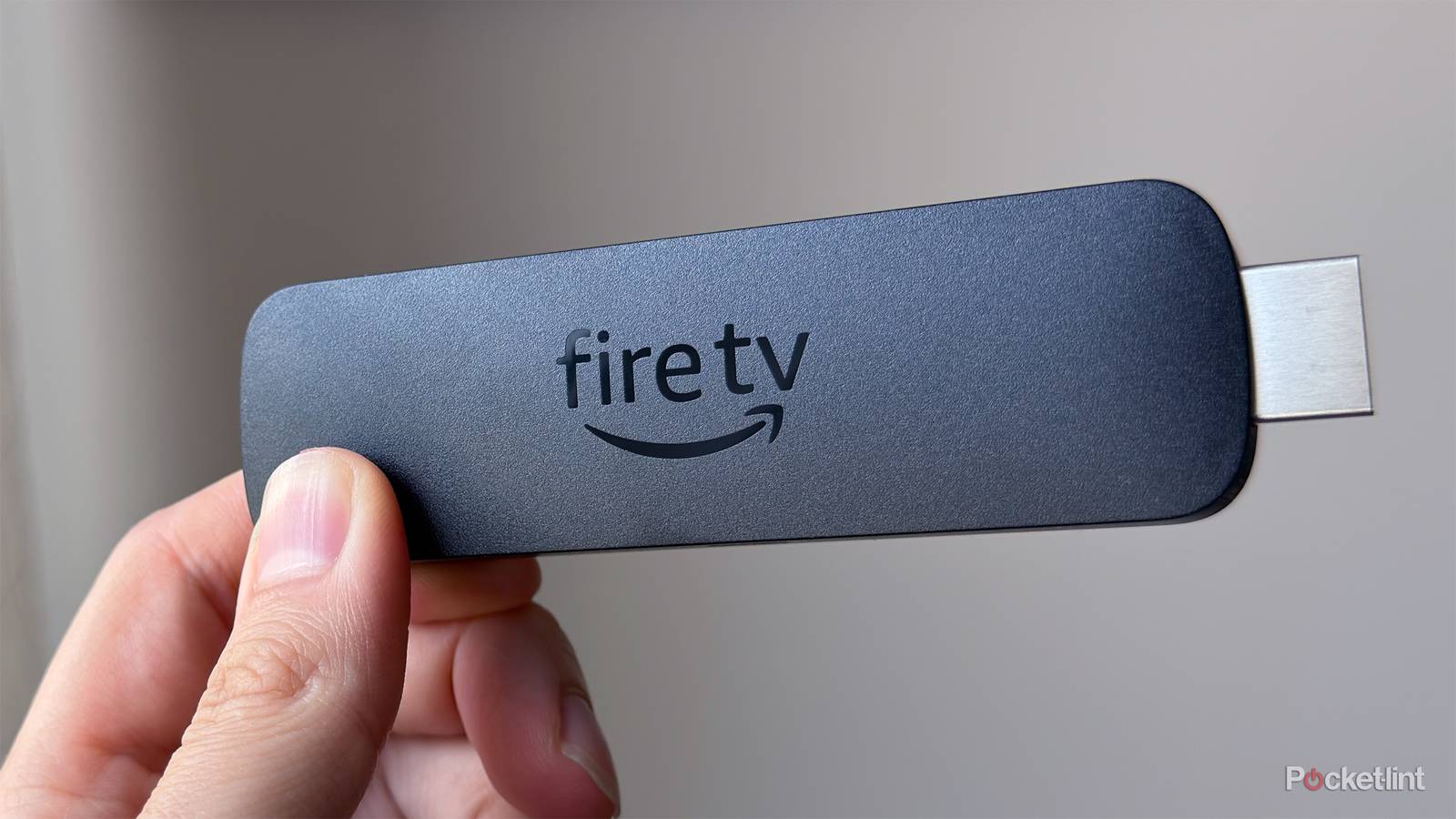
For a while now, I’ve been using a Fire TV Stick 4K Max with my LG TV to stream shows and movies and play games from the cloud. Overall, it’s been an enjoyable experience. What convinced me to get the Fire TV Stick 4K Max in particular was its wide range of features, including HDR10+, Dolby Vision, and Dolby Atmos support, plus its Wi-Fi 6E capabilities and 16GB of storage. That’s pretty impressive for a tiny streaming stick that you can sometimes pick up for as little as $40.
But if I had to pinpoint one part of the experience that has always driven me crazy, it’s the occasional fluctuations in performance. Most of the time, my Fire TV Stick 4K Max is fast and opens apps without any issues. Sporadically, though, I’ll run into situations where apps take forever to load or, worse, freeze altogether. That’s especially frustrating when all I’m trying to do is stream a show and unwind after a long day.
To try to fix this problem, the first thing I usually do is clear the cache on my Fire TV Stick. This can free up storage by removing temporary files apps have accumulated over time and often resolves performance issues such as buffering or freezing. However, while clearing the cache can help, it doesn’t always work. When it doesn’t, I’m left with a sluggish Fire TV Stick, which isn’t exactly ideal.
So, in an effort to fix these performance issues once and for all, I went looking for a quick and easy way to speed up my Fire TV Stick whenever it started slowing down — without relying on clearing the cache every time. Fortunately, I found one, and it all comes down to this free app.
This app can quickly help you speed up your Fire Stick
It helps you close apps running in the background on your device

The solution I found to help speed up my Fire TV Stick is a free app you can download from the official Amazon Appstore called Background Apps and Process List. Essentially, it helps you identify all the apps running in the background on your Fire TV Stick and close them to free up system resources like CPU and RAM, which in turn can improve performance. So far, it’s worked incredibly well for me to speed up my Fire TV Stick 4K Max. It’s basically the Fire TV equivalent of Task Manager on a Windows PC or Activity Monitor on a Mac.
To get started with the Background Apps and Process List app, download it from the Amazon Appstore and open it. When you first launch it, you’re presented with a simple menu that lists all apps currently running in the background on your Fire TV Stick.
The Background Apps and Process List app is available only on Fire OS Fire TV Sticks. There is no Vega OS version.
From there, you’ve got a couple of options for closing them. You can selectively shut down specific apps, or, what I’d recommend, just close everything running in the background at once.
When you select “Close All Apps” in the top menu (as you can see in the image above), the app redirects you to a Fire TV settings page, where you’ll see the “Force Stop” option for each app. Select “Force Stop” to close that app. To move to the next app, press the back button on your remote. The Background Apps and Process List app automatically takes you to the next app ready to be force-stopped. Repeat this process until you’ve closed everything running in the background on your device.

Essentially, the app streamlines the process of closing all the apps on your Fire TV Stick. It quickly directs you to the right settings screen for each app, but you’re still the one manually closing them.
I was honestly surprised the first time I opened Background Apps and Process List and saw how many apps were running in the background on my Fire TV Stick. In total, I had 19, even though I hadn’t used some of them in weeks. Take Pluto TV, for example. I hadn’t opened it in over two weeks, yet it had been sitting there running in the background the entire time, quietly eating up system resources that could’ve been used elsewhere.
Ultimately, if you’re trying to make your Fire TV Stick or Fire TV run faster, closing all the apps running in the background that you’re no longer using is a simple, effective way to do it, and the Background Apps and Process List app makes it even quicker and easier. From my experience, it’s helped speed up my Fire TV Stick 4K Max substantially, and that’s all I could ask for.
If you also want to learn how to clear the cache on your Fire TV Stick effectively, I’ve covered it on Pocket-lint, which you can find here.

- Developer
-
Vishnu N K
- Subscription cost
-
No
- Ads
-
No
The Background Apps and Process List for Fire TV helps you quickly close apps running in the background on your Fire TV Stick.