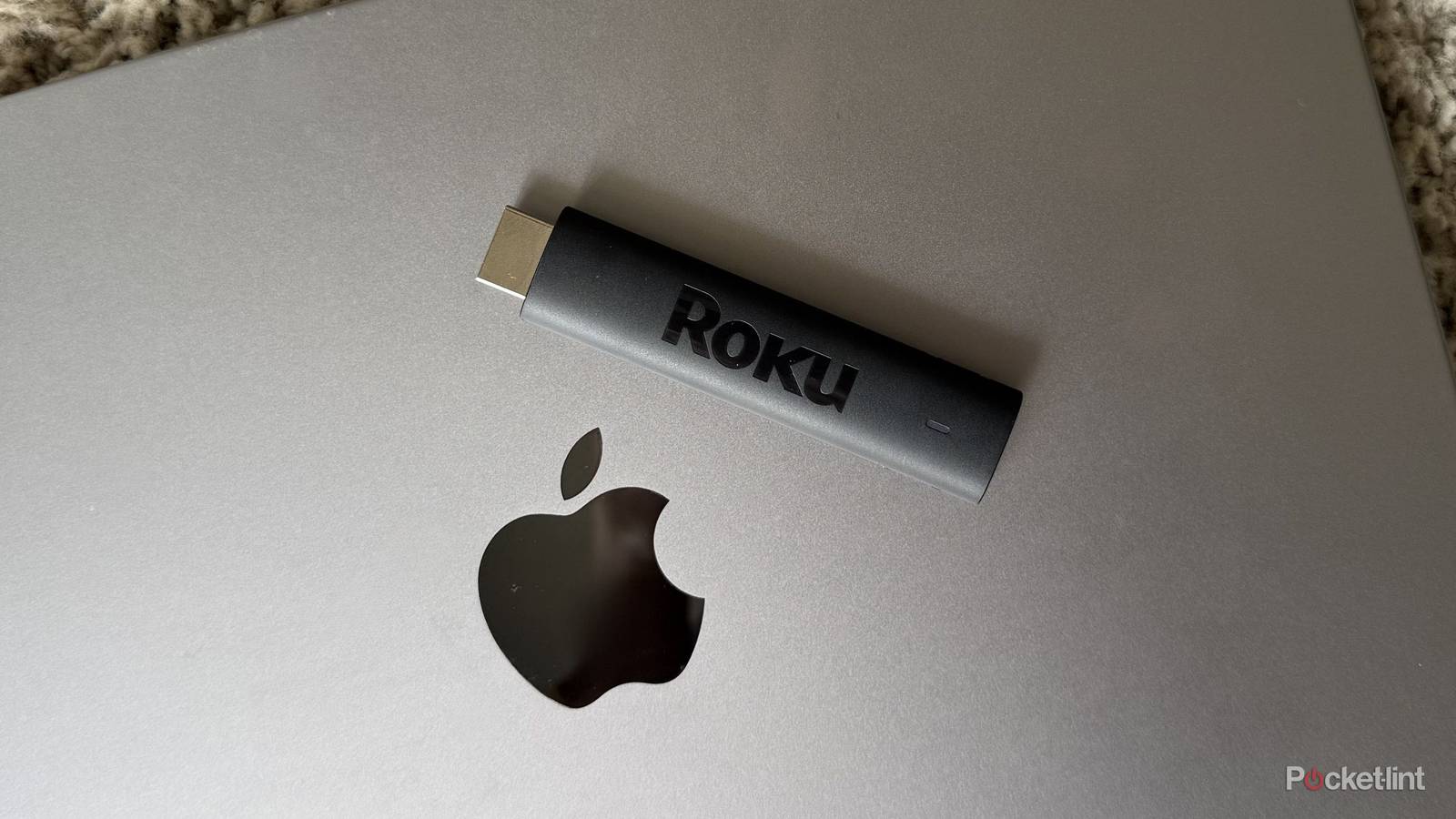
I’m the first to admit that I’m no expert when it comes to cables, ports, or any of the tedious settings that go along with them — even when they can make a huge difference in media quality. Before I dove down the TV rabbit hole, I used to think that whenever a cable fit into a port, it meant something would work. While I can laugh at that blissful ignorance now that I know about inputs, outputs, and all the other specifics that come with hardware and wiring, there’s still one particular thing that grinds my gears every time I think about it: streaming sticks and laptops.
Most laptops typically only have HDMI output, which allows them to send video to monitors and other displays. What almost all laptop models lack is HDMI input, which is what would allow an external device to display video on the laptop’s screen. The reason you can stick a Roku or other streaming stick into your TV is because TVs have HDMI input ports, which let them receive the video signal and display the stick’s interface. Because my laptop is part of the majority of models that don’t have an input port, it’s impossible to plug a streaming stick into it and see the same thing you would on your TV — unless you want to play with some fairly complicated hardware workarounds.
The HDMI rules are simple: most laptop HDMI ports are outputs, not inputs, which makes it so streaming sticks aren’t for them. But I have a bone to pick with that.

- Connectivity
-
HDMI
- Misc.
-
Works with Alexa, Works with Apple AirPlay and HomeKit, Works with Google Home, Works with Roku Smart Home
- Remote
-
Yes
- Video
-
HD, 1080p
Streaming sticks should work on more than just TVs
But laptops are the antagonists

Laptops are the problem — it’s true. Almost all of them lack an HDMI input port because they’re typically the devices doing the sending (not the receiving). That, and the hardware that would let them receive video from an external device would probably stand in the way of manufacturers’ modern aesthetic fixation: thinness.
It isn’t necessarily the streamers’ fault, but they should know that people like to watch their movies and shows on things other than a living room TV. Plenty of people enjoy watching TV on a laptop, which is something I did exclusively in college when I didn’t have a TV of my own. I still wanted to take advantage of the iconic Roku City skyline, though, which I couldn’t do natively because of the HDMI input dilemma. But then again, streaming sticks are stuck in a TV-first world, and while that’s where the biggest market is, it isn’t the only streaming habit out there.
Laptops are a better travel screen
Am I the villain for wanting to bring Roku City with me?

My TV stays in one spot — still enough that it’s an object of my weekly dusting routine. Meanwhile, my laptop goes everywhere with me — the coffee shop, the library, the airport, and even on vacation. It’s a do-all gadget with everything the streaming stick needs to work: Wi-Fi, a screen, controls, speakers, power, and portability. I know others feel the same, and I don’t know anyone who’s ever thought to check their TV as a luggage item when traveling. Meanwhile, everyone brings their laptop.
While it’s the computer’s own fault for not having the proper hardware to support streaming sticks, those same sticks and their companies should come up with a workaround. There are plenty of people out there (my college self) who would buy a streaming stick made specifically for their laptop. A Roku interface designed for a laptop’s screen would be niche, I admit, but it would cater to a very specific group of users who want to bring the streaming experience to their computers without logging into the browser versions of each individual app. Maybe it’s a USB Roku Streaming Stick made for laptop ports, or a proper desktop mode. It’s murky, but I know the current answer feels more annoying than inclusive.
Roku and other streamers aren’t completely absent from laptops, I admit. The Roku Channel is available in a browser, and I can log into the browser version of almost any streaming app. But what I want is the ability to take the streaming device I already own and plug it into my laptop to use it there — bonus points if the streaming device itself adapts to a laptop’s hardware and software for a more personalized experience.