I prefer using free and open-source (FOSS) apps on my Android phone and Windows laptop for many reasons. I don’t see the point in paying monthly subscriptions for something I can get for free. More importantly, FOSS apps are inherently safer because their source code is publicly accessible, providing transparency about how they function. This gives me peace of mind because they protect my privacy and don’t harvest my data and sell it to third parties.
The best thing about these apps is that they just work and offer a smooth and streamlined user experience. Finding the best FOSS Android apps can be overwhelming with so many options to choose from. I’ll make it easier with a list of open-source apps I use daily on my Galaxy Tab A11+ for common tasks, like browsing the internet, playing media, and working on documents and spreadsheets.
OnlyOffice
Free productivity

OnlyOffice is one of the best Google Workspace and Microsoft 365 alternatives if you want a free productivity app that doesn’t require an account or subscription. It comprises the Spreadsheet Editor, Document Editor, and Presentation Editor, which mimic Excel, Word, and PowerPoint, and even have similar color schemes and layouts.
I can work on my documents and spreadsheets stored on Google Drive and OneDrive and share them with my team.
There’s no steep learning curve, and these apps feel like home to anyone who’s used Microsoft products. I don’t have issues sending or receiving files to and from other users because they are Microsoft-compatible. OnlyOffice has a cloud feature, so I can work on my documents and spreadsheets stored on Google Drive and OneDrive and share them with my team.
VLC
Play any media files with a single app

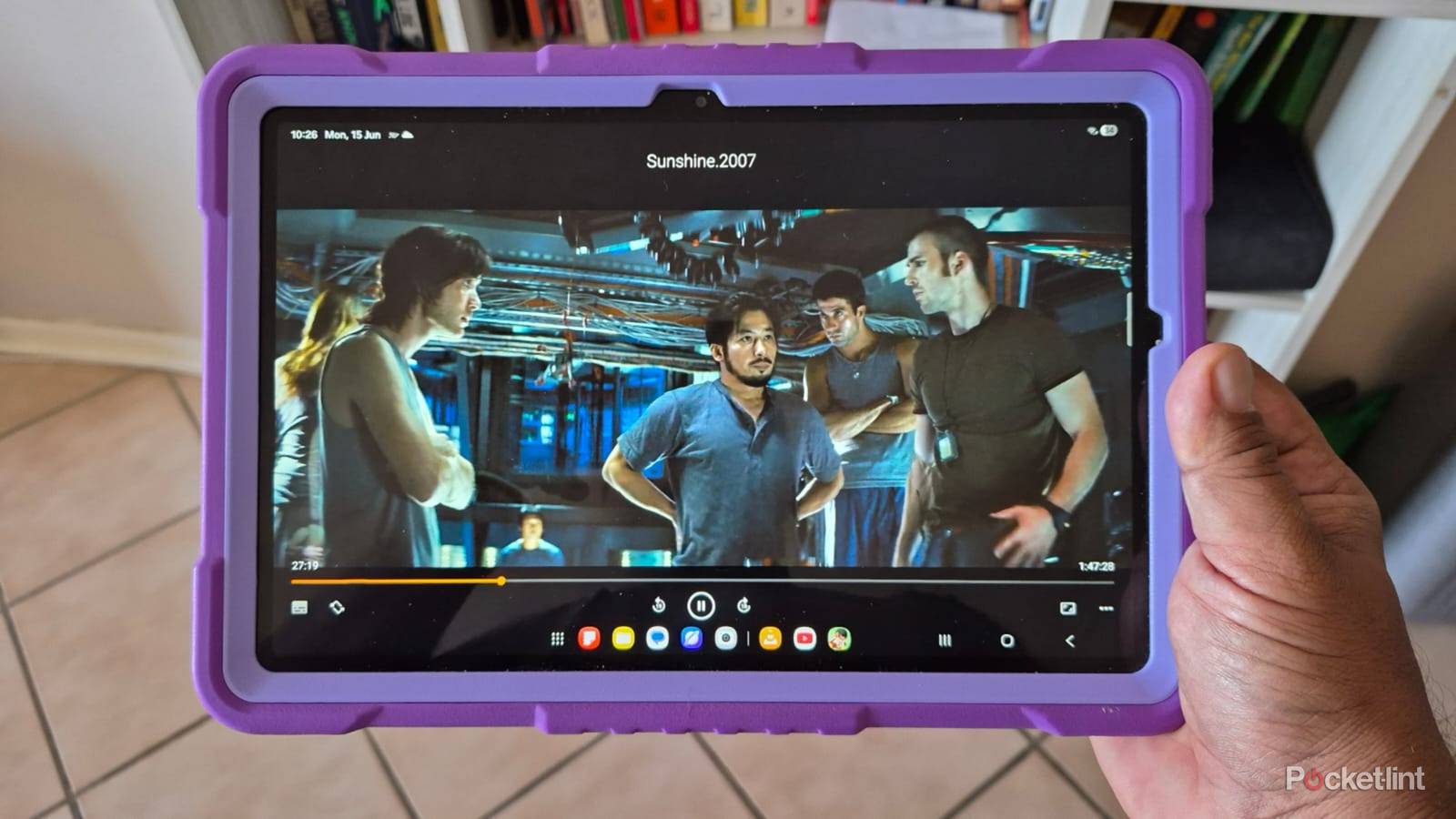
VLC has been my go-to media player for years because it plays every format I can think of without issues. The fact that it’s free and open-source is the icing on the cake. I use VLC to play my old MP3 files and locally saved videos in MP4 and MKV formats.
I love its simplicity and no-frills menu, which makes it simple to move forward and back, and select subtitles and other features. It’s worth going through VLC’s extensive options menu after installing the app and adjusting the settings to customize your experience. I can’t do without the advanced features, like Volume Gesture, Swipe to seek, and Two-finger zoom, which make the app faster and more streamlined.
DuckDuckGo
Anonymous browsing without trackers

You can find many free and open-source browsers, but I prefer DuckDuckGo for its uncluttered menu and privacy features. I feel safe knowing that the built-in search engine keeps me anonymous and doesn’t store my personal details, like my IP address or history. There’s also no worrying about unwanted trackers, and it automatically blocks many cookie pop-up windows.
DuckDuckGo also has a built-in AI chatbot that uses popular models, like GPT-5 mini and Claude Haiku 4.5.
I also like that DuckDuckGo includes the DuckPlayer to watch YouTube and other online videos without targeted ads. When I’m done browsing, I can press the Fire button to close all my open tabs and delete my browsing history. DuckDuckGo also has a built-in AI chatbot that uses popular models, like GPT-5 mini and Claude Haiku 4.5. The chatbot doesn’t require an account and can perform various tasks, like answering questions and generating images, while keeping my data private.
Organic Maps
A free, offline navigation app

Organic Maps is an alternative navigation app to Google Maps that offers offline functionality. It’s a fantastic choice if you need a navigation app that doesn’t require a subscription and won’t store your location history and other personal identifiers. You also get a clean, ad-free experience and a smooth interface.
The app offers similar functionality to other navigation apps, and you can search for addresses or road names or search for specific categories, like patrol stations or hotels. You’ll need to download free maps of your area to get started, and after that, you can use Organic Maps offline without a network connection. I’d say that this app gets the job done for most navigation, but sometimes struggles to find certain business names and doesn’t offer live traffic updates.
Proton VPN
Protects your data and prevents tracking

Proton VPN is an open-source app with free and paid tiers. I use the free tier to connect to servers around the world when I want to visit the local versions of foreign websites or access geo-locked streaming content. However, it has some limitations. I can only connect to a list of preset servers with mandatory waiting periods for switching between them.
More importantly, I have peace of mind about my privacy because Proton VPN has a strict no-logs policy and is based in Switzerland.
I don’t mind because there are no data limits, and I can browse in peace. More importantly, I have peace of mind about my privacy because Proton VPN has a strict no-logs policy and is based in Switzerland, which isn’t part of any intelligence agreements. Proton VPN’s open-source design allows anyone to examine its code, and it regularly publishes third-party audits to verify its safety.