There’s nothing quite as satisfying as watching completely free television shows and movies, without the worry of recurring subscription fees, the never-ending march towards price creep, and the incessant need to enter credit card details. Thankfully, there are a growing number of free ad-supported streaming television (FAST) services out on the market, including Google Freeplay, The Roku Channel, Tubi, Pluto TV, and more.
One such FAST service that has traditionally offered access to media content is Amazon Freevee — formerly a standalone application, Freevee is now embedded right within Amazon’s free selection of Prime Video content. Within Amazon’s cross-platform Prime Video application, there exist thousands of titles at no extra cost, totally enveloping Freevee’s ad-supported and wallet-friendly FAST ethos.
-

- Simultaneous streams
-
3
- # of profiles
-
6
- Originals
-
Yes
- Live TV
-
Limited (some add-on channels offer live TV)
- Price
-
$8.99 per month by itself or $14.99 per month as a part of Prime
Amazon Prime Video is the commerce giant’s contribution to the streaming world. Featuring movies and TV shows across a variety of genres as well as its own original content, there’s always something to watch.
-

- notable shows
-
Jury Duty, Bosch: Legacy, Judy Justice, Lost, The X-Files
- notable movies
-
Sing 2, EXmas, Stillwater, Old, Last Night in Soho
- Premium Subscription
-
No
- Originals
-
Yes
- Live TV
-
400+ channels
- Number of live TV channels
-
400+
Amazon Freevee is a now-discontinued standalone free ad-supported streaming television (FAST) service. Its massive library of free content has since been incorporated directly into Amazon Prime Video’s free tier.


How to get free live TV on your Amazon Fire TV device
Amazon Freevee content by way of Prime Video

While Freevee itself is no more as of September 1, 2025, its legacy lives on in the form of free, ad-supported content within Amazon Prime Video proper. On third-party mobile platforms like Android and iOS/iPadOS, you can simply download Amazon Prime Video, sign in with an Amazon account, and start streaming. On PC platforms like Windows and macOS, you can do the same through the official Amazon Prime Video website via a web browser.
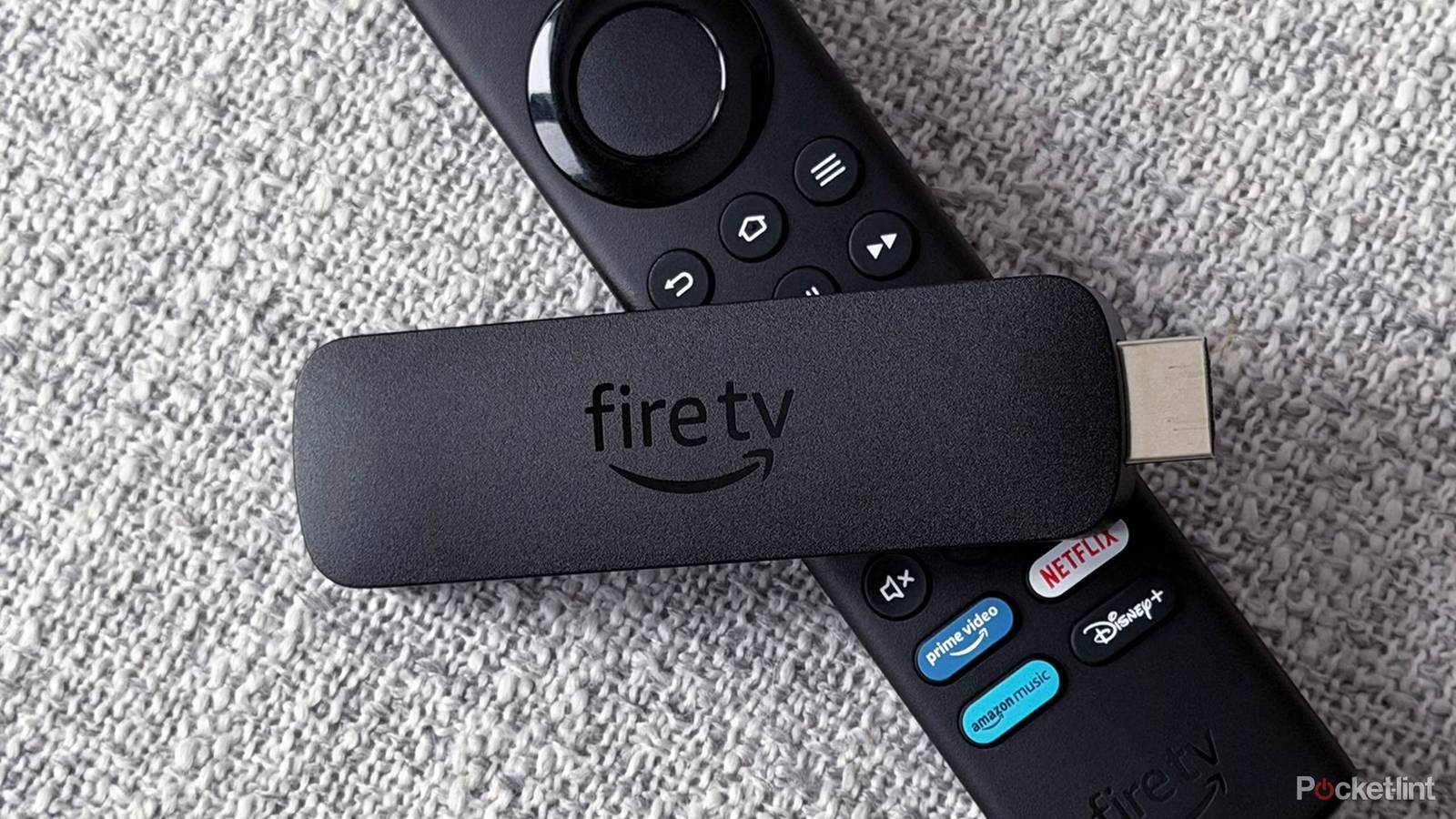
If you happen to own dedicated Amazon Fire TV hardware — a streaming stick, a set-top box, or a Fire TV Edition television set — then your access to Freevee-style content is an even more frictionless experience. Whether your device runs the older Android-based Fire OS or the newer Linux-based Vega OS, the process is roughly the same: from the home screen, simply select the Free tab from within the built-in Prime Video application that ships with your device in question.
You’ll find thousands of shows, movies, and more within Amazon Prime Video’s free tab, encompassing just about every genre under the sun. Much of the content here can be streamed on-demand, with the only concessions being advertisements and the need for an Amazon account. Prime Video also features live TV, covering sports, news, and more, which can be accessed via the Live TV tab within the Prime Video application.