


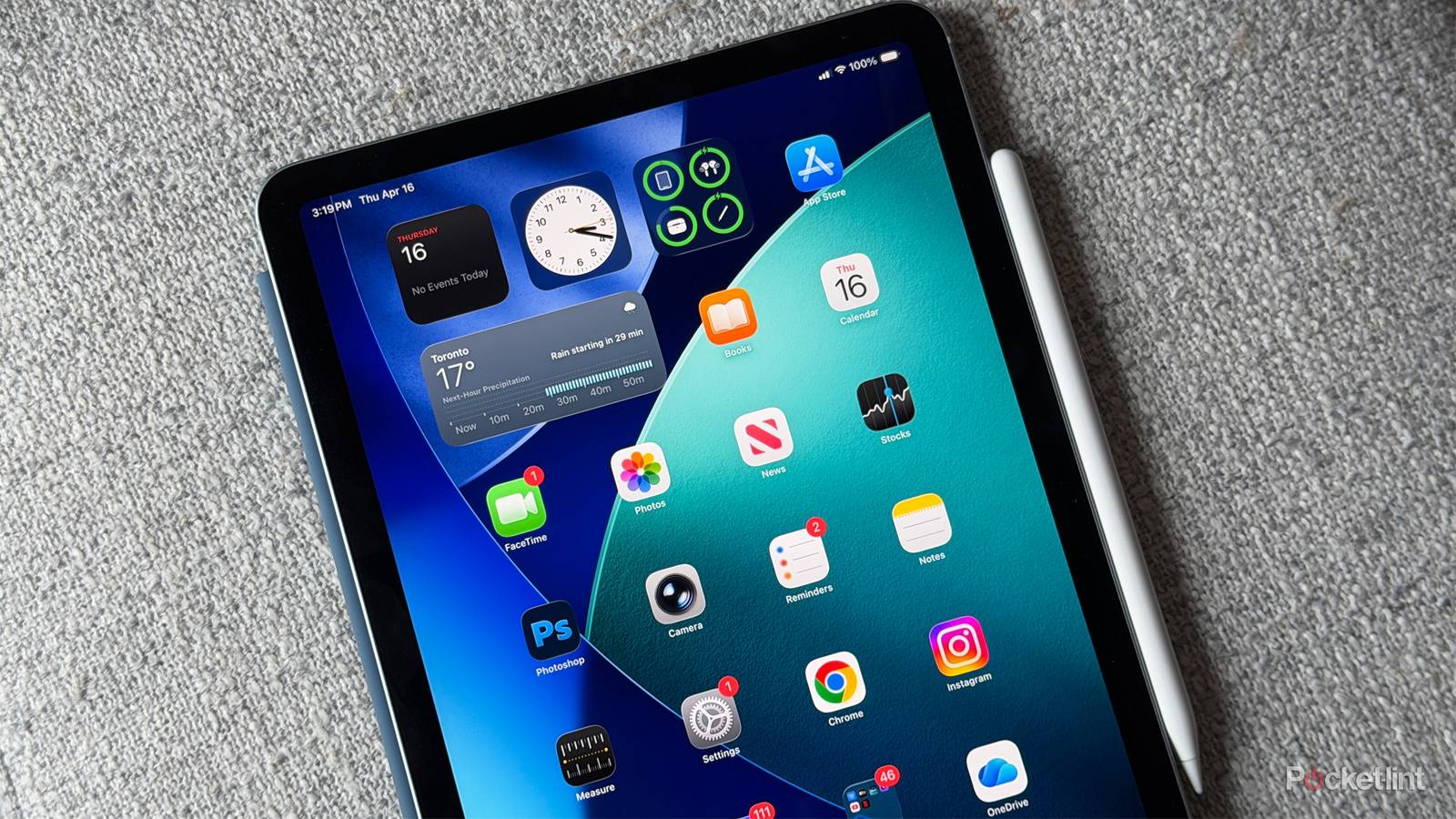
Something you might not be aware of is that Apple has been slowly transitioning away from device sales. It sounds crazy if you haven’t been following closely, given how much hype it pours into iPhone launches every September. But it can’t rely on hardware exclusively anymore, mostly because processors, cameras, and screens have become so good that there are diminishing returns for us consumers. Subscription services not only fill in the gap, but keep you hooked in a way hardware can’t.
Case in point: iCloud+. It has some useful perks — which are only going to increase with Apple Intelligence upgrades coming this fall — but the thing that really keeps people like me paying is the need for storage and backups. If you know what you’re doing, thankfully, you can at least postpone the need to bump up to a higher iCloud plan.

- Brand
-
Apple
- Storage
-
128GB, 256GB, 512GB, 1TB
How to avoid paying for more iCloud+ storage on your iPad
Think strategically

You’re probably already doing this in some capacity, but if you can, one of your first moves should be to shift as much of your content off-device and/or into non-Apple cloud services as possible. If you can get away with writing more documents in Google Docs, or stashing other files on a service like Google Drive or Microsoft OneDrive, you should at least consider it. Those platforms have their own iPad apps, and you may not have to pay a dime if you can stay within the limits of their free tiers.
In some circumstances, off-device may mean an external SSD. While you can’t offload something like cached Netflix videos or your Spotify playlists, it’s entirely possible to migrate “loose” files like PDFs and MP3s. You can also move photos and videos that would normally be stored in the Photos app and hence automatically synced with iCloud. To relocate, select the items you want in the Photos app, then tap the Share icon. Hit Export Unmodified Original and choose your SSD as a location. Once you’ve verified everything is in its new home, you can delete the local iPad copies.
Remember to apply these tactics to any other Apple devices you have. Your iCloud account pools files from more than just your iPad, so there might not be much point to your scrubbing if your iPhone or Mac is just as prolific.
Similarly, remember that a lot of third-party apps depend on iCloud storage, such as GoodNotes and WhatsApp. If you know that you rely heavily on some of these, it’s worth opening them up and deleting anything you can sacrifice. Your life might’ve revolved around GoodNotes in college, but it’s not worth holding onto hundreds of megabytes’ worth of class notes on the off chance you might want to see what you thought existentialism was in Philosophy 101.
A lesser tactic involves deleting apps you no longer use. Apple never syncs an entire app — that would be redundant — but it does save associated user data and settings. Gradually, that can inflate the size of backups beyond what they need to be. As a bonus, a slimmer backup makes upgrading to a newer iPad more seamless, since restoring will be faster and put less junk back on your homescreen.
Why you might still want to pay for higher tiers
For the tablet owner that has everything

Sometimes, of course, there’s only so much you can do to mitigate storage issues. If you depend on an iPad for video editing, you might be keeping 4K clips in iCloud, which can quickly overwhelm Apple’s multi-terabyte tiers. Heck, simply making iCloud your universal storage locker might render my advice moot.
Apple is also ramping up the perks of its most expensive plans. If you want to take advantage of all the AI features coming to Apple Home in iPadOS 27, for example, you’ll need to be at the 2TB level or higher. If these enhancements are important to you, you might as well take advantage of the connected storage — whether you need it or not.


