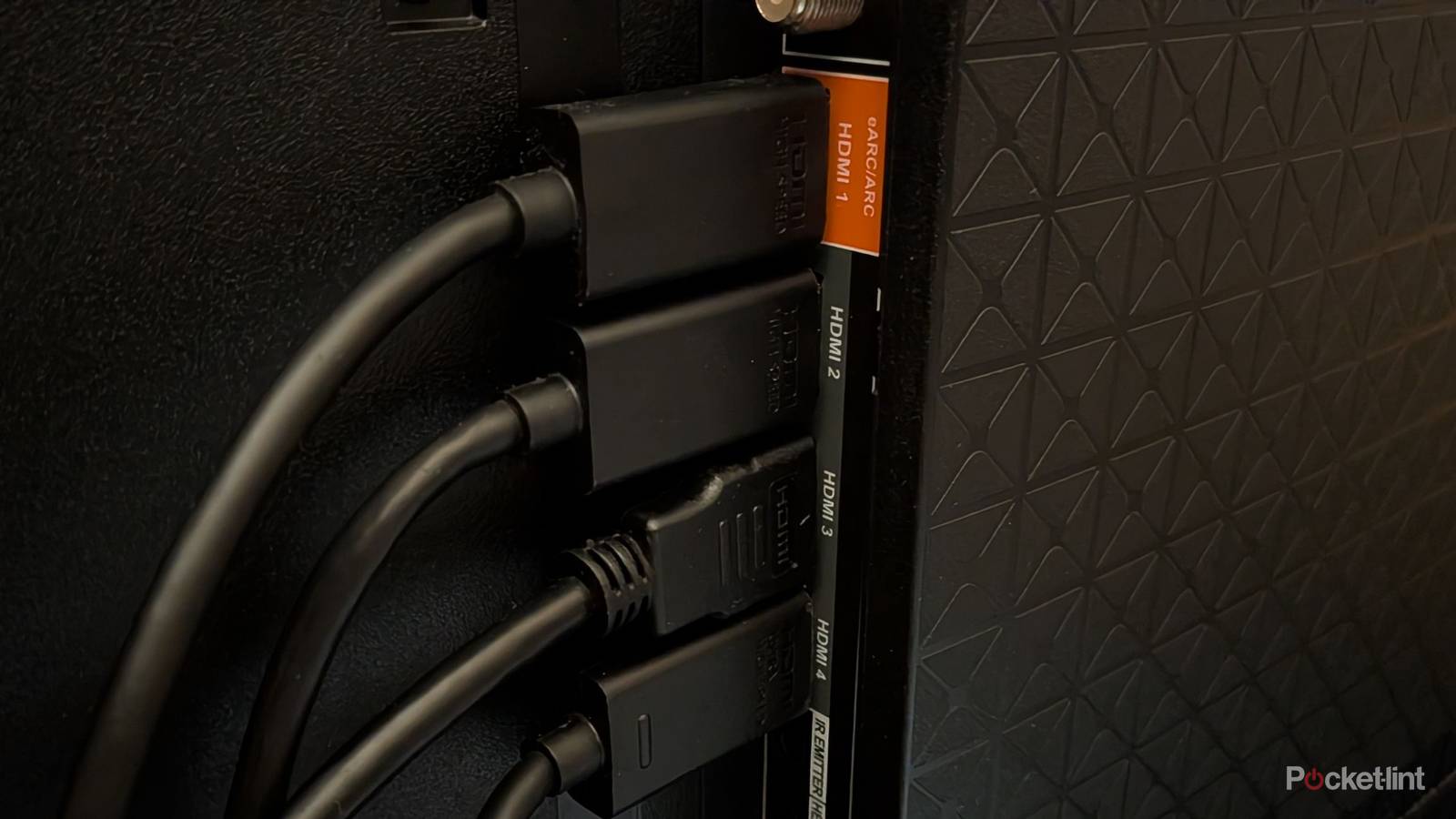
HDMI has been around for a while, and I’d say it’s been a largely solid format. Sure, it might be the only way to connect devices to our TVs, but it works. What I like most about HDMI is the fact that I can buy the newest cable available and plug it into all of my devices without any issues. No, it doesn’t give my old game consoles increased performance, but it’s nice that it even works in the first place.
One thing I’m a big fan of is HDMI eARC and Dolby Atmos. Your TV’s eARC port allows for uncompressed Dolby Atmos audio, and that’s a big benefit of picking up a TV with one of these ports. As it turns out, many modern smart TVs come with an HDMI 2.1 port with eARC, so it’s not as difficult to find anymore.
The downside is that I can’t get this audio quality anywhere I go. I have a PC where I spend a lot of my day, and I play games on it from time to time. Like many PCs, I have it plugged into a monitor, and that monitor doesn’t support eARC. Hardly any monitors support eARC, and that means you can’t get the same audio quality as you can on a PC, and that’s a major limitation.
Monitors don’t have HDMI eARC, and it’s a bummer
Leaving performance on the table

If you’re on the PC platform, you’re probably well aware that DisplayPort runs things. At their core, both of these cable formats do the same thing of providing audio and video to your device, but they hardly ever cross paths with each other. With DisplayPort effectively the only choice in town for PC, it leads to some disappointment. While I typically don’t have much of an issue with DisplayPort, the fact that it’s not a Dolby Atmos powerhouse is annoying. I don’t think surround sound setups are as common on PC as they are with living room TVs, but they do exist.
Anybody who goes through the trouble of setting up a Dolby Atmos sound system should be able to use it wherever they please, and that’s not possible with the vast majority of monitors. You can still get surround sound, and it still sounds excellent, but it’s not Dolby Atmos — and that’s what I’m bummed about. I shouldn’t effectively be locked out of a format just because I’m using a different cable, but that’s essentially what’s happened here. I know it’s not a big deal to a lot of people, but I’d still rather have more options than less.
At this point, it’s difficult to imagine HDMI gaining more of a foothold in the PC space. My GPU only has a single HDMI port, so it’s difficult to make it work even if I wanted to. DisplayPort looks like it’s going to continue growing its lead over HDMI in this world, so it’s best to look for other ways to get Dolby Atmos.

- Length(s)
-
6ft/2m
- Brand
-
Belkin
Use a TV as your monitor
Problem solved, at least for some people

There’s a growing number of people who use their TV as a PC monitor, and while I’m not ready to fully switch over like that, many have. Using a TV as a monitor is a bit of a nightmare for me since all of my TVs are 65 inches, so it doesn’t make much sense to use one as a monitor. On the other hand, smaller 32-inch TVs make more sense. I’ve even seen people use smaller 43-inch OLED TVs as monitors, so there are definitely options.
Using a TV as a monitor lets you use the HDMI eARC port, and if you have an audio receiver, you could simply hook it up to that and get Atmos sound. I understand that it requires having an entirely extra device, but it’s a nice option that’s available to you if you have a receiver. If you have a Dolby Atmos setup, chances are good that you already have a receiver in the first place unless you are using an Atmos soundbar instead.
Setting up your TV to be a desktop is way simpler than you think, even if you’re using the living room TV. The main thing you’ll need is a mouse and keyboard, but TVs these days have Bluetooth, so it’s easier than ever to connect devices to them. My main problem is how large the screen is, but if you’re using it for gaming, that won’t matter much, as it’ll essentially feel like you’re playing a game console. I wouldn’t ever use a 65-inch TV to write articles like this, but using Steam Big Picture mode is a much more enticing thought. If that’s my gateway to Dolby Atmos, it’s just icing on the cake. Unfortunately, I don’t feel like dragging my PC into another room right now, so I just wish I had an eARC port on my monitor.