Traveling can be relaxing, but it’s just as often stressful. There’s packing all your essentials, triple-checking that you’ve got your passport, and trying to make it to the airport on time so you don’t miss your flight. There’s a lot going on before you even reach your destination, and with its latest Google Wallet update, Google is trying to make traveling a little less stressful.
One of Google Wallet’s best features is the ability to add your boarding pass to your wallet. Not only does it save you time at the airport, but it also sends you flight notifications to keep you informed, including gate changes and boarding times. And now, Google is further enhancing the boarding pass experience in Google Wallet by adding support for Android 16’s Live Updates feature (via 9to5Google).
If you’re not familiar with Live Updates, it’s similar to Apple’s Live Activities on the iPhone, displaying persistent notifications from apps right on your home screen, such as the progress of an Uber ride or a baseball game.
With Google Wallet’s latest update, the app can now show live flight updates right on your home screen. As long as you’ve added your boarding pass to Google Wallet, it will automatically surface those details shortly before departure, including estimated takeoff and arrival times, along with a progress bar that tracks your flight in real time on your home screen, marked by a little plane icon.
Flying just got easier
Live Updates for Google Wallet are rolling out now

Google first announced it was working on this feature last October, saying it would add Live Updates to Google Wallet for “key travel journeys,” including “flights, train trips, and events.”
According to 9to5Google, Live Updates for Google Wallet is rolling out now, with flights first to get the feature. While it hasn’t been spotted yet, train tickets and other event tickets in Google Wallet should also soon get Live Updates, though it’s not exactly clear what those will look like just yet.
To get Live Updates from Google Wallet on your phone, you’ll need to be running Android 16 and have the latest Google Wallet update.
When a Live Update for a flight appears, you’ll see the status bar icon displaying the Google Wallet logo. When you tap the Live Update, you’ll jump straight to your boarding pass in the app, where you can view all your flight details and quickly access its QR code.
To get Live Updates from Google Wallet on your phone, you’ll need to be running Android 16 and have the latest Google Wallet update, available from the Play Store.
To check whether an app has Live Updates enabled, go to Settings > Apps, select the app you want, then go to Notifications > Live Updates to make sure it’s toggled on if the app supports it.
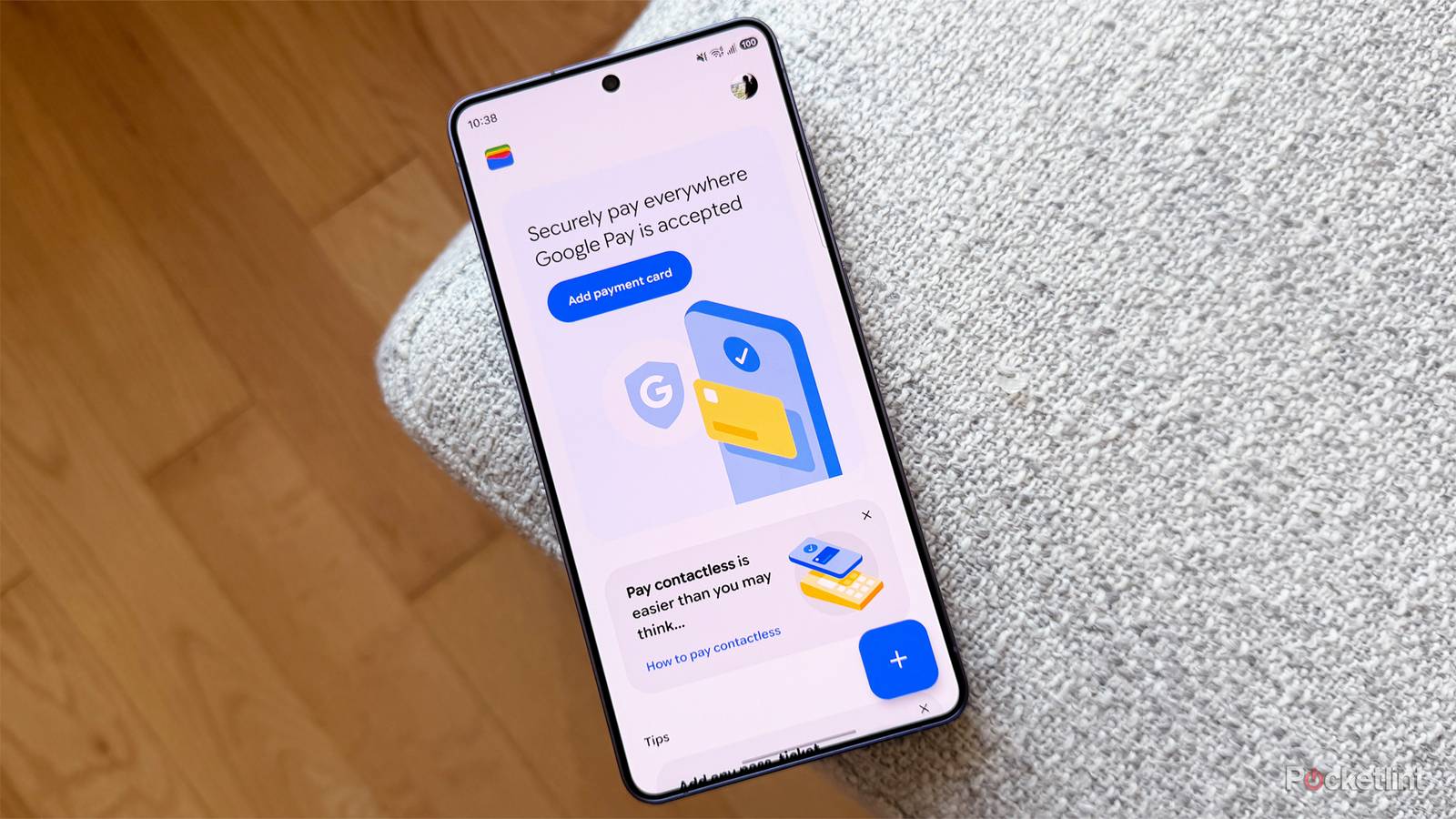
Alongside support for Live Updates, Google Wallet has also received a visual refresh. The home screen has been redesigned to highlight your favorite cards and passes, and there’s a new “View More” screen that adds a search function for quickly finding cards, passes, and transactions. This visual refresh is also rolling out now, so you should see it soon if you don’t already.
All in all, I’m excited that Google has added Live Updates to Google Wallet, and I think it will make traveling much less stressful. The timing couldn’t be better either, as it arrives just ahead of the busy summer travel season. Now it’s even easier to track your flight and access your boarding pass, which seems like a major win-win to me.

- Developer
-
Google
- Subscription cost
-
No