

4/5
- Brand
-
Mohu
- Frequency
-
UHF / Hi-VHF
- Range
-
65 miles
- Mount Included
-
Yes
Put your antenna as high up on your wall as possible
And near a window, if you can

Indoor antennas benefit from being high up on the wall for the best signal. If you can swing it, place it near a window for the best experience that you can get. The reason for this is to get the most unobstructed signal to the broadcasting towers as possible. I know it doesn’t make a ton of sense since there’s still an entire wall blocking it from getting that signal, but believe me, it makes a difference. Radio waves get weaker as they pass through objects, so the difference between a single wall and several could be the line between a good connection and a bad one.
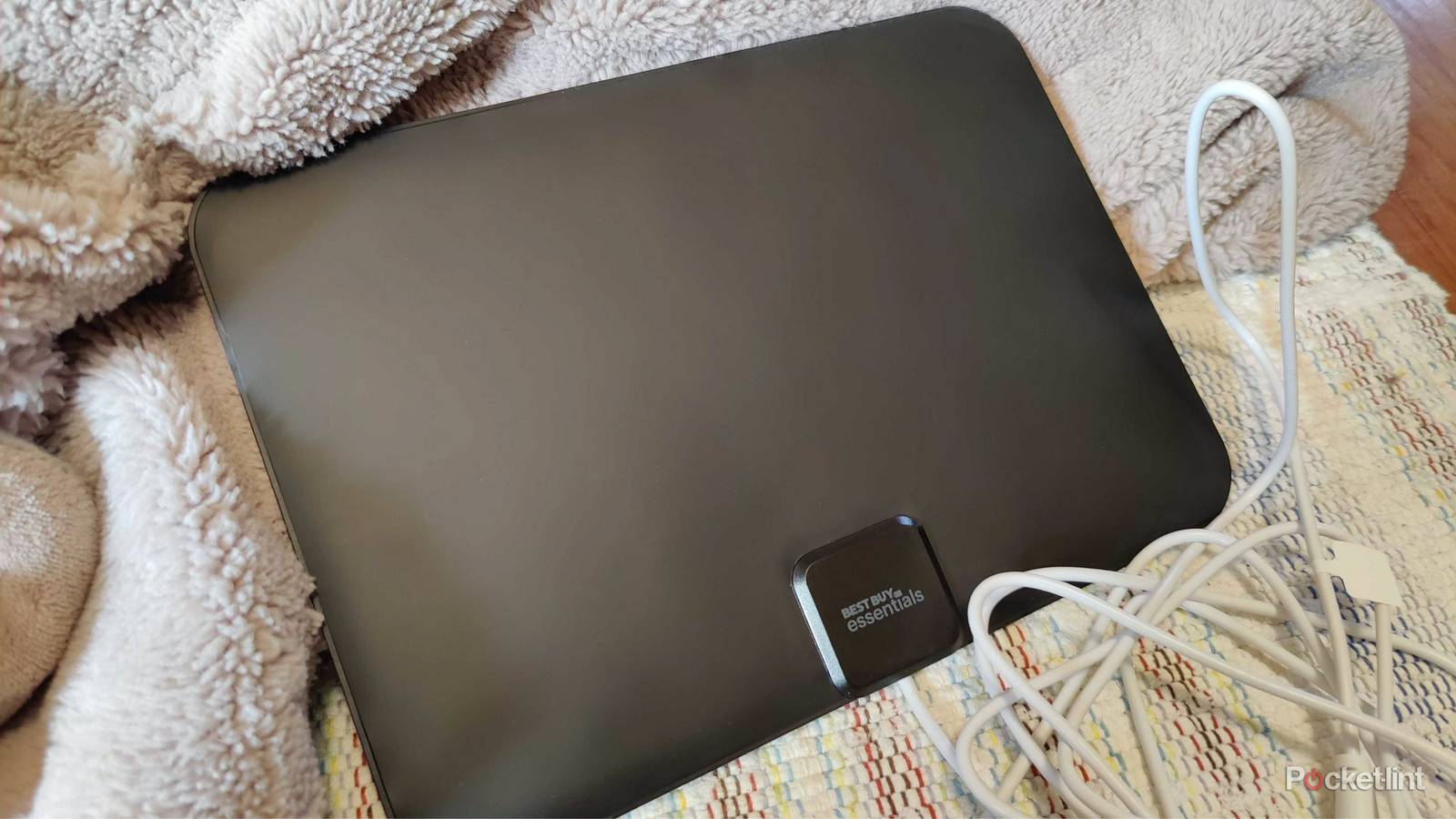
Ideally, being on the top floor of your house is best, but you can still have a lot of success on your main floor. When I had mine set up, I had it in a corner toward the interior of my house on the first floor, and still received over 40 channels. I didn’t really have any other way to connect it to my TV, but it wasn’t detrimental in my case. I’m sure I could’ve gotten better signals if I could get it closer to a window, but alas.
Know the range you need first
Same some cash and trouble

Range is very important, and the reason why I settled on a 35-mile range is that I was close to the broadcast towers. There was no reason for me to spend additional cash on something that I wouldn’t utilize, but different people are in different boats. If you can save some money and get a shorter range antenna, there’s really no reason not to. However, it doesn’t matter what your range is if you don’t know where your broadcast towers are.
The website I used to check my signal strength was RabbitEars.Info, and it’s very simple. The website has a tool that lets you drop a push pin on your address, and it’ll tell how close you are to the towers and the signal quality you’ll get from them. For my local NBC, ABC, CBS, and PBS stations, I have a good connection considering that each of those towers is under 20 miles from where I live. Distance isn’t everything, however, as I only have a fair connection to my FOX station despite it also being under 20 miles away. Nevertheless, this website is a good way to get an idea what stations will come in clear and what ones won’t. You’re bound to get some shoddy connections, but my experience has been largely in line with what this website told me. With that information, you should make your purchase accordingly.
Avoid interference with your antenna
It’s easy to run into trouble

Similar to how you need to place the antenna high up on your wall for the best performance, there are some other things to keep in mind. Interference is one of the biggest problems for antennas, and a number of things cause them. Walls and metal objects are your main culprits, and that’s why you should have your antenna sort of tucked away into its own little space, hopefully closer to your exterior walls than your interior ones.
Electronics tend to interfere with your antenna as well, so if you’re able to stay away from those too, then you’re golden. It’s not like your antenna will abruptly stop working if you put it next to a router or microwave, but you’ll just have better performance if you’re away from one. Fortunately, this is easy to do, since you should put your antenna high up on your wall. Chances are quite solid that your router isn’t on your ceiling, so no problems there. I keep my router in my home office while my antenna is in my living room. The closest thing that could provide any sort of electronic inference was my audio receiver, but it never felt like an issue to me. The good thing about an indoor antenna is that you’re able to easily move it around if you have trouble. My antenna didn’t have a detachable cable, so I was bound by its length, but that still gave me plenty of room to experiment with.
Make sure you scan your channels again when you’re in place
Do one periodically as well

Once you set up your antenna, you need to go on your TV and scan for channels. This takes a few minutes or so, and once it’s done, you can start watching the stations that show up. However, if you’re anything like me, that antenna isn’t going to stay in the same place for long. Moving around your antenna is important to do if your channels aren’t coming in as clear as they should, but it means you need to rescan your channels again. It’s similar to how my sound system works. Everything is calibrated for my current seating arrangement, and if I move a speaker or my couch, that calibration is going to be off.
Your area might also get access to new stations, or they could move to another channel. This happened to me when the CW station changed channels. If you don’t rescan, you’ll just be left wondering what happened to your old channel. New stations don’t happen very often, so I wouldn’t say you should just rescan for the love of the game. Instead, you should rescan when you know there’s a new channel to get that you aren’t currently getting. This does mean you need to stay up to date on your local news. If you don’t want to do that, then hit rescan every few months since it doesn’t take a ton of time to begin with.