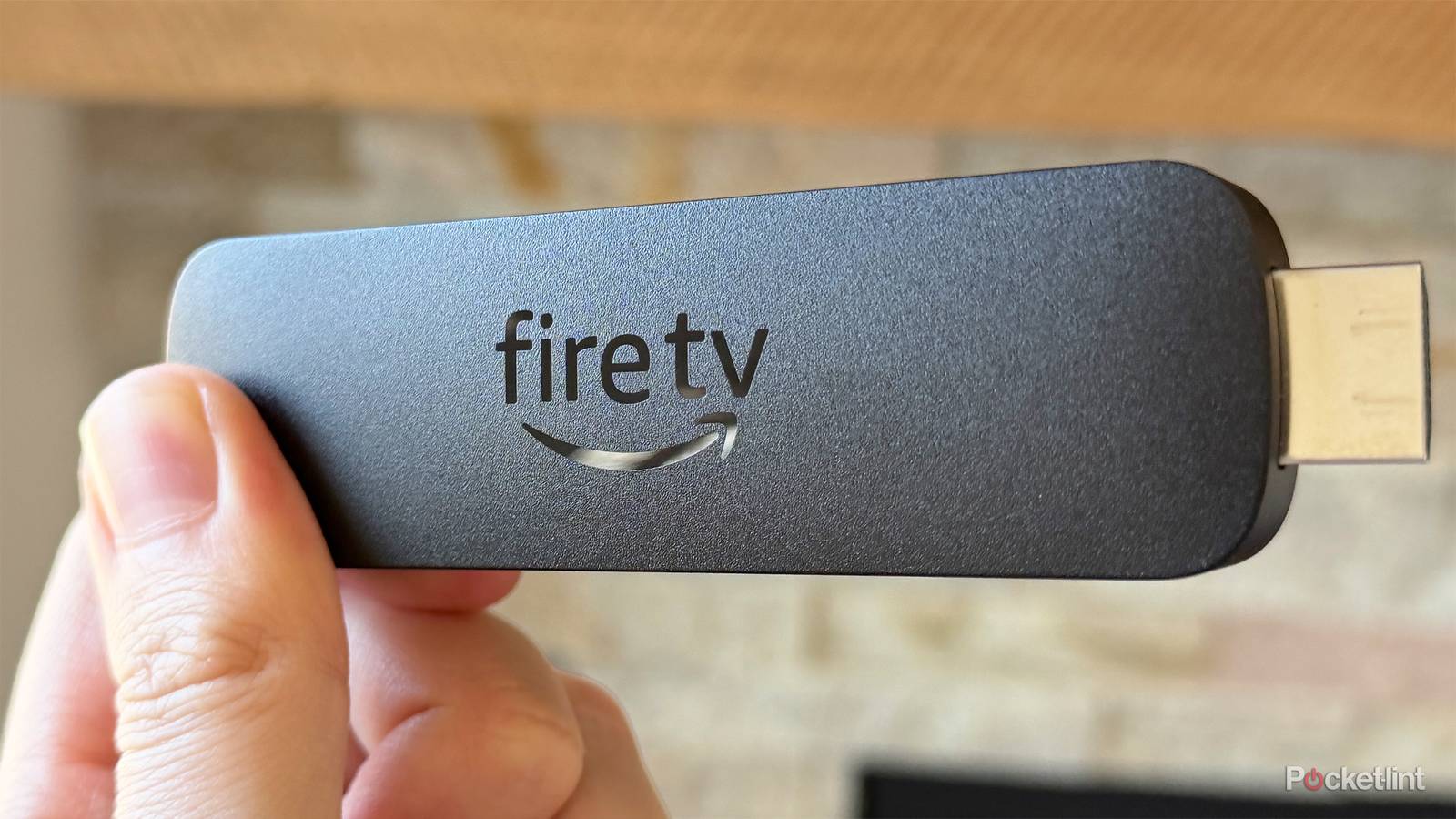
Behind every device you own, there are thousands of hours of work. It should go without saying — but that media streamer you spend a few minutes messing with on the way to Andor or Dr. Strangelove requires labor not just from Amazon, but by all the app developers that support it. To make their jobs easier, a lot of platforms have baked-in developer tools, and Fire OS is no exception.
I’m actually not a big fan of Fire TV devices, mostly because they promote Amazon content first and foremost, and they’ve traditionally become sluggish after a few years of ownership. One of their distinct advantages, though, is what their developer mode enables. I just started investigating that myself, and here’s why you might be interested if you’re open to a quasi-DIY streaming experience.
A whole new world

Let’s cut to the chase here: while most of the menu is devoted to debugging in one form or another, the big attraction here (on compatible Fire devices) is the ability to sideload unapproved apps (Install unknown apps). Amazon normally limits users to its own app store, but that’s reserved not only for finished apps, but ones that conform to content and payment rules. Developers need to be able to test apps in whatever state they might be; some consumers, meanwhile, have exploited sideloading to run apps Amazon would normally block, such as the Plex alternative Kodi.
This does present some hurdles. For one, you’ll need an intermediary tool like Downloader to install apps. The process is hardly plug-and-play. It’s not that tough to learn, but the more tech-savvy you are, the better.
Another is security. While Amazon does benefit financially from its app store monopoly, that also ensures that apps pass a basic safety review. Sideloaded releases like Kodi can be perfectly safe, yet it’s important to verify their reputation, because you don’t want to install something that will compromise privacy, your network, or just basic device use.
Returning to those debugging functions, you probably won’t need them in most circumstances unless you’re legitimately building an app of your own. If you turn on System X-Ray using the related Developer Tools menu, though, you’ll get a system-wide overlay displaying HDMI specs, CPU and memory usage, and finally network performance, including signal quality (RSSI). This may help you diagnose issues such as a weak Wi-Fi connection, and whether the Stick (or Cube) you’re running can keep up with the latest apps.
One very important note: on some devices, such as the Fire TV Stick HD and 4K Select, options like sideloading are disabled. That’s because they’re based on Amazon’s custom Vega OS, which incorporates elements of Linux, but isn’t nearly as open as that or Android (on which Fire OS is founded). You’ll want to pick something like a Fire TV Stick 4K Max instead. You can expect Vega’s footprint to grow, so the era of sideloading may be over in a few years.
As well as Developer Tools

Enabling the core developer menu is needlessly complex, perhaps, but not too hard once you know the details. Follow these steps:
- From the homescreen, select Settings (the gear icon).
- Navigate to My Fire TV (or Device & Software, on older devices).
- Click About.
- Highlight the name of your device, then click seven times in quick succession.
- Wait for the countdown to complete, then hit the back button.
To access the Developer Tools menu — which includes options like System X-Ray — you’ll need to use the following shortcut.
- On your remote’s D-pad, press and hold the Center button for a second; while still holding down Center, press the Down button. Hold both buttons for about 3 to 4 seconds.
- Release, then press the remote’s Menu button.
- If you’re having trouble, you may want to try holding Center and Down simultaneously in step #1 instead of starting with Center.