


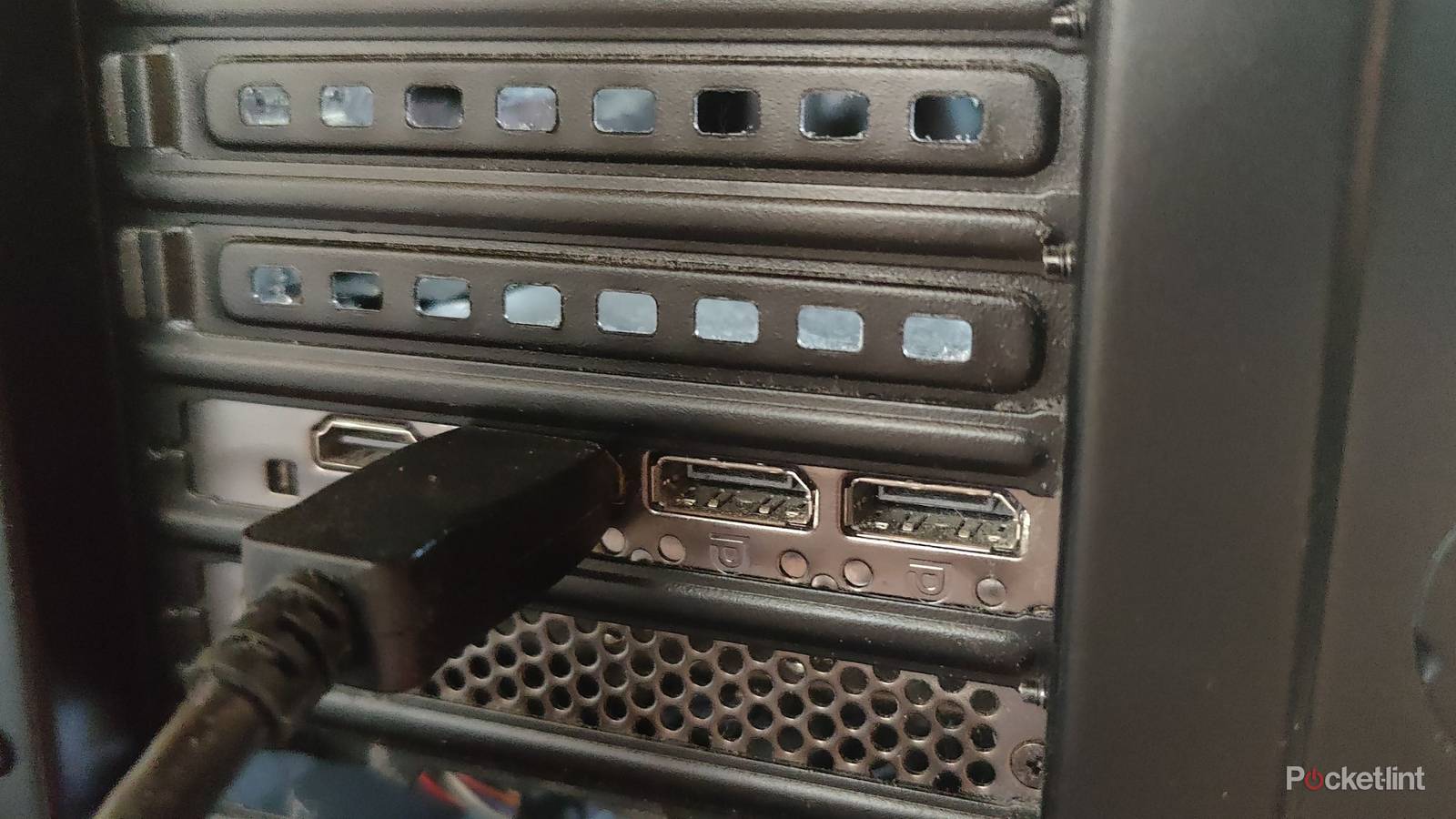
When it comes to modern audiovisual (AV) technologies, nothing else has quite matched the ubiquity of the High-Definition Multimedia Interface (HDMI) port. Across television sets and creator-grade laptops like the MacBook Pro, HDMI is a mainstay for connecting peripherals like Blu-ray players and video game consoles, as well as for conveniently connecting to larger external displays.
Even with its market saturation in mind, HDMI isn’t the only AV socket available out there — DisplayPort stands strong as a viable digital alternative, particularly within the realm of gaming PCs. Both HDMI and DisplayPort regularly compete for best-in-class bandwidth capabilities, with both capable of driving high resolutions and speedy refresh rates in their latest-and-greatest incarnations.
HDMI benefits from niceties like Audio Return Channel (ARC) and eARC for simple soundbar compatibility, while DisplayPort comes out on top with its Mutli-Stream Transport (MST) daisy-chain screen technology for connecting multiple monitors to one another. In other words, both AV standards offer their own set of strengths and weaknesses. Often left out of the conversation, however, is one particular DisplayPort benefit that HDMI simply lacks: a dedicated spring-loaded release latch.
A physical release latch beats simple friction
DisplayPort outclasses HDMI in this one underappreciated area

Where HDMI cables rely on friction to stay connected to their associated ports, DisplayPort features a spring-loaded latch design. This ingenious design makes it so the cable won’t slip out or loosen while plugged into its host device, which is a small and underappreciated bit of engineering that goes a long way in making the standard feel premium and well-thought-out.
If you harken back to the days of VGA and DVI, you’ll recall that these video transmission standards featured thumbscrews to keep their cables securely latched in place. DisplayPort modernizes this same principle, and does so without the need to fiddle around with screws. To unplug a DisplayPort cable, all you have to do is press down on the mechanical release latch or clip.
DisplayPort’s latch design is certainly an upside when compared to HDMI…
It’s worth noting that the official DisplayPort standard states that latches on cables are an optional addition. In other words, some cables ship without the feature, relying instead on friction exclusively to get the job done. Personally, I always opt for DisplayPort cables that feature the latch, as it adds just that little bit of extra peace of mind that my AV connection will remain rock solid at all times.
DisplayPort’s latch design is certainly an upside when compared to HDMI, even if it isn’t exactly groundbreaking. Still, it’s a nice addition to any AV setup that makes a ton of practical sense. I’d love to see a future HDMI specification revision introduce an optional latch, and I’d equally love to see USB Type-C ports incorporate the feature. Many people love the breakaway design of a magnetic connector like MagSafe or Surface Connect, but I’m of the opinion that a latch is the way to go to ensure a solid, stable connection at all times.


