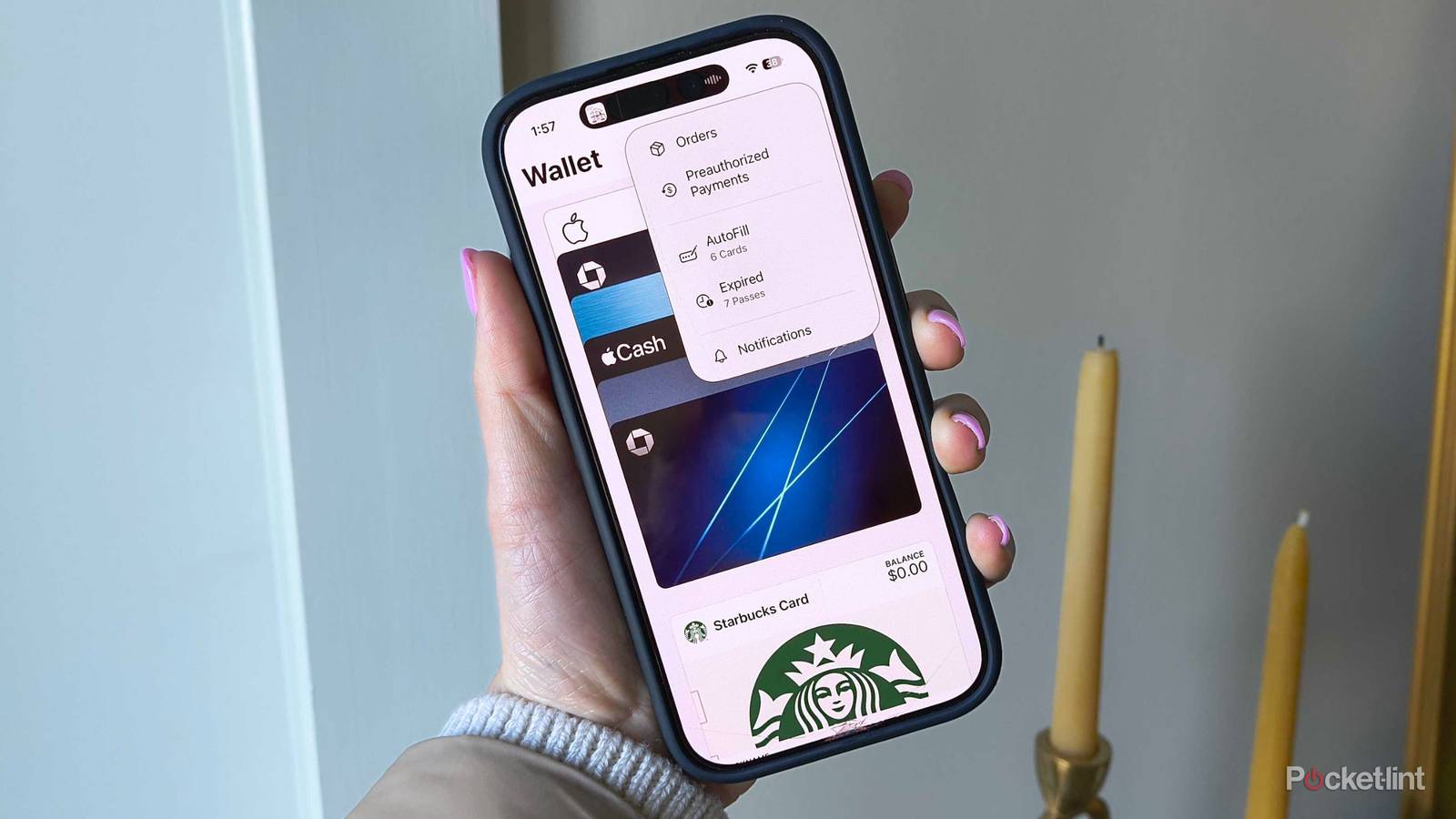
There are a lot of apps I rely on every day on my iPhone, but without a doubt, one of the most important is Apple Wallet. Ever since I started using it a decade ago, I’ve spent a lot less time pulling out my physical wallet and fumbling around for cards, thanks to how easy Apple Wallet makes it to store cards digitally and pay with a simple tap.
Beyond payments, it’s also where I keep many of the cards I use regularly, including my transit pass and loyalty cards. It’s also an extremely handy way to store event tickets, such as for concerts and baseball games, along with my boarding pass when I’m flying.
So when Apple announced iOS 27 at WWDC 2026 earlier this week, I was naturally pretty interested in what the company has planned for Apple Wallet this year. While the tech giant didn’t spend much time on Apple Wallet during its main keynote event, it did quietly reveal a number of new Apple Wallet features coming with iOS 27 afterward, some of which could fundamentally change how you use the app every day.
Here’s everything coming to Apple Wallet this fall with iOS 27.
Custom passes are on the way
Apple Intelligence is playing an increasingly larger role

One of the biggest changes coming to Apple Wallet with iOS 27 is the addition of custom passes. This new feature lets you create your own passes and add them to Apple Wallet by scanning physical cards you already have (or a screenshot of one), such as loyalty cards or membership cards.
When iOS 27 rolls out, you’ll find this new feature under the “Create a Pass” option inside Apple Wallet when you tap the plus (+) button. From there, you’ll be able to either scan a card using your iPhone’s camera or enter the details manually.
When you scan a physical card, your iPhone uses a new Siri mode in the camera app, which uses Visual Intelligence to scan the card, including its barcode, and generate a digital version you can save to Apple Wallet.
There is a catch, though: because this relies on Apple Intelligence and the new Siri mode in the camera app, you’ll need an iPhone 15 Pro or newer to actually use it.

Another handy new feature coming to Apple Wallet with iOS 27 is the ability to easily split a bill with friends and family. It works by scanning a receipt using Siri mode in the camera app, then selecting “Split Bill,” which reads the receipt, breaks down the total, and lets you send payment requests to people directly through Apple Wallet using Apple Cash.
As Apple explains: “When users point their iPhone at a receipt using Siri mode, it can surface the relevant action to split a bill with Apple Cash and identify the items on the receipt. As users select their items, their total payment is calculated, including their share of tax and tip, so they can pay back exactly what they owe with Apple Cash.”
Again, there is a limitation, though. Because Split Bill relies on Apple Cash, it is only available in the US.
More features coming to Apple Wallet
iOS 27 is available in developer beta now

Beyond custom passes and the ability to split bills, there are also a few user interface changes coming to Apple Wallet with iOS 27 that should make a noticeable difference. That includes making the order tracking feature — which uses Apple Intelligence to help track deliveries from your online purchases — easier to access and use (via 9to5Mac), along with a new, sharper and more detailed Apple Wallet app icon.
With iOS 27, Apple is also finally expanding its Orders feature to more countries, including Canada and Australia. Until now, it was only available in the US and UK.
On top of that, Apple is improving its hotel key feature for participating hotels and resorts. Right now, it already lets you unlock your hotel room and access amenities, but iOS 27 introduces an “enhanced key experience” that will surface more trip details — like booked activities and available services — directly through your key in Apple Wallet. That said, it’s still unclear exactly what this will look like in practice, or which hotel brands will even support this at launch.
If you’re interested in trying any of these new Apple Wallet features, iOS 27 is available in developer beta now, with a public beta arriving later this summer. The full release is coming this fall, likely in September.
Overall, iOS 27 brings some genuinely useful upgrades to Apple Wallet, largely thanks to the new Apple Intelligence features that are finally arriving with this update. Personally, I’m most excited about custom passes. Google Wallet already has something similar with its “Everything Else” option, so it’s good to see Apple finally catching up with its own version for Apple Wallet.

- Developer
-
Apple
- Subscription cost
-
No
- Ads
-
No
Wallet is Apple’s first-party digital wallet application for the iPhone and the Apple Watch. The app allows you to securely store bank cards, credit cards, loyalty points cards, tickets, and more.